GitBook Incident Turns SSO And Integrations Into A Production Path
GitBook says an SSO flaw led from staff sessions to code, cloud keys and customer secrets. Rotate exposed trust and audit connected repositories.
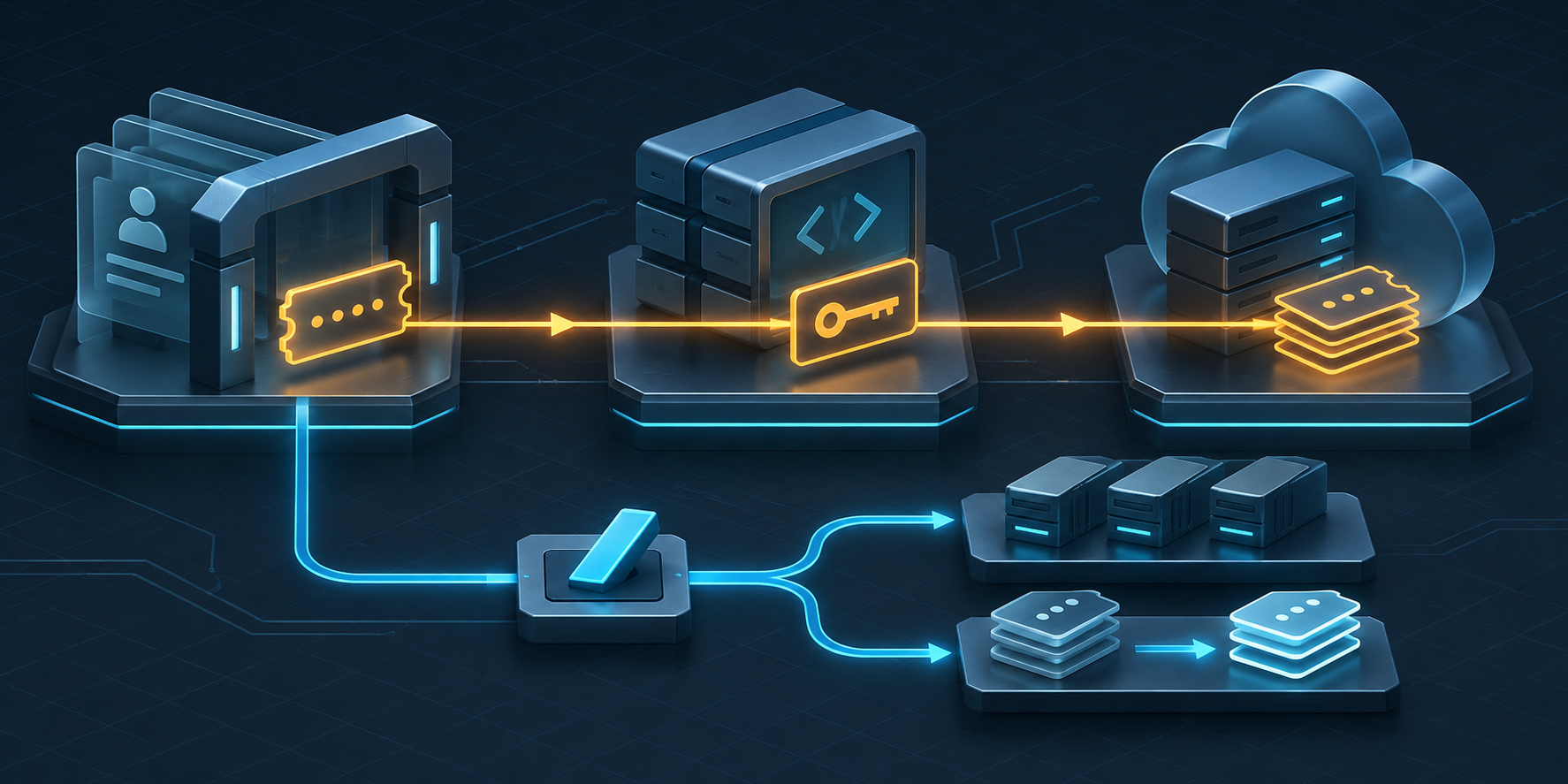
GitBook says an attacker used a flaw in its SSO login flow on November 2 to create sessions acting as GitBook staff. The attacker then queried authentication data for a misconfigured GitHub App, reached internal repositories, obtained a Cloudflare API key and used production secrets to gain full infrastructure access through a service account. GitBook says it disabled the affected accounts, took the application offline, rotated infrastructure and managed customer secrets, invalidated API tokens, recycled nodes and restored service after about 16 hours.
The postmortem treats all customer data as exposed because it was accessible during two production-access windows, even though GitBook believes the operation targeted one customer and found no evidence that other customer content was modified. Customers still need to replace revoked personal API tokens in applications, rotate third-party and integration secrets, regenerate custom authenticated-access signing keys where used, and review connected GitHub and GitLab repositories. GitBook rotated Git Sync credentials itself, but says it cannot determine whether the attacker acted inside customer repositories.
Key Takeaways
- check_circle GitBook's stated path crossed several control planes: a customer account, staff SSO sessions, a GitHub App, source repositories, a Cloudflare key and a production service account.
- check_circle The company reports about three hours and twenty-five minutes of production access across two windows, not continuous access for the full 16-hour outage.
- check_circle Accessible data included API and integration tokens, session-signing secrets, authenticated documentation, Assistant questions, connected repositories and customer content.
- check_circle GitBook says billing data, passwords and IP addresses were not compromised and found no evidence that other customer content was modified.
- check_circle GitBook rotated GitHub and GitLab Git Sync credentials, but customers must still audit repository activity because the vendor cannot determine whether actions occurred there.
- check_circle The postmortem's claim that automation and AI drove the attack is GitBook's assessment; it does not identify a model, framework or independent evidence for that attribution.
One Integration Connected Identity To Production
According to GitBook, the initial platform flaw let the attacker mint login sessions acting as staff. Those sessions could query authentication information belonging to a misconfigured GitHub App installed in GitBook's organization. The app opened internal repositories, the repositories led to a Cloudflare API key, and that key exposed production secrets used by a service account with full infrastructure access.
The postmortem does not publish the exact SSO bug, the GitHub App permissions, the repository material that revealed the Cloudflare key or the service account's policy. It does establish the sequence. Each hop was useful because the next system trusted an identity or secret acquired from the previous one. The decisive control was not the public documentation page. It was the combined authority of back-office sessions, integration credentials, code repositories, edge configuration and a production service account.
Teams that use documentation platforms should map the same graph before an incident. Record which employees can reach vendor administration, which apps can read or write repositories, which repositories contain deployment configuration, which edge providers can read secrets, and which service accounts those secrets activate. A permission that looks narrow in its own console can become a production path when several integrations are composed.
Accessible Data Is Broader Than Confirmed Modification
GitBook says the attacker could access personal API tokens, integration tokens and secrets, session-signing secrets, questions submitted to GitBook Assistant, authenticated documentation sites, connected GitHub and GitLab projects, and customer content including docs, spaces and change requests. It also says its source code, infrastructure secrets, database credentials and edge code were accessed. The company treats all customer data as exposed because that data was reachable from the compromised environment.
That treatment is deliberately broader than the evidence of use. GitBook says everything observed points to an attack aimed at one customer and says it found no evidence that other customer content was modified. It cannot determine whether the attacker took actions in connected GitHub or GitLab repositories. Accessible, viewed, copied, modified and used are separate findings, and customers should not collapse them into either a claim that nothing happened or a claim that every repository was changed.
The postmortem also provides exclusions: billing information, passwords and IP addresses were not compromised. Those statements narrow the incident, but they do not remove the sensitivity of private documentation, Assistant questions or session-signing material. Support questions and private docs can contain internal endpoints, unpublished features, customer identifiers or operational detail that makes later social engineering more credible.
Credential Work Splits Between GitBook And Its Customers
GitBook invalidated all personal API tokens issued before its final cutoff. Customers using the API therefore need to create new tokens, update every application and job that held an old token, and verify that failures are caused by revocation rather than an attacker or an incomplete deployment. GitBook's API documentation notes that personal tokens carry the privileges of their associated user, so token owners and scopes belong in the response record.
Customers must also rotate third-party API tokens or secrets used to connect tools to GitBook and rotate secrets used by published integrations. A replacement should be made at the system that accepts the credential, not only in GitBook's configuration. Then update GitBook with the new value and verify that the old value fails. Search secret stores, deployment variables and automation for duplicated copies so a valid old secret is not left behind in another consumer.
GitBook says it rotated the GitHub App and GitLab Git Sync credentials, so it lists no customer rotation action for those credentials. Customers using authenticated access with a custom backend do have a separate task: regenerate the signing key in GitBook and update the backend implementation. That key signs the JWT used to admit visitors to private documentation, making it an access-control boundary rather than a routine application setting.
Repository Review Must Cover Integrity And Automation
GitBook's Git Sync connection can operate in both directions. Its own guide says changes in GitBook can reach the repository and repository changes can reach GitBook. For GitHub, the postmortem says the attacker could act as the GitBook App only in repositories each customer had authorized. For GitLab, the authority was similarly limited to connected projects. That is a bounded scope, but it can still include source, documentation, workflows and deployment triggers.
List every repository and branch connected during the two access windows. Review commits, force pushes, branch protection changes, releases, workflow and pipeline edits, deploy keys, webhooks, access-token events and unusual clones or API activity where telemetry exists. Compare important workflow and deployment files with trusted history. GitHub notes that organization audit logs can attribute actions to an actor and repository, but also documents plan and retention limits; GitLab likewise identifies audit events, sign-in records, CI logs and credential inventory as complementary sources.
Do not wait for a content diff to inspect automation. A repository integration can change a workflow, create a release, read a secret exposed to jobs or modify a dependency reference without altering published documentation. Conversely, a strange event during the window is not automatically GitBook activity. Correlate actor identity, token or app, source address, time, repository and downstream deployment evidence before assigning cause.
SaaS Response Needs A Practiced Trust Kill Switch
GitBook says the attacker moved with speed and precision that pointed to automation and AI. That is a vendor assessment, not a technically demonstrated attribution in the public report. No model, agent framework, prompts or operator workflow is identified. The operational lesson does not depend on that label: an attacker crossed several connected systems between 16:32 and 17:48, and the response had to invalidate authority across all of them.
A SaaS provider should be able to disable staff sessions, suspend integrations, revoke edge and cloud credentials, isolate service accounts, stop writes, preserve evidence and rebuild nodes without inventing the sequence during the incident. Customers need their own version: an inventory of vendor tokens, approved repositories, signing keys, downstream secrets and owners, plus a way to remove a vendor integration quickly without losing the record needed to investigate it.
The postmortem is unusually explicit about a difficult availability decision. GitBook chose a controlled outage because leaving production running would have let the attacker continue searching while defenders rotated secrets. That trade belongs in incident planning. Availability objectives should define who can order a shutdown, which public or cached paths can remain online, how customers are notified, and what evidence is required before service resumes.
Checklist
- Create replacement GitBook API tokens, update every consumer and verify that revoked tokens fail.
- Rotate third-party and published-integration secrets at their issuing systems, then replace stored copies in GitBook.
- Regenerate custom authenticated-access signing keys and deploy the new key to the matching backend.
- Inventory every GitHub and GitLab repository connected to Git Sync during the incident windows.
- Review repository, workflow, release, webhook, key and pipeline activity against trusted history and downstream deployments.
- Search customer environments for GitBook's three published indicator IP addresses while preserving context and timestamps.
- Record accessible data, confirmed actions, negative findings and unresolved repository activity as separate evidence statements.
Sources
- GitBook incident postmortem: attack path, timeline, scope, indicators and customer actions open_in_new
- GitBook API authentication: personal-token privileges, management and revocation open_in_new
- GitBook Git Sync guide: GitHub App access, GitLab token scopes and bidirectional sync open_in_new
- GitBook authenticated access: custom backend and signed JWT boundary open_in_new
- GitHub incident investigation tools: audit-log uses and retention limitations open_in_new
- GitLab incident detection: audit events, sign-ins, CI logs and credential inventory open_in_new
Continue Reading
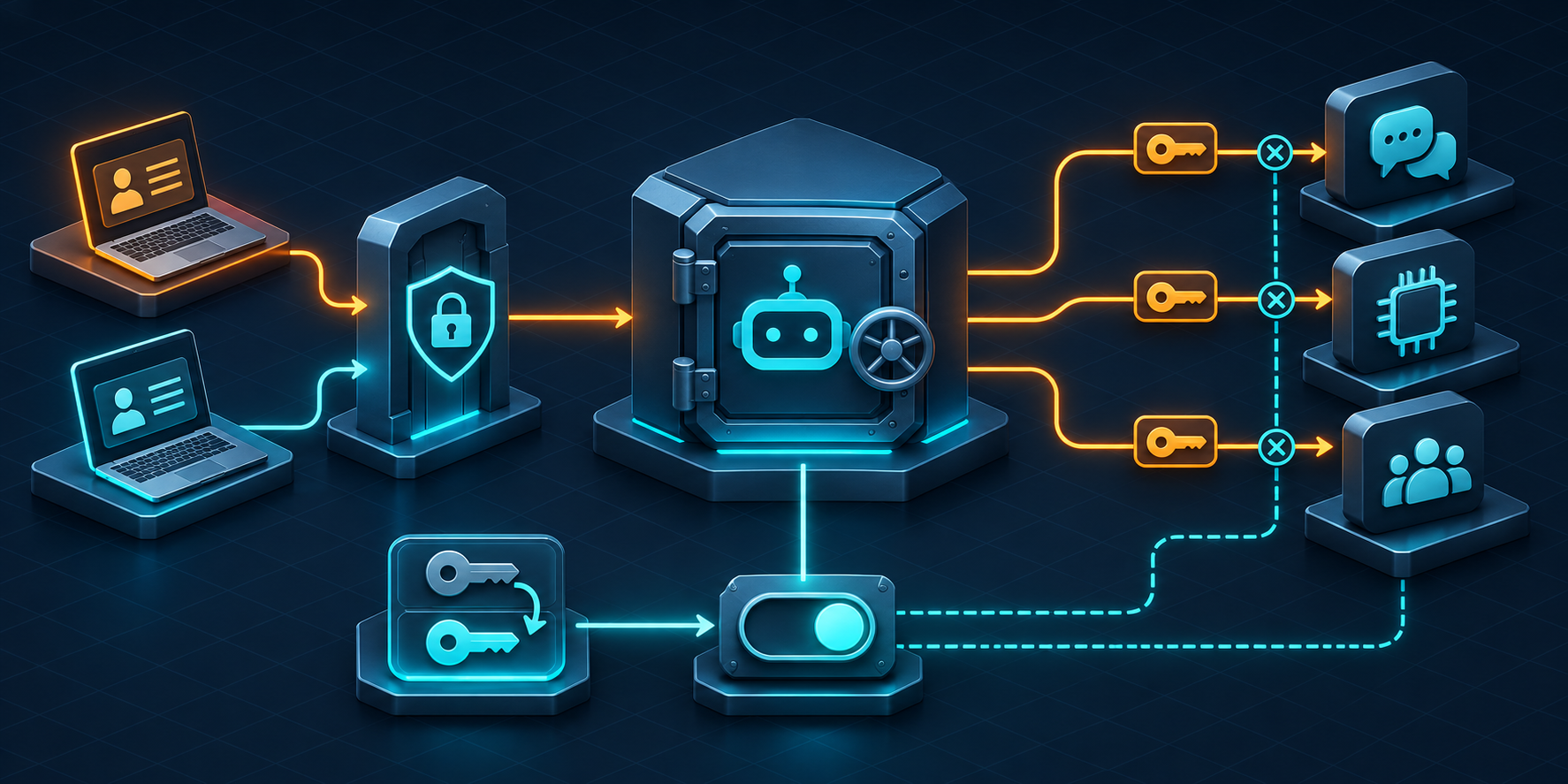
Botpress Incident Turns Bot Configuration Into A Credential Boundary
Botpress says forged staff sessions exposed integration credentials in 16 workspaces. Rotate provider-side secrets and reduce standing bot access.
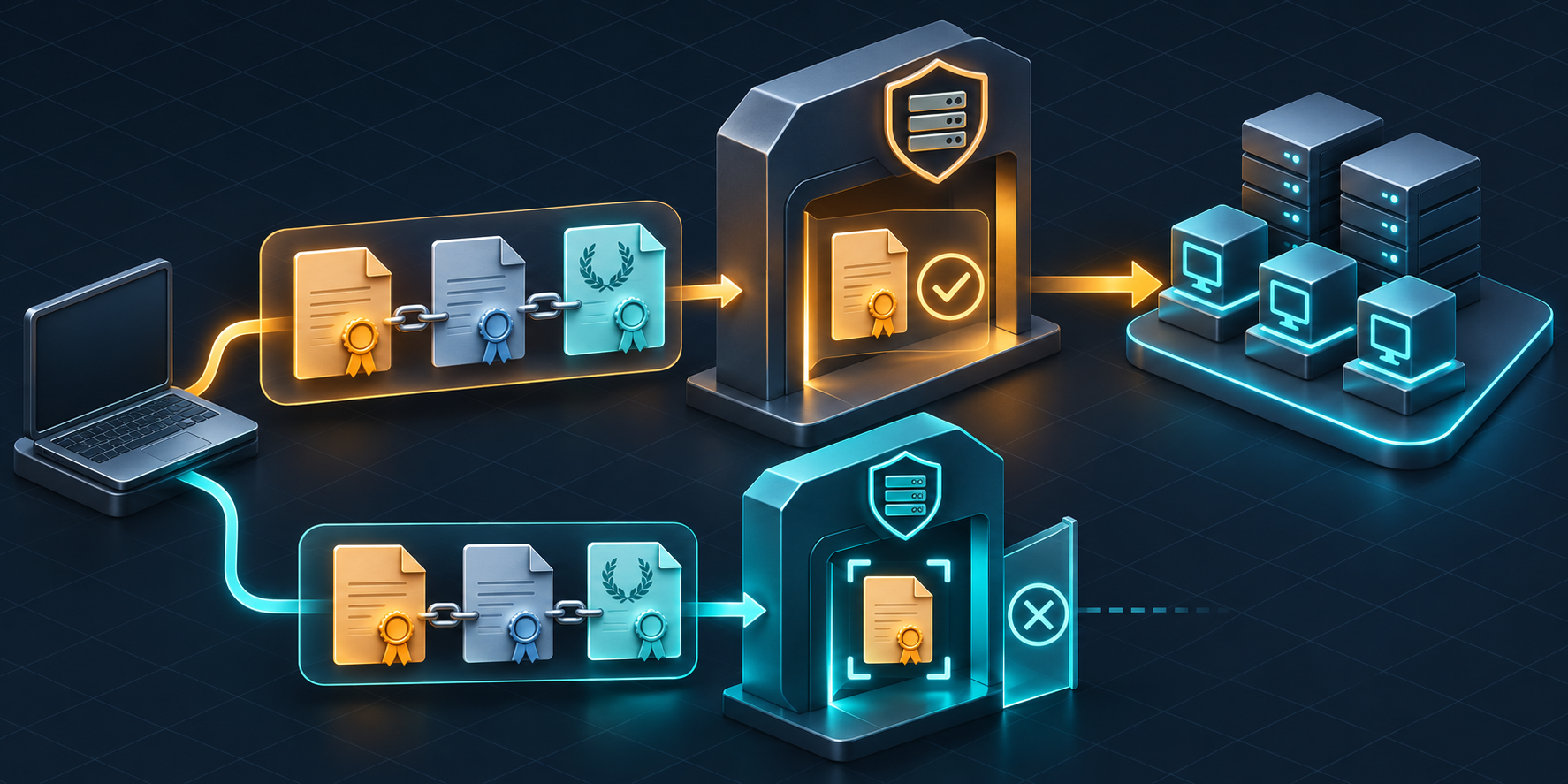
LXD Certificate Bypass Turns A Public Certificate Into Cluster Trust
CVE-2026-112816 lets a reachable client impersonate LXD trust with a crafted certificate chain. Patch, restrict the API and review cluster state.

Kaniko ACR Helper Turns A Base Image Into An Azure Token Leak
Kaniko before 1.25.20 can send Azure management tokens to lookalike registries. Rebuild trusted images, isolate build identity and hunt token use.