Bot Permissions Are Community Admin Infrastructure
Discord and Slack bots can read channels, post messages, manage roles, and carry long-lived tokens. Treat app approval as privileged infrastructure, not a convenience install prompt.
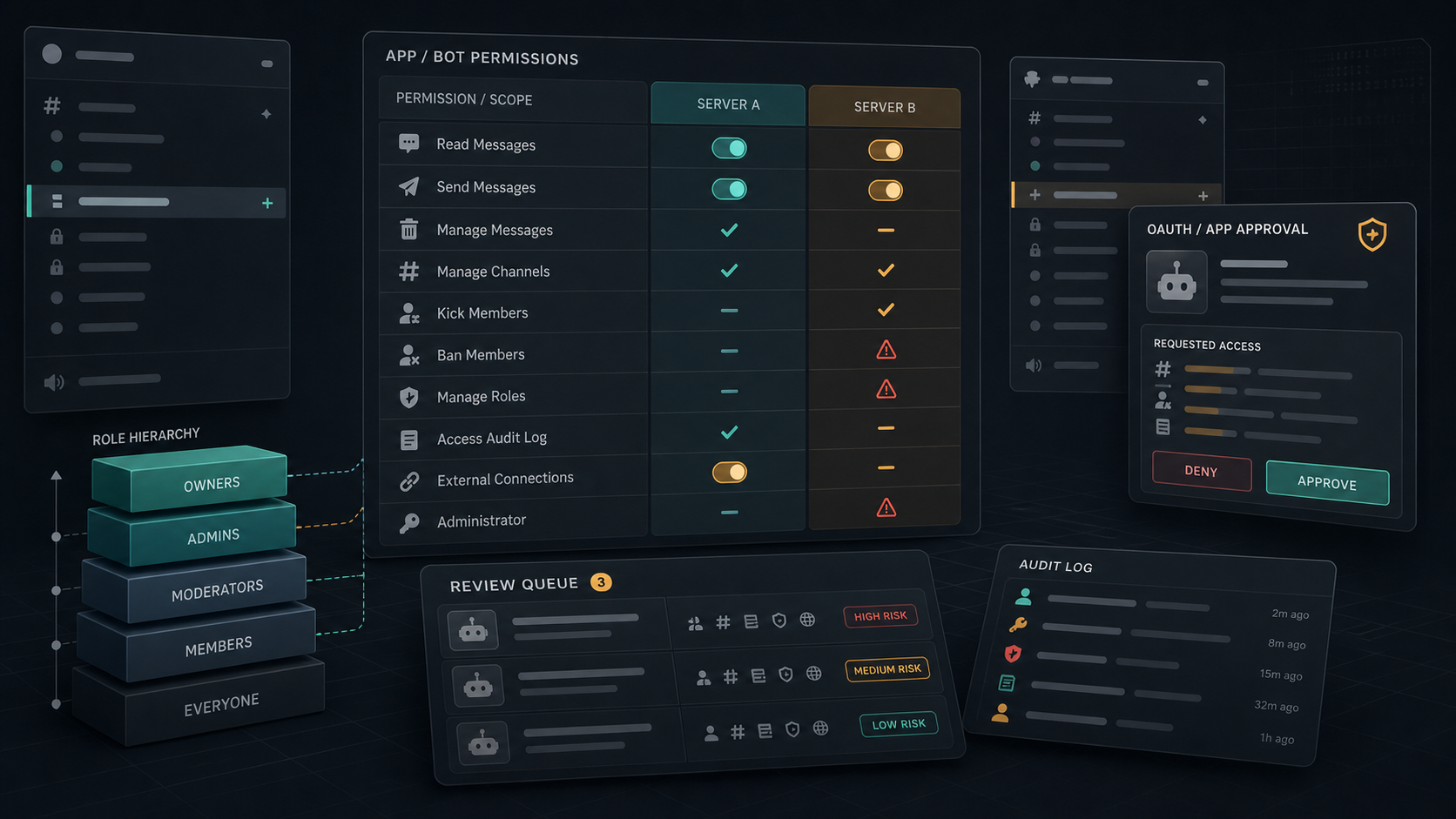
Bots, app integrations, and workflow helpers often sit close to the administrative center of a community. They welcome new members, gate private channels, relay alerts, moderate abuse, assign roles, post announcements, run ticket queues, sync paid memberships, and connect chat rooms to payment, code, calendar, CRM, or support systems. That makes them infrastructure, even when they were installed as a convenience.
The practical question is not whether a Discord server or Slack workspace should use bots. Most serious communities need automation. The question is whether every bot has a clear owner, narrow permissions, a reviewed token path, an approval record, logging, and a removal plan. Without those controls, a compromised bot or overbroad app can become a quiet admin account with better persistence than a human moderator.
Key Takeaways
- check_circle Treat community bots and workspace apps as privileged identities with owners, scopes, tokens, logs, and lifecycle dates.
- check_circle Discord role hierarchy and the Administrator permission can turn a bot into broad operational authority if the role is placed too high.
- check_circle Slack app approval is also scope approval. Review the actions and data a scope enables, not only the app name.
- check_circle Prefer narrowly scoped bots, separate duties across apps, and avoid all-in-one automation with moderation, billing, and announcement access.
- check_circle Keep an inventory of installed apps, OAuth grants, bot tokens, webhook URLs, role assignments, and private-channel access.
- check_circle Incident response should include token revocation, app removal, role review, channel audit, and user communication.
Why Bots Become Privileged Infrastructure
A chat bot is not just a message sender. In many communities it is the identity that enforces membership rules, grants private-channel access, removes abusive users, publishes announcements, and connects the chat surface to external systems. The risk is not limited to a bot going offline. If the bot has broad permissions or a stolen token, an attacker may be able to read sensitive rooms, impersonate trusted automation, change role state, invite users, delete evidence, or push phishing links through a channel people already trust.
This risk is easy to underestimate because the install flow feels lightweight. A moderator sees an OAuth screen or a marketplace page, approves the app, and moves on. The real security decision is deeper: which API scopes were granted, which server or workspace the app can act in, which roles or channels the bot can reach, how long the token lives, where the token is stored, and who will notice when the app behavior changes.
Discord Risk Model
Discord's developer documentation describes permissions as role and channel capabilities represented by bit fields. Base permissions come from roles, and channel overwrites can allow or deny access at a narrower level. The important administrative detail is that Administrator returns all permissions and overrides channel-level restrictions. A bot with that permission, or with a high role that can manage lower roles, deserves the same scrutiny as a senior moderator account.
Role hierarchy is also part of the model. Discord documents that bots can grant or edit roles below their highest role and can kick, ban, or edit users whose highest role is lower than the bot's highest role. That means placement matters. A bot may appear harmless by its named permissions, but if its role sits above moderator or member roles, it may be able to change outcomes across the server in ways that were not obvious during installation.
Slack Risk Model
Slack apps use scopes and token types. Slack's token documentation distinguishes bot tokens, user tokens, workflow tokens, app-level tokens, service tokens, and legacy token types. That distinction matters because an app acting as a bot is not the same as a user token acting on behalf of a person, and workflow tokens may have visibility rules that differ from a normal bot token in specific workflow contexts.
Slack's app approval help makes the approval boundary explicit: when an app request is approved, the approver is approving the scopes the app will use in the workspace. That is the right framing for administrators. The app name, vendor reputation, and install count are useful inputs, but the durable security question is which workspace data and actions the approved scopes enable, whether those scopes still match the business need, and whether the app can be removed without breaking critical operations.
Approval Should Be A Change-Control Event
Community operators often approve bots during a launch, event, membership drive, or moderation emergency. That pressure is exactly when broad permissions become permanent. A better process is to treat bot approval like a small production change. Record the requester, owner, purpose, scopes, channels, role position, data handled, token storage location, logging plan, and renewal date. If the app cannot answer those questions, it is not ready for privileged rooms.
The approval should also separate duties. A bot that verifies paid members does not automatically need announcement posting, moderation actions, audit-log visibility, or private staff-room access. A support-ticket bot does not necessarily need to manage roles. A giveaway bot should not be able to ban users. Narrowing duties reduces blast radius and makes incident review simpler because the bot's expected behavior has clear boundaries.
Token And Webhook Hygiene
Bot tokens and webhook URLs are secrets. They should not live in public repositories, pasted configuration messages, shared screenshots, exported moderation docs, or personal notes. They should be stored in a secret manager or platform-native vault, rotated when maintainers leave, and revoked immediately when a bot host, developer machine, CI job, or third-party automation provider is suspected of compromise.
Webhook hygiene deserves separate attention because webhooks often bypass normal user identity cues. A leaked webhook can let an attacker post as a trusted system in a channel without compromising a human account. Communities should keep a list of active webhooks, restrict where they can post, name them clearly, and remove event-specific webhooks when the event is over.
Detection And Response
Detection starts with a baseline. Know which bots are expected to join, post, assign roles, delete messages, or call admin APIs. Then watch for changes: new channels reached by a bot, sudden direct-message behavior, role changes outside normal workflows, new slash commands, unexpected app reauthorization, webhook posts from unusual sources, or message bursts that look like phishing rather than automation.
Response should be decisive and scoped. Disable or remove the app, revoke bot and OAuth tokens, rotate webhook URLs, lower or remove bot roles, review recently changed roles and channels, preserve audit logs, and notify affected moderators or members if the bot posted malicious links or exposed private data. After containment, rebuild the bot from known-good configuration instead of trusting that one token rotation fixed an unknown compromise path.
Checklist
- Inventory every bot, app, webhook, OAuth grant, slash command, and workflow that can act in the community.
- Assign a human owner and renewal date to every privileged integration.
- Remove Administrator-style permissions unless there is a documented reason and compensating monitoring.
- Place bot roles only as high as their job requires, and test what the role can actually do.
- Review Slack and Discord scopes before approval, then re-review after app updates or added workflows.
- Store tokens and webhook URLs as secrets, rotate them on maintainer departure, and remove unused integrations.
- Include bot identity, app approval, token revocation, and webhook cleanup in the community incident plan.
Sources
- Discord Developer Docs: OAuth2 open_in_new
- Discord Developer Docs: Permissions open_in_new
- Discord Help: Setting Up Permissions FAQ open_in_new
- Slack Help: Manage app approval for your workspace open_in_new
- Slack Developer Docs: Scopes open_in_new
- Slack Developer Docs: Tokens open_in_new
- OWASP API Security Top 10: Broken Function Level Authorization open_in_new
Continue Reading
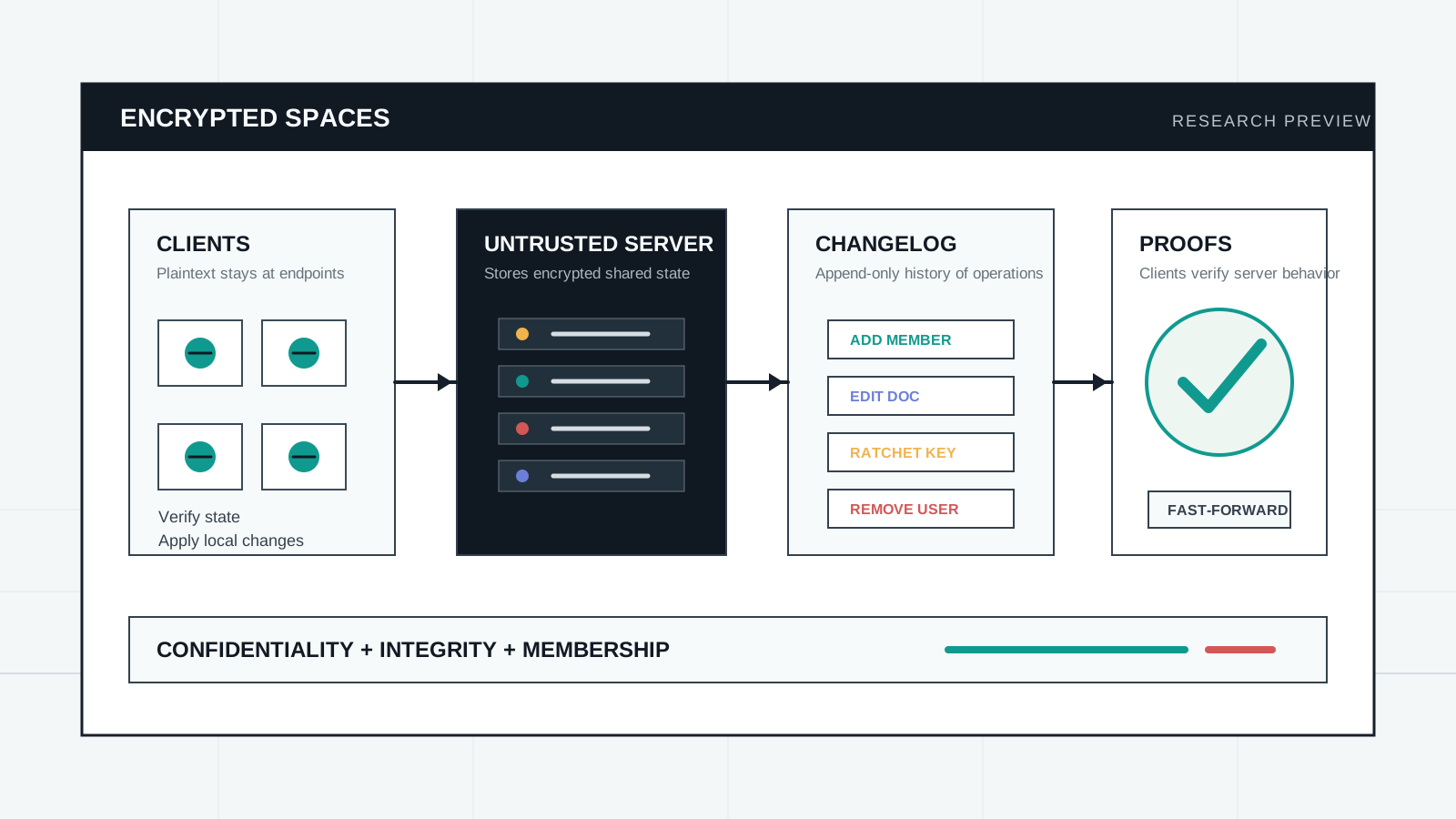
Encrypted Spaces Pushes E2EE Beyond Chat
The June 11 Encrypted Spaces research preview proposes Slack-like collaboration on untrusted servers. The idea is important, but it is still a prototype that needs review before teams treat it as infrastructure.
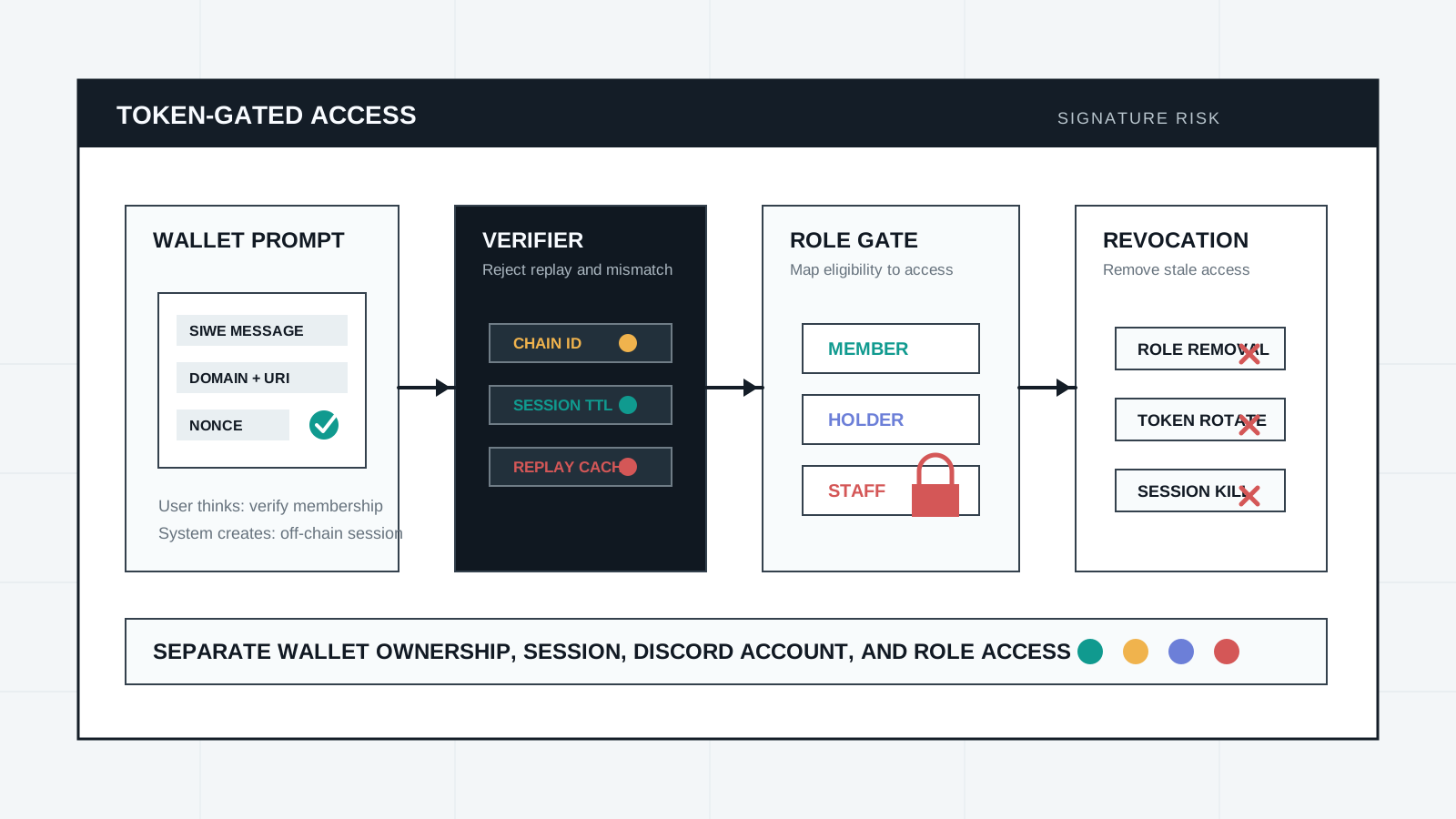
Token-Gated Discord Starts With Signature Risk
Token-gated communities often ask members to connect wallets, sign messages, and receive Discord roles. The danger is not only asset approval; it is session, domain, and role integrity.
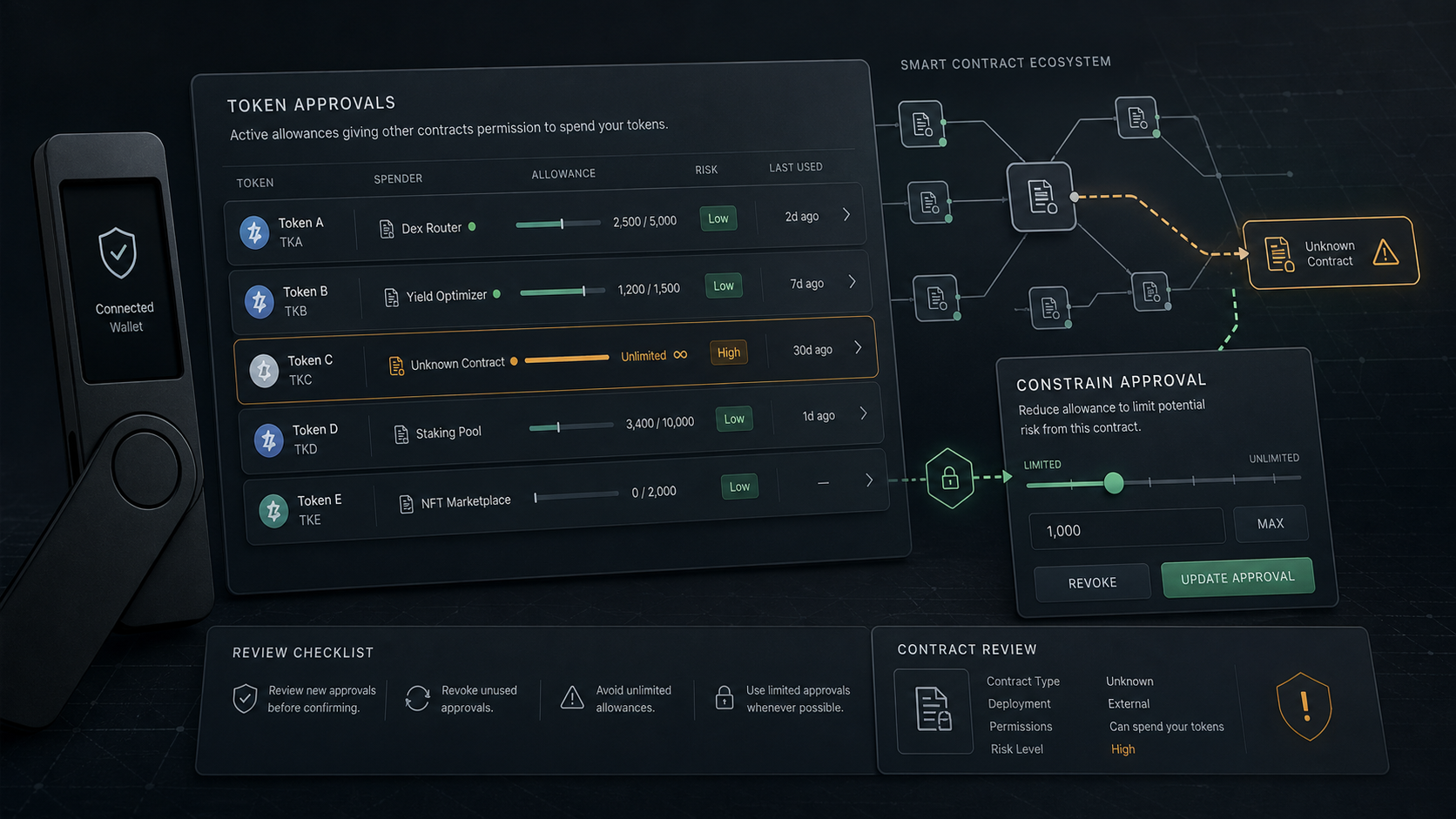
Wallet Drainers Start With Token Approval Risk
A seed phrase is not the only failure path. ERC-20 allowances, NFT operator approvals, permit signatures, and unlimited spender grants can let a malicious or compromised contract move assets later.