Chat Exports Need Access Controls
Slack, Discord, Telegram, Google, WhatsApp, and Teams all give users or admins ways to pull conversation data out of the live app. Export policy decides whether history becomes evidence, migration material, or a new leak.
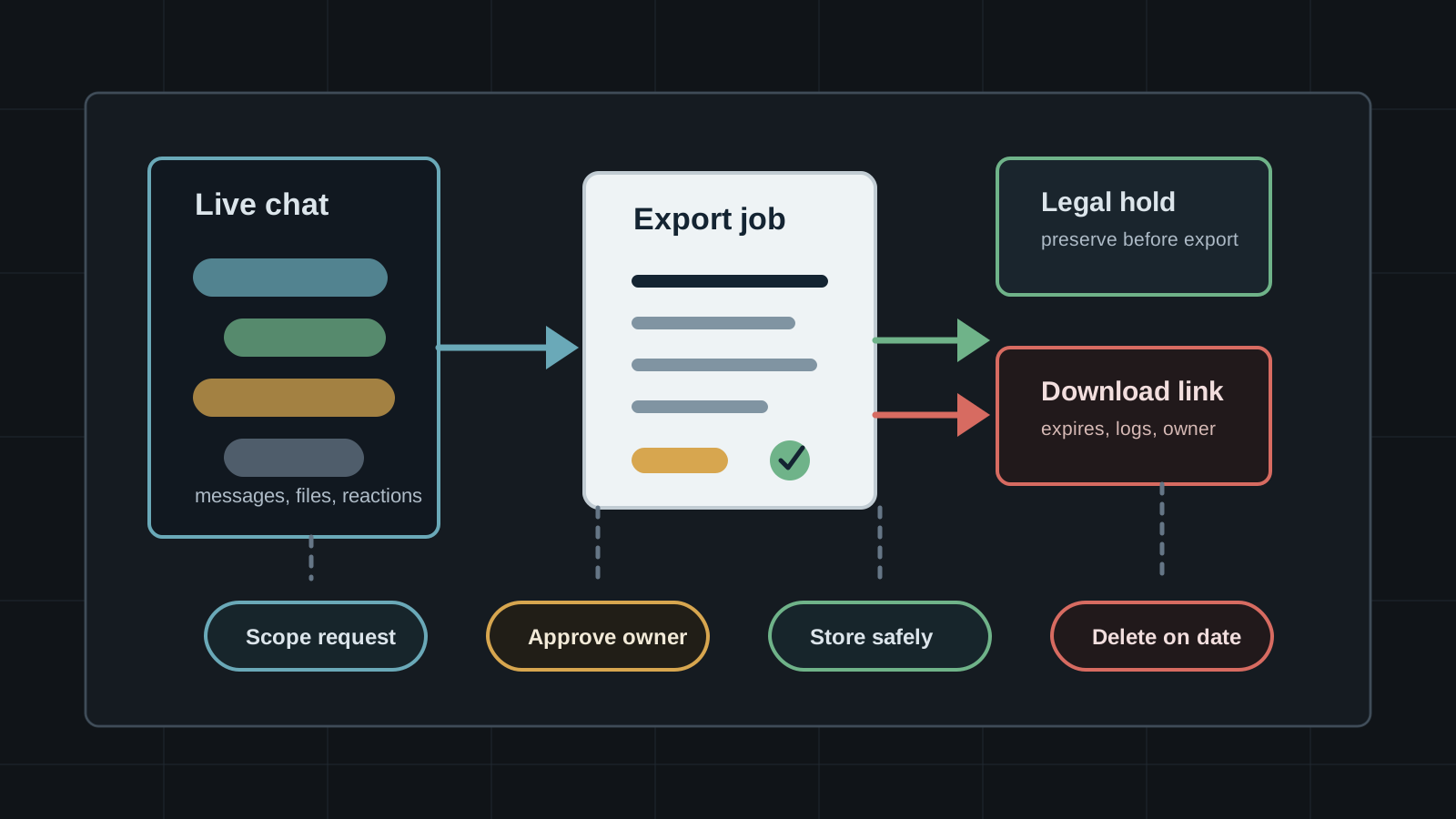
Chat platforms are not sealed rooms. Slack can export public-channel data on every plan and offers broader exports for higher-tier or approved use cases. Discord lets users request a copy of personal account data. Telegram Desktop can export all or selected chats to local files. Google Takeout can create archives for account data, and Microsoft Purview documents eDiscovery workflows for Teams content. WhatsApp's Advanced Chat Privacy feature exists partly because chat export and media download controls matter in sensitive groups.
That does not make exports bad. They are needed for account access, legal response, compliance, migration, incident investigation, user portability, and community continuity. The risk is treating an export as an administrative chore instead of a new data set. Once messages, file links, participant names, reactions, identifiers, and attachments leave the live app, platform permissions no longer protect them. Export requests need scope, approval, custody, storage, logging, retention, and deletion.
Key Takeaways
- check_circle A chat export is a new copy of conversation history and should inherit the sensitivity of the source rooms.
- check_circle User data exports, admin exports, migration exports, and legal exports have different purposes and need different approval paths.
- check_circle Private channels, direct messages, support rooms, incident rooms, and paid-community areas need higher friction than public announcements.
- check_circle Download links and ZIP files are sensitive artifacts even when the platform-generated export was authorized.
- check_circle Export policy should cover file links, attachments, reactions, membership data, timestamps, deleted content, and retention limits, not only message text.
- check_circle Communities should tell moderators and members what can be exported, by whom, for what reasons, and how long exported copies survive.
An Export Is A New Copy
Live chat data is governed by the platform's permissions, retention settings, app integrations, device controls, and audit logs. An export changes that. A ZIP file, JSON archive, TXT file, mailbox item, eDiscovery collection, or downloaded HTML conversation may sit on a laptop, cloud drive, ticket, legal workspace, migration server, or vendor system. It can be copied, searched, forwarded, indexed, or breached outside the controls that applied inside the chat app.
The contents can also be broader than a casual requester expects. Slack describes exports that can include messages and file links, with broader options for private channels and direct messages depending on plan and approval. Microsoft documents Teams eDiscovery categories that include 1:1 chats, group chats, reactions, channel messages, meeting audio and transcripts, private channels, shared channels, and attachments stored across Microsoft 365 services. Even when an export is legitimate, the resulting package may be a high-value archive.
User Exports And Admin Exports Are Different
Personal data access is not the same as workspace-wide access. Discord tells users they can request personal account data from user settings, with the download link sent to the email address tied to the account at the time of request. Google Takeout gives account holders a way to create archives for data associated with Google products and supports delivery by email link or to cloud storage destinations such as Drive, Dropbox, Box, and OneDrive.
Administrative exports serve different purposes: legal response, compliance, migration, investigation, or workspace administration. They should not reuse the same approval logic as a personal data request. A member asking for their own account archive is one risk. An owner exporting every private channel and direct message for a community is another. The larger the scope, the stronger the approval, logging, storage, and notification requirements should be.
Scope Beats Convenience
The safest export is the smallest export that answers the real question. A migration may need public channels and file links, not every direct message. A payment dispute may need one customer-support thread, not the entire moderator workspace. An abuse investigation may need a specific room, date range, member set, and attachment list. A legal hold may need preservation before review, not immediate broad download by a single operator.
Slack's Enterprise options illustrate why scope matters: custom exports can be selected by conversation type, member, or workspace when enabled, while other plans and export types are more limited. Microsoft Purview eDiscovery exists because preserving, collecting, reviewing, and exporting Teams content is a workflow, not a button. Smaller communities may not have enterprise tooling, but they can still write the same control into policy: define who requested the export, what rooms and dates are included, why it is needed, who approved it, where it will be stored, and when it will be destroyed.
Private Rooms Need Higher Friction
Private channels and direct messages carry a different expectation from public announcements. They may contain health details, legal strategy, support disputes, moderation reports, security incidents, employment issues, wallet addresses, government IDs, phone numbers, access tokens, or conflict reports. The decision to export them should be exceptional and documented, even when the platform allows it.
WhatsApp's Advanced Chat Privacy feature is a useful signal for community operators because it explicitly tries to prevent other participants from exporting chats, auto-downloading media, and using messages for AI features in sensitive conversations. That does not eliminate screenshots or external recording, but it shows the product distinction: some rooms are sensitive enough that moving content outside the app should require an intentional control, not just a default convenience path.
Download Links Need Custody
Many export workflows end with a link or downloadable archive. Slack sends email when an export is ready and lets authorized users download a ZIP file. Discord sends the download link to the email linked to the account when the request was made. Google explains that Takeout archives can be delivered through an email link or placed into third-party cloud storage, and that once an archive reaches a non-Google provider it is governed by that provider's terms and policies.
Those links and files need custody rules. Use named accounts, not shared mailboxes. Store exports in approved locations with access logs. Do not attach full archives to chat threads or tickets when a pointer to a controlled location is enough. Record hashes for evidence exports. Expire links where the platform supports it. Delete local copies after transfer. If a third-party reviewer, lawyer, auditor, or migration vendor receives the data, the contract and access path should match the sensitivity of the archive.
Exports Must Fit Retention Promises
Retention settings can be undermined by exports. A community may delete old messages after 90 days in the live app but keep old export archives indefinitely in someone's cloud drive. A platform may remove deleted activity from view while an earlier export still contains the original data. Google warns that archives may not include changes made between request and archive creation, which also means exported data is a point-in-time snapshot, not a live mirror of current permissions or deletion state.
The policy should be explicit: exported data inherits a retention clock. Legal and incident exports may need preservation. Migration exports may need deletion after validation. Member-access exports belong to the requesting member, but the community should still explain what it can and cannot control after delivery. For admins, every export should end with a review: was the scope right, was access removed, were local copies deleted, and did the team learn anything that should reduce the next export?
Checklist
- Create separate approval paths for personal data requests, admin exports, legal holds, investigations, and migrations.
- Require a written scope before exporting private channels, direct messages, support rooms, or incident channels.
- Store exports only in approved repositories with named access, logging, encryption, and deletion dates.
- Treat download links, ZIP files, JSON archives, TXT exports, and file-link lists as sensitive artifacts.
- Tell moderators and members what kinds of chat data can be exported and under which authority.
- Delete migration and investigation exports when the purpose is complete unless a legal or compliance hold requires preservation.
Sources
- Slack Help: Export your workspace data open_in_new
- Discord Support: Requesting a copy of your data open_in_new
- Telegram Blog: Chat Export Tool, Better Notifications and More open_in_new
- WhatsApp Blog: Introducing Advanced Chat Privacy open_in_new
- Google Account Help: How to download your Google data open_in_new
- Microsoft Learn: eDiscovery workflow for Teams content open_in_new
Continue Reading
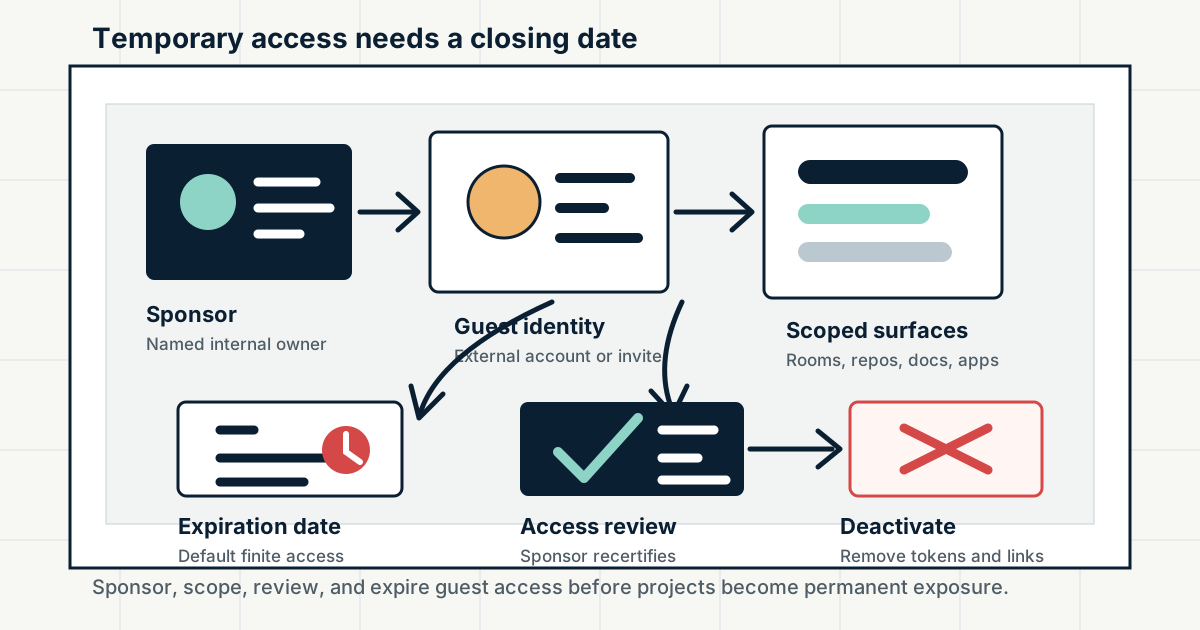
Guest Accounts Need Expiration Dates
Contractors, partners, clients, outside collaborators, and community helpers often need temporary access to chat, docs, repos, and tools. Without a sponsor, scope, review, and end date, guest access becomes quiet permanent access.
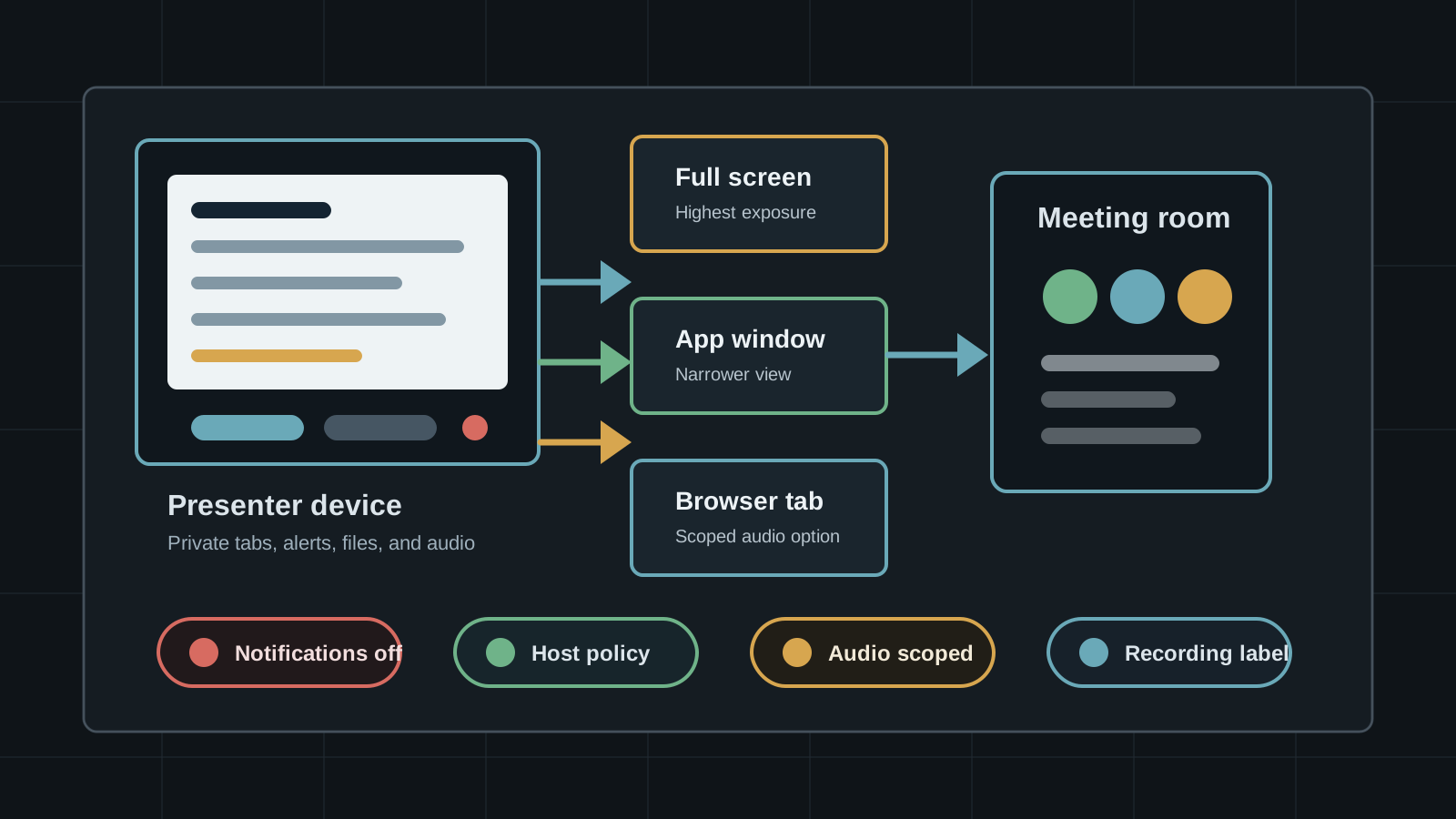
Screen Sharing Needs A Data Boundary
Slack huddles, Teams, Google Meet, Zoom, and browser screen-capture APIs make sharing fast. They also turn private tabs, alerts, audio, files, and recording controls into collaboration data risk.
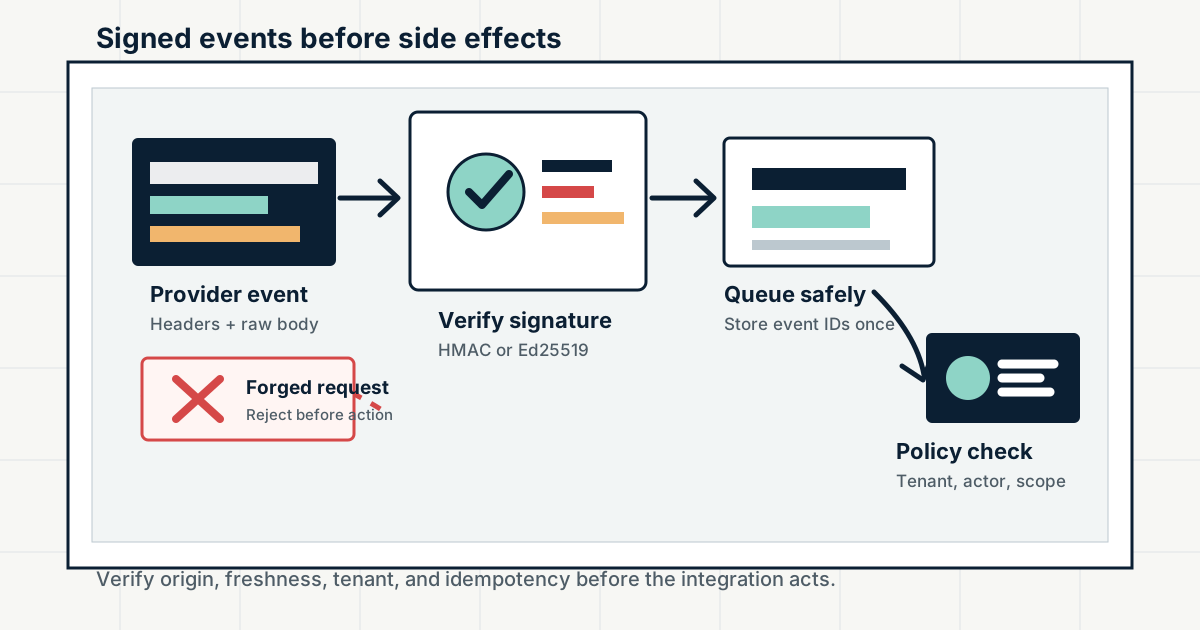
Inbound Webhooks Need Signature Checks
Slack, GitHub, Discord, Stripe, and other platforms send high-trust events to public endpoints. Signature verification, replay windows, raw-body handling, and idempotency decide whether a webhook is evidence or attacker input.