External Channels Make Collaboration A Third-Party Boundary
Slack Connect, Microsoft Teams shared channels, Google Chat external spaces, and similar features move partner work into the same chat surface. Treat each external channel as a governed data boundary.
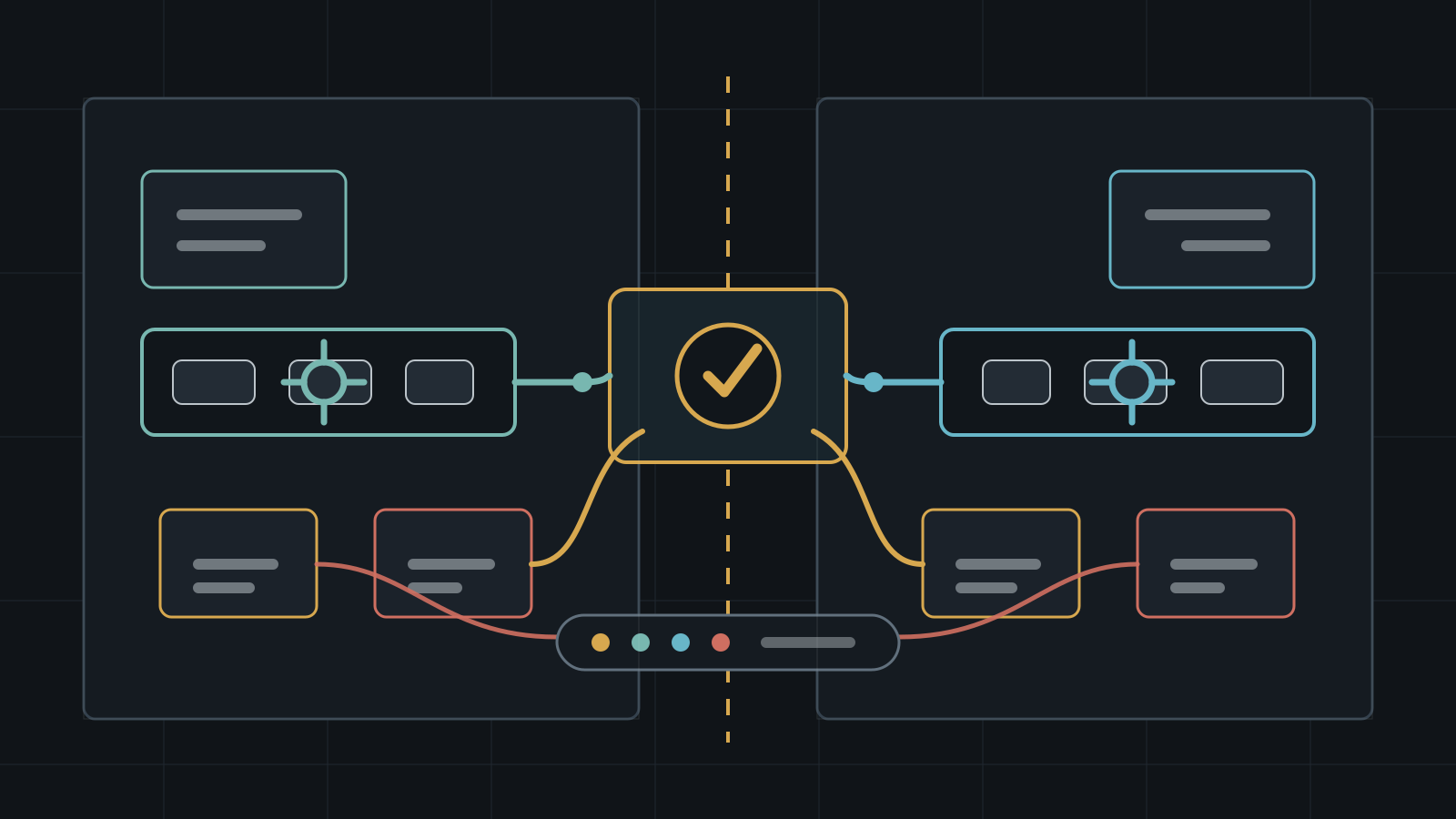
External collaboration features are designed to make partner work feel native. A supplier, contractor, customer, agency, open-source maintainer, or investor can join a channel without the friction of email threads, account sharing, or one-off file portals. That convenience is useful, but it changes the security boundary. A channel that looks like an internal room may now include identities, devices, retention rules, applications, and administrators from another organization.
The practical risk is not that every external channel is unsafe. The risk is that teams often approve them as a communication feature while the data path behaves like a cross-organization system integration. Security review should cover who can create the channel, who approves the outside organization, which files and apps are available, which compliance policy wins, how logs are collected, and how both sides remove access when the relationship ends.
Key Takeaways
- check_circle External collaboration channels should have an owner, business purpose, external organization, data classification, and review date.
- check_circle Invitation approval is only the first control; file access, apps, retention, DLP, audit, and offboarding create the real operating risk.
- check_circle Microsoft Teams shared channels use B2B direct connect for external participants and have separate SharePoint storage behavior that needs review.
- check_circle Slack Connect exposes API surfaces for invites, approvals, permissions, external-team listing, and disconnection, which makes automation possible but also important to govern.
- check_circle Google Workspace admins can control external Chat and spaces options, so the default posture should be explicit rather than inherited from user preference.
- check_circle External channels should be removed or downgraded during vendor offboarding, contract completion, moderator turnover, and incident response.
Why External Channels Are Different
An internal channel usually inherits one organization's identity system, device posture, retention policy, audit model, and admin team. External channels deliberately break that simplicity. Slack Connect lets people from different workspaces and organizations work together on Slack. Microsoft Teams shared channels let users invite people who are not in the team and, for external collaboration, use Microsoft Entra B2B direct connect rather than ordinary guest accounts. Google Workspace provides administrator settings for external Chat and spaces conversations.
Those product details matter because a shared room is not just a message list. It is a container for files, app installs, link previews, mentions, notifications, search, exports, records requests, and social trust. The more native the experience feels, the easier it is for users to forget that another organization may have its own endpoint security, account lifecycle, legal hold rules, and incident response threshold.
Approval Is Not The Whole Control
Most teams focus on the first approval moment: who can invite an outside party and who can accept the connection. That is necessary, but too narrow. Slack's Connect API reference lists scopes and methods for sending invitations, accepting or approving shared invites, changing permissions, listing external teams, and disconnecting external organizations. Those are governance primitives, not merely developer conveniences.
Approval should be structured. The request should identify the external domain or workspace, the channel owner, the reason for access, the expected duration, the data classification, and whether the channel can include apps, files, canvases, bots, workflows, or third-party storage. For sensitive channels, require a second reviewer from security, legal, compliance, or the data owner. For low-risk channels, keep approval lightweight but still visible in logs.
Files Widen The Boundary
Messages are only part of the record. Microsoft documents that each Teams shared channel has its own SharePoint site and that only people with owner or member permissions in the channel have access to that shared channel site. It also documents a sharp edge: if a user receives access to a file, folder, or notebook in a shared channel through SharePoint, removing the user from the team or shared channel does not necessarily remove that separate file access.
That pattern is common across collaboration systems. A user may leave the room while keeping access to a linked document, ticket, dashboard, recording, whiteboard, or repository. Channel offboarding should therefore include a content review. Remove channel membership, disconnect the external organization where appropriate, audit separately shared files, rotate exposed links, check bot and workflow credentials, and confirm that downstream systems did not inherit broader permissions.
Apps And Bots Need A Lower Default
External channels are attractive places to add automation: support triage, customer updates, deployment notifications, deal rooms, bug trackers, CRM sync, meeting notes, and approval workflows. Every app in that channel can change the data path. Some apps only post notifications. Others read message content, create external records, mirror files, trigger webhooks, or preserve copies outside the collaboration platform.
A sensible default is to separate human membership from app capability. Do not allow every app that is approved internally to run in external channels. Keep a short allowlist for shared rooms, require owner approval for new apps, and log app-triggered actions. Slack's Audit Logs API is one example of the kind of evidence surface teams should connect to a SIEM or audit workflow. The exact API differs by platform, but the requirement is the same: external channel activity should not disappear into normal chat noise.
Compliance May Follow The Host
Shared collaboration can make compliance assumptions hard to see. Microsoft states that shared channels inherit several host or parent-team policies, including areas such as DLP, retention, eDiscovery, audit logs, and sensitivity labels, while also noting limits around external participants and information barriers. That is useful documentation, but it also means admins need to know which tenant is the host and which policy actually governs the data.
Before approving high-risk external collaboration, map the expected records path. Which organization can perform eDiscovery? Which retention policy applies? Can a file encrypted by a sensitivity label be opened by the outside participant? Are external users covered by conditional access requirements such as MFA or compliant devices? Does either side need contractual language about exports, deletion, or breach notification for chat content?
Offboarding Must Be Bilateral
Internal offboarding is hard enough when one identity provider owns the account. External channels add another failure mode: each side may assume the other side removed the user. A contractor can leave a vendor, a customer sponsor can change roles, a moderator can sell a community, or an agency can rotate staff. The channel remains because the project is still active, but the person no longer has a reason to be there.
That is why external channel reviews should be scheduled, not event-driven only. Review membership monthly for sensitive channels and quarterly for ordinary partner work. Confirm the owner is still accountable, the external organization is still correct, the access purpose is still active, and the channel has not accumulated files or apps beyond the original scope. When the relationship ends, disconnect the external team or archive the room instead of leaving a quiet backdoor into years of context.
What To Monitor
Good monitoring starts with inventory. Track newly created external channels, shared-channel invitations, approval decisions, external organization connections, permission changes, app additions, file-sharing spikes, channel exports, ownership changes, and mass member additions. The goal is not to read every message. The goal is to know when the collaboration boundary changed.
Tie that monitoring to incident response. If an external partner reports compromise, you need to quickly identify shared channels, files, apps, and users tied to that organization. If your own workspace is compromised, partners deserve a precise answer about which shared surfaces were exposed. NIST's zero trust framing is useful here: do not rely on a location or prior trust relationship alone. Make access decisions explicit, narrow, and continuously reviewable.
Checklist
- Create an inventory of all external channels, connected workspaces, partner domains, and channel owners.
- Require purpose, duration, data classification, and reviewer fields for new external channel requests.
- Use separate app allowlists for external channels and log app-triggered channel activity.
- Review file permissions separately from channel membership before and after offboarding.
- Confirm which tenant or workspace owns retention, DLP, eDiscovery, audit, and sensitivity-label behavior.
- Schedule membership reviews for sensitive partner rooms and archive stale rooms promptly.
- Prepare an incident query that maps an external organization to channels, users, files, apps, and audit events.
Sources
- Slack Developer Docs: Slack Connect API reference open_in_new
- Slack Developer Docs: Audit Logs API open_in_new
- Microsoft Learn: Shared channels in Microsoft Teams open_in_new
- Google Workspace Admin Help: Control external Chat and spaces chat options open_in_new
- NIST SP 800-207: Zero Trust Architecture open_in_new
Continue Reading
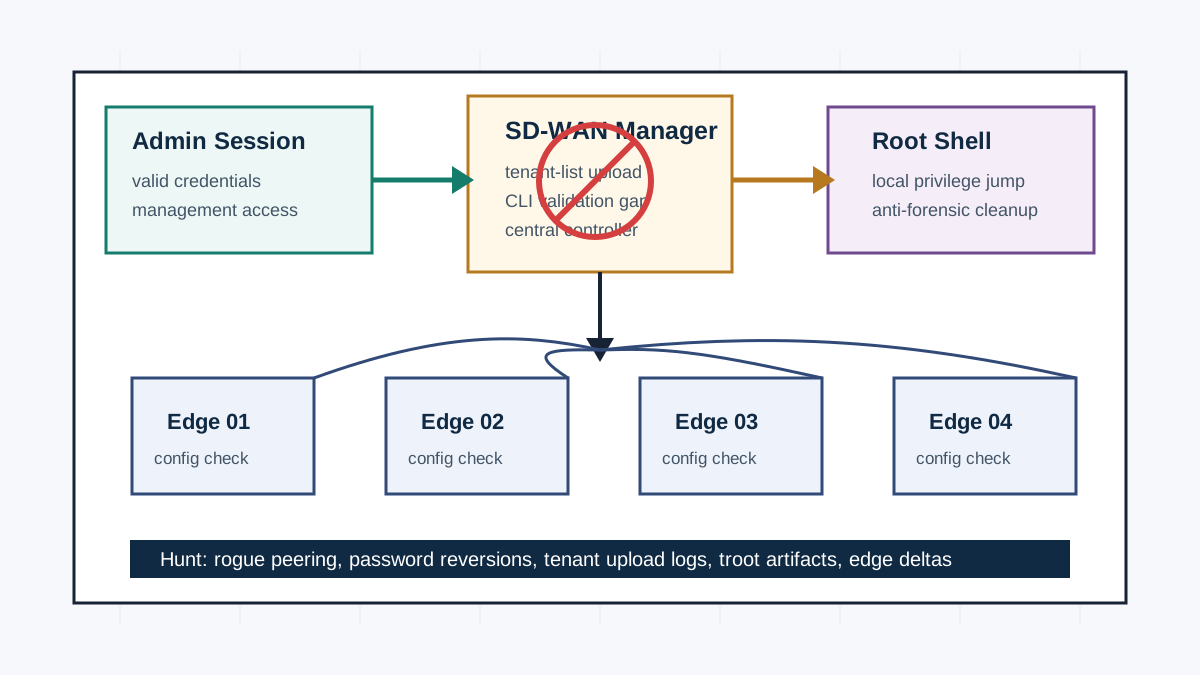
Cisco SD-WAN Manager Exploitation Hits The Control Plane
Mandiant says an attacker used CVE-2026-20245 to turn Cisco Catalyst SD-WAN Manager admin access into root-level control. Patch, hunt, and verify edge-device configuration changes.
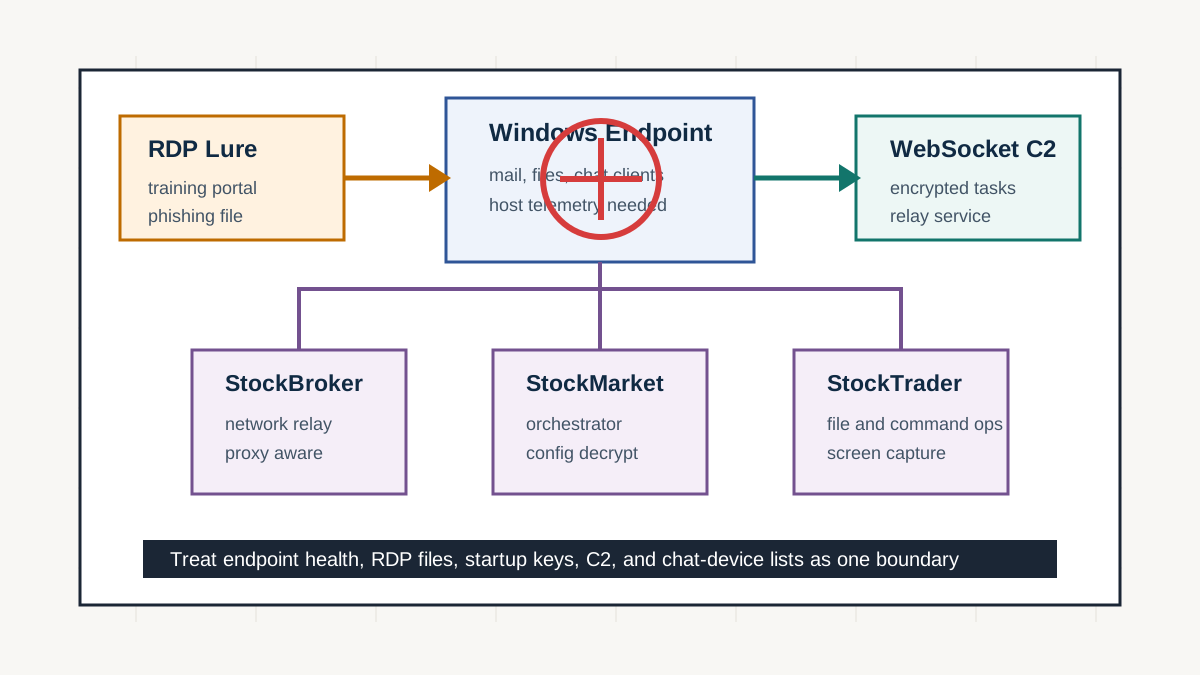
STOCKSTAY Shows Secure Messaging Still Ends At The Endpoint
Google Threat Intelligence Group says Turla has developed and deployed a .NET backdoor since at least 2022. Sensitive teams need endpoint containment, lure control, and telemetry around communication devices.
SCIM Deprovisioning Turns Offboarding Into Access Control
SCIM provisioning is usually sold as identity automation, but its security value is offboarding. Chat workspaces, community tools, and SaaS apps need predictable deactivation, group cleanup, and drift detection.