SCIM Deprovisioning Turns Offboarding Into Access Control
SCIM provisioning is usually sold as identity automation, but its security value is offboarding. Chat workspaces, community tools, and SaaS apps need predictable deactivation, group cleanup, and drift detection.
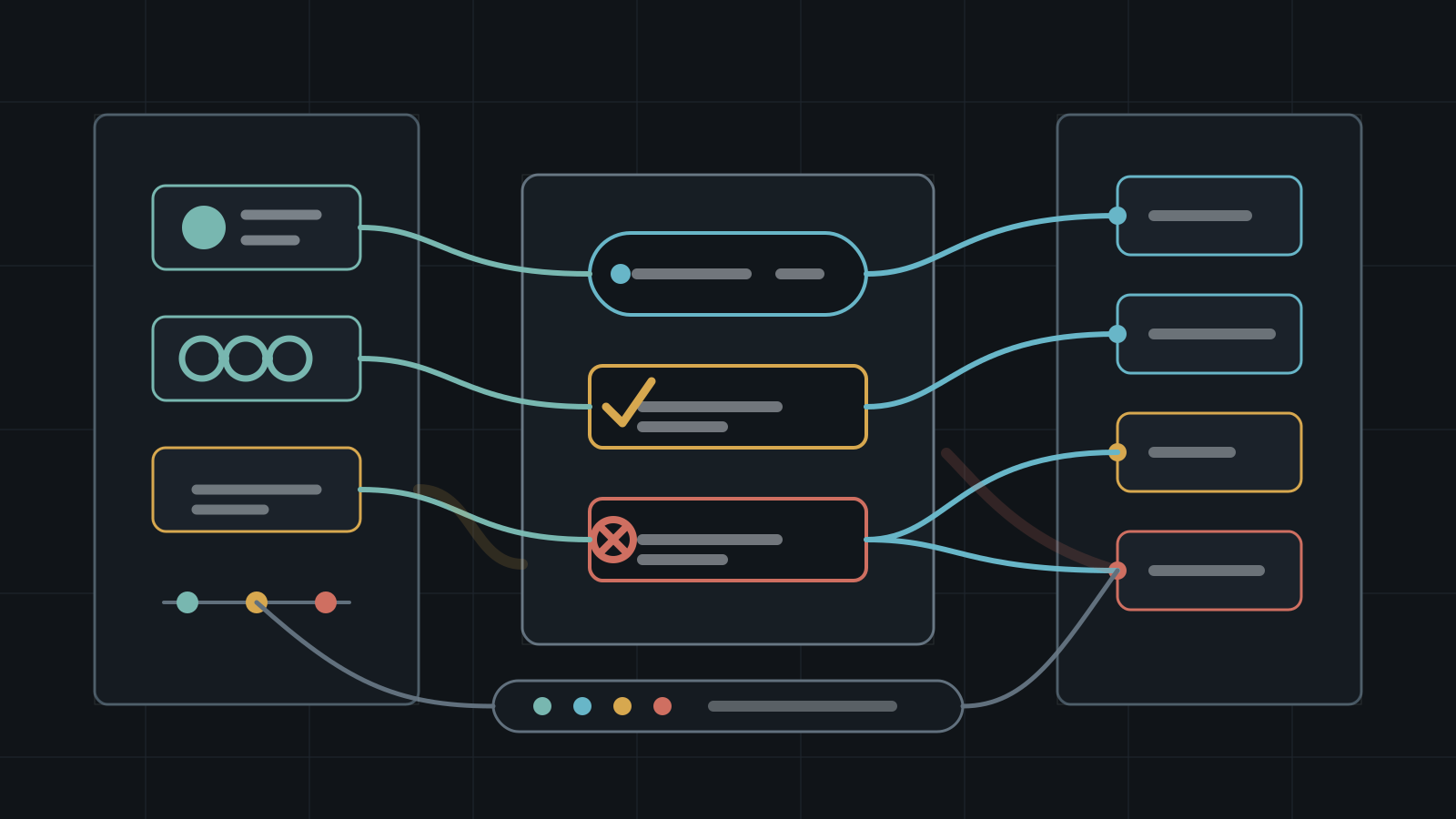
SCIM, the System for Cross-domain Identity Management, is often treated as an onboarding feature. A user joins the company or community team, the identity provider creates accounts in Slack, help desk tools, analytics dashboards, cloud suites, and other apps, and nobody has to copy profile fields by hand. That is useful, but it is not the main security reason to care.
The harder problem is deprovisioning. When a moderator leaves, a contractor finishes, a partner loses access, a bot owner changes roles, or an employee is terminated, every connected application needs the same answer quickly: which account should be disabled, which groups should be removed, which sessions and tokens should be reviewed, and which exceptions are still active. SCIM can help make that lifecycle observable, but only if teams treat it as access control rather than background directory plumbing.
Key Takeaways
- check_circle SCIM reduces account drift when the identity provider remains the source of truth for users and groups.
- check_circle Deactivation is usually safer than immediate deletion because records, ownership, legal hold, and incident scoping may still depend on the old account.
- check_circle Group sync deserves the same review as user sync because groups often drive channel, app, role, and admin access.
- check_circle SCIM does not revoke every session, OAuth token, API key, invite link, or shared file permission by itself.
- check_circle Manual exceptions should expire, have owners, and appear in the same access review as automated accounts.
- check_circle A failed deprovisioning job should page like an access-control failure, not wait for a quarterly cleanup.
Provisioning Is Security Work
RFC 7644 defines SCIM as an HTTP-based protocol for provisioning and managing identity data in cross-domain environments such as enterprise-to-cloud service providers. It supports creation, modification, retrieval, deletion, discovery, users, groups, and extensions. RFC 7643 defines the core schema. In practice, that means a central identity system can tell many SaaS applications who a user is and which groups they belong to.
That sounds administrative, but the security meaning is direct. If an account exists in a chat workspace, it can receive messages, search history, open files, hold app tokens, and be mentioned into sensitive rooms. If a group remains mapped to an admin role, stale membership can become stale authority. The automation is not just saving help desk time. It is deciding who still belongs inside operational systems.
What SCIM Gives You
A good SCIM deployment gives identity teams a consistent way to create users, update profile attributes, deactivate users, and synchronize groups. Microsoft describes automated app user provisioning as a way for Microsoft Entra ID to create, update, and remove user accounts in cloud applications. Slack's SCIM API reference exposes endpoints for users and groups, including listing, creation, patching, replacing, and deletion-style operations that set a Slack user to deactivated.
The most important word is consistent. Without a lifecycle protocol, teams rely on app-by-app administration, spreadsheet reviews, and memory. That breaks down in community operations where the staff may include employees, volunteers, agencies, token-gated moderators, contractors, and external experts. SCIM creates a path to make the identity provider authoritative, but it does not automatically make every application clean. Each integration still has product-specific behavior that must be tested.
What SCIM Does Not Revoke
SCIM should not be confused with total account containment. Deactivating or removing a user through SCIM may stop normal login and remove group-driven access, but it may not revoke every active browser session, OAuth grant, personal access token, API key, webhook, shared file permission, device link, recovery method, or ownership relationship. Those controls often live in separate APIs or admin consoles.
That distinction matters during termination and compromise response. If a user was merely leaving on good terms, deactivation plus group cleanup may be enough. If the user was compromised or hostile, identity teams should run a broader playbook: revoke sessions, reset credentials, remove app grants, rotate shared secrets, transfer ownership of bots and documents, inspect recent exports, and look for files shared directly rather than through group membership.
Deactivation Usually Beats Deletion
Immediate deletion can feel tidy, but it can damage investigations and records. Old accounts may own channels, workflows, documents, repositories, incidents, tickets, messages, or audit events. If the account disappears too aggressively, the team may lose context or create orphaned resources. Many platforms therefore distinguish between deactivation, suspension, deletion, and permanent removal.
The safer default is to deactivate first, preserve auditability, transfer ownership, and delete only when retention and product behavior are understood. Slack's SCIM docs, for example, describe delete operations for users as setting a Slack user to deactivated. That kind of product-specific behavior should be documented in the runbook. The runbook should say what happens to messages, profile fields, group references, files, apps, and ownership after the SCIM event lands.
Groups Are Policy Objects
User lifecycle gets most of the attention, but group lifecycle is often where access actually changes. Groups may map to private channels, shared channels, admin consoles, billing systems, support queues, repositories, analytics tools, incident rooms, data rooms, and moderation roles. A user who is deactivated but left in a synced group may not have immediate access, but the group itself can still represent stale policy.
Treat groups as policy objects with owners and descriptions. Avoid vague names that survive every reorganization. Review which groups flow into which apps, what access each group grants, and whether group nesting or app-side role mapping changes the result. For private communities, this is especially important when paid roles, partner roles, moderation roles, and staff roles overlap. The identity group should describe the access purpose, not just the social label.
Drift Is The Failure Mode
SCIM fails quietly when app-side manual changes outpace identity governance. An admin adds a user directly inside the app because the event is urgent. A vendor account is created outside the identity provider. A group mapping breaks after a rename. A SCIM token expires. An app accepts a patch but ignores an attribute. A user changes email address and a duplicate account appears. None of these require an attacker, but all can create durable access drift.
Build controls around failure. Monitor provisioning errors, delayed jobs, duplicate users, unmatched accounts, manually created privileged accounts, app-side group changes, and users active in the app but disabled in the identity provider. Give every exception an owner and expiration date. A quarterly access review is useful, but it should be the backstop. Daily drift detection is the control that catches access mistakes while they are still small.
How To Test The Lifecycle
Before trusting SCIM for sensitive workspaces, run lifecycle tests. Create a test user, add the user to low-risk and high-risk groups, verify app access, remove one group, deactivate the user, reactivate the user, and then delete or permanently remove according to the platform's documented model. Record exactly what changed in the app after each step. Include channels, files, roles, apps, sessions, tokens, and ownership.
Repeat the test for contractor accounts, multi-channel guests, external collaborators, admins, service accounts, and community moderators. Okta's SCIM guidance emphasizes automated user provisioning between applications and identity providers, but each application has its own implementation details. The test is how you find whether the automation matches the risk. The answer should become an offboarding checklist, not a one-time setup note.
Checklist
- Document which identity provider is authoritative for each connected app and workspace.
- Test create, update, group-change, deactivate, reactivate, and delete behavior before relying on SCIM.
- Record what SCIM deactivation does and does not revoke for sessions, tokens, files, apps, and ownership.
- Map groups to access purpose, data classification, owner, and review cadence.
- Alert on provisioning failures, stale SCIM tokens, duplicate users, disabled users still active in apps, and manual privileged accounts.
- Give every manual exception an owner, reason, and expiration date.
- Run a compromise offboarding path that adds session revocation, token review, secret rotation, and export checks.
Sources
- RFC 7644: SCIM Protocol open_in_new
- RFC 7643: SCIM Core Schema open_in_new
- Microsoft Learn: Automated app user provisioning in Microsoft Entra ID open_in_new
- Okta Developer: Understanding SCIM open_in_new
- Slack Developer Docs: SCIM API reference open_in_new
- Slack Developer Docs: Using the Slack SCIM API open_in_new
Continue Reading
STOCKSTAY Shows Secure Messaging Still Ends At The Endpoint
Google Threat Intelligence Group says Turla has developed and deployed a .NET backdoor since at least 2022. Sensitive teams need endpoint containment, lure control, and telemetry around communication devices.
External Channels Make Collaboration A Third-Party Boundary
Slack Connect, Microsoft Teams shared channels, Google Chat external spaces, and similar features move partner work into the same chat surface. Treat each external channel as a governed data boundary.
WebMCP Makes Tool Metadata A Trust Boundary
A June 2026 research paper shows how website-exposed tools for AI agents can be manipulated at runtime. Tool names, schemas, origins, and registration logs now need security review.