GitHub's GHES Signing-Key Rotation Is a Supply-Chain Warning
GitHub's May 2026 Enterprise Server signing-key rotation shows how a poisoned developer tool can force enterprise software verification, release, and secret-rotation decisions.
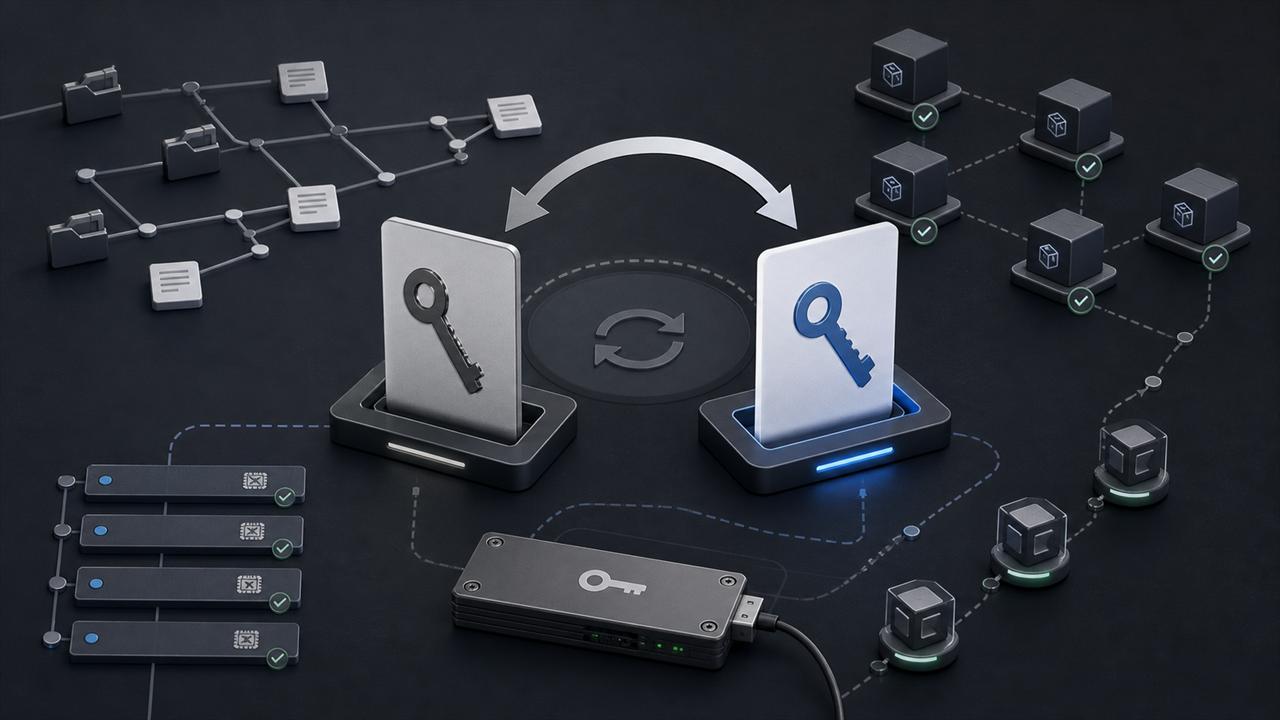
GitHub's May 20, 2026 incident update, later updated on May 26, tells GHES administrators to rotate the GPG public keys on their GitHub Enterprise Server instances before installing future patches and releases. GitHub says the action follows a cyberattack involving a poisoned third-party VS Code extension and exfiltration of GitHub-internal repositories. The company says it has no evidence that customer enterprises, organizations, or repositories outside GitHub's internal repositories were affected.
The important lesson is not that every downstream artifact was compromised. GitHub says all binaries hosted by GitHub are valid and describes the signing-key rotation as a precaution tied to the repositories involved. The lesson is operational: when internal source, build metadata, or release trust anchors may be exposed, software vendors and enterprise customers need a rehearsed path for rotating verification material without breaking urgent security updates.
Key Takeaways
- check_circle GHES administrators should rotate the public keys on every node before relying on future Enterprise Server patches and releases.
- check_circle The incident should be treated as ongoing until GitHub publishes its fuller report or notifies affected customers through its incident channels.
- check_circle Do not assume the signing private key was abused. GitHub framed the rotation as a precaution, while also saying customers must act.
- check_circle Poisoned developer tools can become enterprise risk when they touch employee devices, internal repositories, release processes, or long-lived secrets.
- check_circle Release systems need short-lived credentials, pinned dependencies, reviewed third-party actions, auditable provenance, and documented emergency rotation steps.
What GitHub Confirmed
GitHub says it detected and contained a compromise on Monday, May 18, 2026 involving an employee device and a poisoned VS Code extension published by a third party. The company says it removed the malicious extension version, isolated the endpoint, started incident response, and rotated critical secrets on Monday and Tuesday with the highest-impact credentials prioritized first.
GitHub's current assessment is that the activity involved exfiltration of GitHub-internal repositories only. The company says an attacker claim of about 3,800 repositories is directionally consistent with its investigation so far. It also says it has no evidence of impact to customer information stored outside GitHub's internal repositories, including customer enterprises, organizations, and repositories.
There is an important qualifier in GitHub's own language. Some internal repositories can contain customer information, such as excerpts of support interactions. GitHub says it will notify customers through established channels if impact is discovered. That means customers should not treat the public post as a final incident report. It is an action notice plus a partial status update.
Why The GHES Key Rotation Matters
The GitHub Enterprise Server signing key is part of the trust path for manually initiated GHES updates. GitHub says the key is used to sign binaries so an instance can validate GitHub as the source during the update process. After the rotation, future patches and releases will be signed with the new key, and GHES customers must rotate to the new public key before those updates can be installed.
That is a narrow but consequential control. If an administrator does not rotate the public key, future upgrades will fail verification with the error GitHub documented in the advisory. In practice, that can turn a security update into a maintenance outage, especially for HA or cluster deployments where the key must be present for both admin and root accounts across nodes.
GitHub did not say the GHES signing private key was used to sign malicious artifacts. It said all binaries hosted by GitHub are valid and that the rotation is being done in an abundance of caution considering the attacked repositories. That distinction matters. The correct response is not panic reinstallations. The correct response is to perform the documented key rotation, verify update sources, and prepare for a faster patch cadence while the investigation continues.
The Poisoned Extension Link
GitHub links the employee-device compromise to a poisoned VS Code extension published by a third party. The linked advisory is for Nx Console version 18.95.0, which the Nx team describes as a compromised release. Nx says the malicious version was removed and published a postmortem describing how the affected extension version entered the release path.
This is why endpoint compromise and supply-chain compromise are hard to separate in modern development environments. A developer extension can run inside a trusted editor, touch local credentials, interact with source control, and sit close to internal repositories. If the affected device belongs to a vendor employee with access to sensitive repositories, the blast radius can move from one package or extension into the vendor's own internal response process.
Other 2026 npm and package ecosystem incidents, including TanStack's postmortem on an npm supply-chain compromise, point in the same direction. Maintainers and vendors are increasingly exposed through release automation, CI credentials, third-party tooling, package manager behavior, and local developer environments. A single compromised publish, action, extension, or token is enough to trigger emergency rotations across many systems.
What GHES Administrators Should Do
First, identify every GHES instance, including test, disaster recovery, HA, and cluster environments. The rotation is not a cosmetic inventory item. GitHub says the key is stored in both the admin and root accounts, and its cluster instructions run the script across nodes and then run it again with sudo. Administrators should record which nodes were updated, which account contexts were touched, and who verified the result.
Second, download the rotation script only from GitHub's documented Enterprise security URL and verify the published SHA256 digest before execution. That check is especially important because the action being taken is itself a trust update. A key rotation process that blindly executes a copied command from an internal ticket or chat thread can recreate the same class of problem it is meant to solve.
Third, stage the change the way you would stage a security hotfix. Confirm backups and snapshots, check appliance health, preserve logs, schedule change windows where needed, and have a rollback and vendor-support path. GitHub recommends preparing to take GHES security updates at an increased rate over the coming months, so the goal is not only to rotate once. The goal is to keep update verification working when urgent patches arrive.
What Maintainers Should Learn
Maintainers should treat this as a reminder that release trust depends on more than the package registry. The vulnerable path can be a code editor extension, a GitHub Action, a CI cache, a maintainer laptop, an npm token, a compromised dependency, a mis-scoped secret, or a business process that lets one person publish without review. Controls must cover the whole release path.
For packages, npm trusted publishing is a strong default where it fits because it replaces long-lived publish tokens with short-lived OIDC-based credentials tied to a specific workflow. It does not remove the need to harden that workflow, protect release branches and tags, review workflow changes, and reduce token access for private dependencies. It does reduce the value of a stolen static publish token.
For GitHub Actions, pin third-party actions to full-length commit SHAs in high-risk workflows, minimize `GITHUB_TOKEN` permissions, split untrusted pull request processing from privileged release jobs, disable unnecessary cache sharing into release builds, and keep deployment environments behind approvals. The release path should be small enough that a reviewer can explain exactly which code, action, runner, secret, and identity is allowed to publish.
Detection And Recovery
The minimum review for organizations using affected developer tooling is to search for the compromised extension version, inspect developer endpoints, rotate exposed credentials, and review unusual repository access around the exposure window. That includes GitHub personal access tokens, SSH keys, npm tokens, cloud credentials, package registry tokens, and CI secrets stored locally or available to the compromised process.
For enterprises consuming GHES, the detection work is different. Administrators should confirm whether any update attempts failed verification, whether anyone downloaded GHES packages from unofficial locations, whether local mirrors or artifact stores cached GHES packages, and whether internal update runbooks embed old key fingerprints or outdated commands. Documentation and automation need to change along with the key.
For vendors, the hard question is whether internal repositories contain customer data, support excerpts, tokens, integration secrets, or operational diagrams that create secondary risk. GitHub already acknowledged that some internal repositories can contain customer information such as excerpts of support interactions. That is a pattern every vendor should audit before an incident, because internal source repositories often become informal storage for context that should have a shorter retention life.
What Remains Unknown
GitHub says the investigation is ongoing and that it will publish a fuller report once complete. The public post does not identify the actor, prove the full initial access chain beyond the poisoned extension reference, list every internal repository category involved, or explain exactly which secrets were rotated. It also does not state that the GHES signing private key was stolen or used.
That uncertainty should shape the response. GHES customers need to do the key rotation now because future updates depend on it. Security teams should also watch for GitHub follow-up notices and customer-specific notifications. Maintainers should use the incident as a concrete drill: if your signing key, package token, CI workflow, or maintainer workstation was placed under similar suspicion today, could you rotate the trust path quickly without losing the ability to ship emergency fixes?
Checklist
- Rotate GHES GPG public keys on every single-node, HA, cluster, test, and recovery instance.
- Verify GitHub's rotation script digest and download update material only from official GitHub sources.
- Update internal runbooks, automation, fingerprints, mirrors, and change tickets that reference the old key.
- Search developer fleets for the compromised Nx Console version and rotate secrets that may have been reachable from affected endpoints.
- Move release workflows toward short-lived OIDC credentials, least-privilege tokens, protected tags, and pinned third-party actions.
- Prepare GHES operations teams for a faster security patch cadence while GitHub's investigation continues.
Sources
- GitHub Blog: GitHub Enterprise Server signing key rotation open_in_new
- GitHub Security Advisory: Compromised Nx Console version 18.95.0 open_in_new
- Nx postmortem: Nx Console v18.95.0 supply-chain compromise open_in_new
- TanStack postmortem: npm supply-chain compromise open_in_new
- GitHub Docs: Secure use reference for GitHub Actions open_in_new
- npm Docs: Trusted publishing for npm packages open_in_new
Continue Reading

Glassworm Shows Developer Machines Are Supply-Chain Targets
CrowdStrike's May 2026 Glassworm takedown cut off a developer-targeting botnet, but teams still need to treat infected workstations, tokens, packages, and repositories as an active supply-chain risk.

Google Workspace DBSC Makes Stolen Cookies Less Portable
Google made Device Bound Session Credentials generally available for Workspace users in Chrome on Windows. The useful change is narrower than passwordless login: it targets session theft after authentication.

Texas's WhatsApp Lawsuit Tests What Encryption Claims Mean
Texas sued Meta and WhatsApp over end-to-end encryption claims. The useful question is where personal chats, business chats, backups, reports, AI features, and metadata actually sit.