Guest Accounts Need Expiration Dates
Contractors, partners, clients, outside collaborators, and community helpers often need temporary access to chat, docs, repos, and tools. Without a sponsor, scope, review, and end date, guest access becomes quiet permanent access.
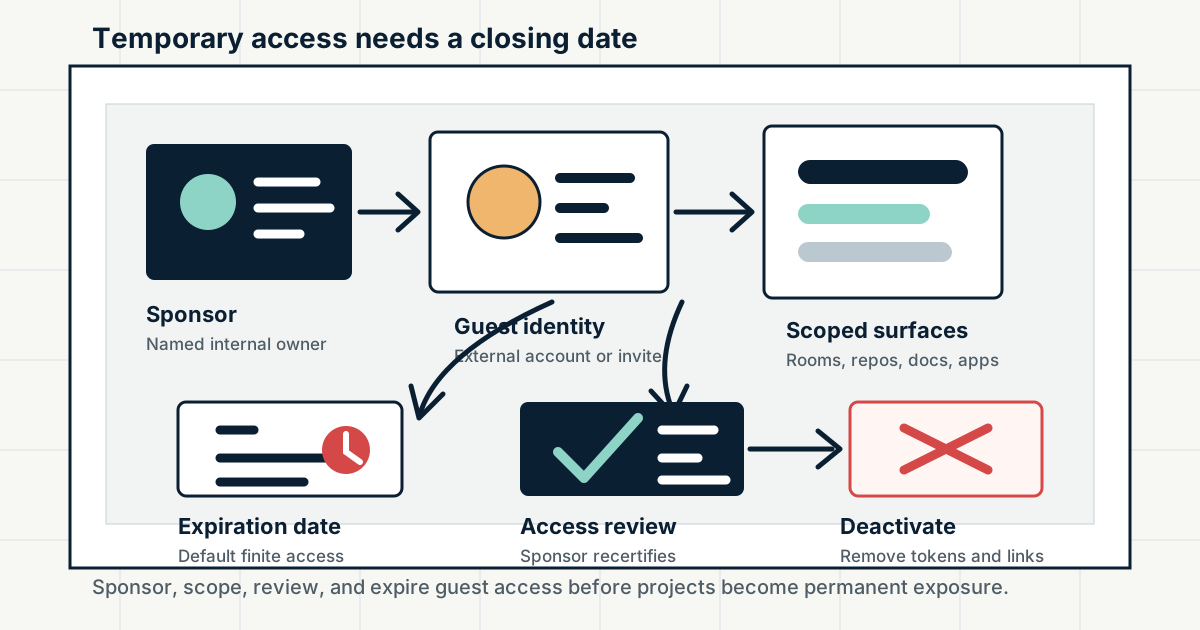
Guest accounts are useful because modern work crosses organizational boundaries. A contractor may need one Slack channel. A client may need a project room. A vendor may need a shared document folder. An outside developer may need access to a private GitHub repository. A volunteer moderator may need limited community tooling. The access is often legitimate, but it lives outside the normal employee lifecycle that identity teams understand best.
The control is not to avoid guests. The control is to make guest access temporary by default. Every guest should have a named sponsor, a business purpose, the smallest set of rooms and resources that match that purpose, a strong enough authentication path, an expiration date, a review cadence, and an offboarding checklist. If the work continues, the sponsor can renew it. If the work ends, access should not wait for someone to remember a months-old invitation.
Key Takeaways
- check_circle Guest accounts are trust exceptions and should be managed as access grants, not casual invitations.
- check_circle A named internal sponsor is the person accountable for scope, renewal, and removal.
- check_circle Expiration dates are security controls. Indefinite guest access should require a documented reason.
- check_circle Scope needs to cover chat channels, direct messages, file history, shared drives, repositories, forks, apps, and workflow permissions.
- check_circle External identity still needs policy: MFA, domain rules, invitation rights, and guest visibility matter.
- check_circle Offboarding must account for downloaded files, local code clones, shared links, tokens, and vendor systems that outlive the account.
Guest Access Is A Trust Exception
Most access programs are built around employees. HR starts the identity lifecycle, SCIM or directory groups place the user into tools, and offboarding disables the account when employment ends. Guests do not always move through that path. They may authenticate with their own work identity, a personal address, an invited account, or a platform-specific collaborator profile. That flexibility is useful, but it makes ownership easier to lose.
Slack's guest roles are designed for people such as contractors, interns, and clients who need limited access to a workspace. Microsoft Entra B2B collaboration represents external partners as guest users in a tenant while letting them use their own credentials. GitHub outside collaborators are not organization members but can access one or more organization repositories. Those models are different, yet the security question is the same: who owns the continuing decision that this external person still needs access?
Name The Sponsor Before The Invite
A guest should never be an orphaned account. The sponsor is the internal person who can explain why the guest exists, which resources they need, what work is expected, and when the relationship should end. Slack guest profiles can show which owner or admin invited the guest, which channels the guest can access, and whether a time limit is set. Microsoft Entra external collaboration settings let organizations control who can invite external users and can restrict invitations by role or domain.
The sponsor model prevents a common failure: everyone assumes someone else owns the account. A community manager invites a vendor. The vendor changes personnel. The internal project lead leaves. The guest keeps access because no one is clearly accountable. Sponsors should be reviewed in the same workflow as guests. If the sponsor leaves, the guest account should be reassigned or removed.
Expiration Is Access Control
Expiration is not administrative cleanup. It is a security boundary. Slack lets workspace owners and admins set automatic guest deactivation after a certain amount of time, choose a custom deactivation date, or allow indefinite access. The existence of an indefinite option does not make it a good default. Short projects, support cases, audits, partner reviews, trials, and temporary moderation work should start with an end date.
Microsoft Entra access reviews are built for this problem: periodically confirm whether users, including guests, should retain access to groups, applications, or privileged assignments. Smaller organizations can run a simpler version with spreadsheets or tickets, but the control should be the same. A renewal should require a live sponsor and a current purpose. If no one can defend the access, the guest should be removed.
Scope The Actual Work Surface
Guest scope is broader than a single account flag. In Slack, a single-channel guest and a multi-channel guest have different reach, but channel membership is not the whole story. Guests may be able to see message and file history in channels they can access, start direct messages with people in the same channels, use some workflows, or interact with apps depending on workspace policy. Changing a guest's channels may not erase data they already saw.
The same pattern appears outside chat. Google Workspace admins can control external sharing for Drive and Docs, but a shared file link may outlive a project if it is not reviewed. GitHub outside collaborators can be granted repository access, and GitHub warns that when a private repository collaborator is removed, local clones can still exist. Scope decisions should list every surface the work requires: chat rooms, shared drives, repositories, issue trackers, calendars, support queues, dashboards, bots, and workflow tools.
External Identity Still Needs Policy
A guest using their own credentials can be safer than a shared internal account, but only if the identity policy is explicit. Entra B2B lets organizations manage collaboration settings, cross-tenant access, domain allowlists or blocks, guest directory visibility, and whether partner MFA or device claims are trusted. GitHub notes that organizations requiring two-factor authentication also require outside collaborators to enable 2FA before accepting repository access.
For lower-friction collaboration tools, teams still need minimum standards. Do not invite throwaway addresses to sensitive rooms. Prefer a partner domain when the relationship is with a company. Require MFA for source code, billing, customer support, incident response, moderation tooling, and private community administration. If a guest cannot meet the identity bar, narrow the scope or use a safer artifact exchange path.
Offboarding Includes Copies And Tokens
Removing the guest account is necessary but not complete. The guest may have downloaded files, cloned repositories, exported documents, received meeting recordings, copied chat messages, joined direct messages, saved links, or connected an app. GitHub explicitly warns that removed collaborators may retain local clones and are responsible for deleting confidential information or intellectual property. The same practical risk applies to shared documents, chat attachments, exported logs, and vendor ticket systems.
The offboarding checklist should match the type of work. Revoke account access. Remove the guest from channels, repositories, drives, groups, and calendars. Expire shared links. Rotate secrets the guest could see. Close or transfer tickets. Review app authorizations. Ask for return or deletion of regulated material where contracts require it. Archive the approval record so a future incident team can see when the guest had access and when it ended.
Review Guests On A Cadence
Guest access drifts because collaboration feels successful. A contractor stays for another sprint. A vendor joins an additional room. A partner's employee changes roles. A temporary community helper becomes inactive. None of those changes is malicious, but each one can leave sensitive data exposed to someone who no longer needs it.
A workable review cadence is simple: every month for high-risk guests and every quarter for ordinary project guests. Ask the sponsor whether the guest is still needed, whether the channel and repository list is still right, whether the expiration date should change, and whether the guest's company or role has changed. The review should produce a decision, not a report. Renew with a new date, reduce scope, reassign the sponsor, or remove the account.
Checklist
- Require a named sponsor and business purpose before each guest invitation is sent.
- Set a default expiration date for guest accounts and require justification for indefinite access.
- Limit guests to the exact channels, repositories, drives, groups, apps, and workflows needed for the work.
- Require MFA or equivalent identity assurance for source code, customer data, payments, moderation, and incident-response access.
- Run recurring guest reviews and make sponsors renew, reduce, reassign, or remove access.
- Include shared links, downloaded files, repository clones, app tokens, and vendor systems in offboarding.
Sources
- Slack Help: Understand guest roles in Slack open_in_new
- Microsoft Learn: What is Microsoft Entra B2B collaboration? open_in_new
- Microsoft Learn: What are access reviews? open_in_new
- Google Workspace Help: Manage external sharing for your organization open_in_new
- GitHub Docs: Adding outside collaborators to repositories open_in_new
- GitHub Docs: Removing an outside collaborator from an organization repository open_in_new
- NIST SP 800-53 Rev. 5: Security and Privacy Controls open_in_new
Continue Reading

Cisco ISE Fixes Put Network Access Behind The Patch Calendar
Cisco updated its ISE advisory with fixes and future patch dates for command execution and credential disclosure flaws. Identity teams need version-specific containment.
Slash Commands Need Authorization Boundaries
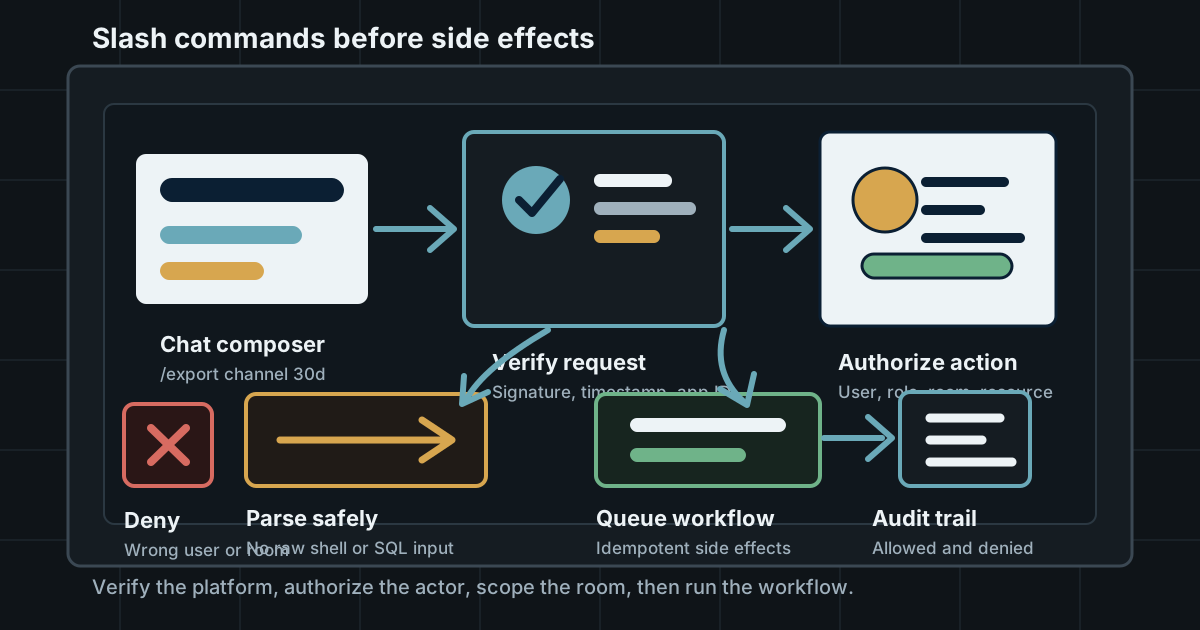
Slack, Discord, Telegram, and internal chat bots make commands feel lightweight. If a command can export data, change access, or trigger infrastructure, it needs the same authorization discipline as an API endpoint.
Screen Sharing Needs A Data Boundary
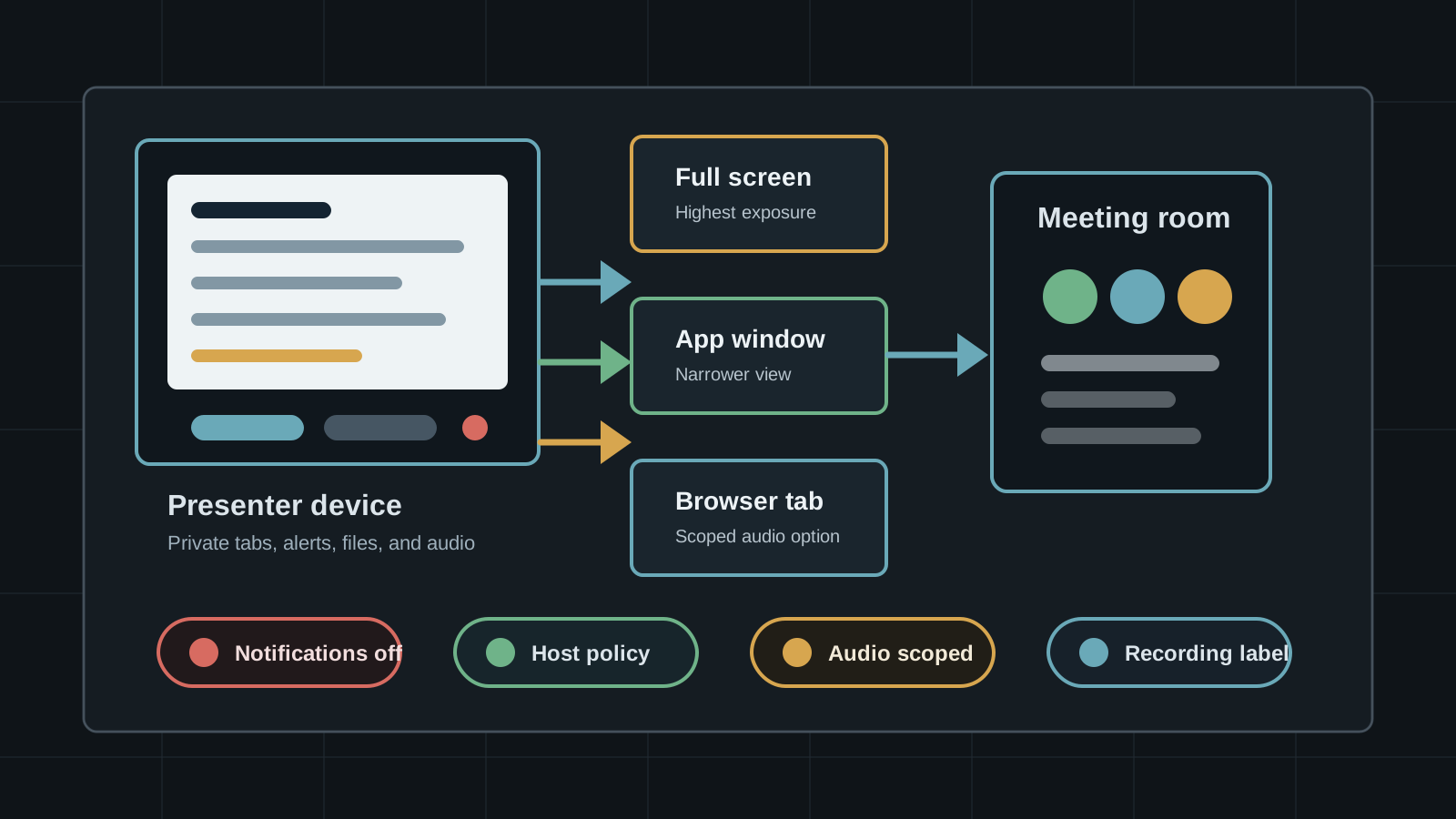
Slack huddles, Teams, Google Meet, Zoom, and browser screen-capture APIs make sharing fast. They also turn private tabs, alerts, audio, files, and recording controls into collaboration data risk.