Kali365 Turns Microsoft 365 MFA Into a Token Problem
The FBI's May 2026 Kali365 alert shows why Microsoft 365 teams need to treat device-code OAuth flows, refresh tokens, and session revocation as first-class controls.
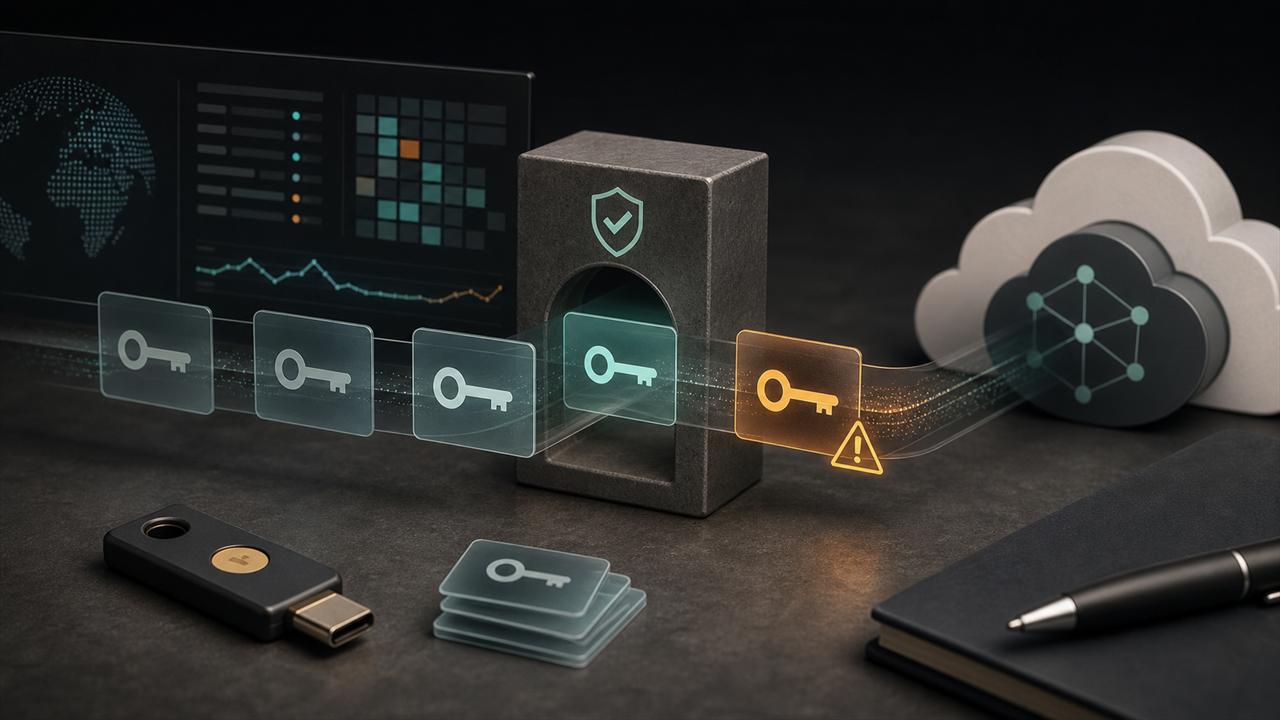
On May 21, 2026, the FBI's Internet Crime Complaint Center warned about Kali365, an emerging phishing-as-a-service kit first seen in April 2026. The alert says the kit is distributed primarily through Telegram and is designed to capture Microsoft 365 OAuth access and refresh tokens through device-code phishing.
The practical lesson is not that MFA is useless or that Microsoft 365 has a new software vulnerability. The risk is narrower and more operational: when device-code authentication is broadly allowed, a user can complete a real Microsoft sign-in flow and still authorize an attacker-controlled session. Defenders need to manage OAuth flows, token lifetime, session revocation, and device registration as carefully as passwords.
Key Takeaways
- check_circle Treat device-code flow as an exception for known devices and workflows, not as a tenant-wide default.
- check_circle Audit sign-in logs for device-code usage before blocking it, then move toward Conditional Access policies that deny it everywhere except documented cases.
- check_circle If a user is suspected of entering an attacker-provided device code, revoke refresh tokens and active sessions instead of relying on password reset alone.
- check_circle Watch for follow-on Microsoft Graph access, unusual Outlook, Teams, and OneDrive activity, new device registrations, and regionally unusual sign-ins.
- check_circle Train users on one simple rule: never enter a device code from email or chat unless they personally initiated the sign-in on a device they control.
What The FBI Confirmed
The FBI alert names Kali365 as a phishing-as-a-service platform that lets attackers obtain Microsoft 365 access tokens and bypass MFA checks without stealing the user's password. The agency says the kit can provide AI-generated lures, campaign templates, real-time target dashboards, and OAuth token capture capabilities. It also says the platform was first observed in April 2026.
The reported attack chain is straightforward. An attacker sends a phishing email that impersonates a trusted cloud productivity or document-sharing service. The email includes a device code and tells the target to visit Microsoft's legitimate verification page. If the target enters the code and completes the sign-in, the attacker captures OAuth access and refresh tokens and can access services such as Outlook, Teams, and OneDrive.
There are important limits to the public record. The FBI alert does not publish a victim count, identify the operators, attribute the platform to a known group, or list a full set of indicators. That means defenders should treat Kali365 as a current warning about a technique and a service model, not as a complete incident report.
Why Device-Code Phishing Works
The OAuth 2.0 device authorization grant exists for legitimate reasons. It was standardized for devices that lack a browser or have limited input, such as TVs, consoles, printers, shared room hardware, and other constrained clients. The device shows a code, the user signs in on a second device, and the authorization server issues tokens to the original client.
A phishing kit abuses the separation between the code entry device and the client receiving the token. The attacker starts the device-code flow and gives the victim the code. The victim may see a real Microsoft domain, complete normal authentication, and satisfy MFA. From the identity provider's perspective, the user authorized the request. The attacker receives tokens because the attacker's client initiated the flow.
That is why this class of attack can be harder to explain than a fake login page. The page can be legitimate, the MFA prompt can be real, and the password may never pass through attacker infrastructure. The unsafe action is the authorization of a code the user did not initiate.
Why MFA Still Loses Here
MFA protects the sign-in ceremony, but token theft targets the artifact produced after a successful ceremony. If the user completes the device-code flow, the attacker can receive access and refresh tokens that represent an already-authenticated session. A password reset may reduce later credential abuse, but it does not automatically answer every question about issued tokens, active browser sessions, registered devices, or delegated application access.
Microsoft described the same broader technique in its February 2025 research on Storm-2372. That campaign used device-code phishing lures tied to messaging and meeting experiences, then used Microsoft Graph for mailbox and data access. Microsoft also reported a shift where the actor used the Microsoft Authentication Broker client ID to obtain refresh tokens that could support device registration and Primary Refresh Token access.
Kali365 should not be treated as the same actor or campaign unless new evidence supports that link. The useful connection is technical: multiple public sources now point to device-code phishing as a repeatable path from social engineering to cloud data access. That makes the control decision urgent for any Microsoft 365 tenant that has never checked whether device-code flow is actually needed.
What Admins Should Change First
Start with inventory. Microsoft Entra sign-in logs can show device-code usage, and Microsoft now documents authentication flows as a Conditional Access condition. Put the policy in report-only mode first if you do not know which conference-room devices, legacy tools, shared systems, or operational scripts depend on the flow.
Once legitimate dependencies are known, block device-code flow by default and allow only specific, documented cases. Microsoft's guidance is explicit that organizations should get as close as possible to a unilateral block, with exceptions for necessary business processes. Exclusions should include emergency access accounts where appropriate, and those exclusions should be reviewed because they can become permanent bypass lanes.
Also review authentication transfer. The FBI alert calls out policies that prevent users from transferring authenticated state from computers to mobile devices. That feature is not identical to device-code flow, but it sits in the same family of cross-device authentication behavior. For high-risk groups, unmanaged devices, and sensitive tenants, cross-device transfer should be an intentional design choice.
Detection And Containment
Detection should start with the sign-in event, but it should not stop there. Investigators should look for device-code protocol usage, unusual client IDs, new or unexpected device registrations, regionally odd IP addresses, improbable travel, and sessions that quickly touch Outlook, Teams, SharePoint, OneDrive, or Graph API endpoints. A successful token theft usually turns into data access, internal phishing, or persistence attempts.
Containment needs to target tokens and sessions. Microsoft Graph provides revokeSignInSessions, which invalidates refresh tokens issued to applications for a user and forces applications to acquire new tokens. Microsoft notes there can be a short delay before revocation takes effect. For a suspected Kali365 case, token revocation, password reset, MFA method review, device cleanup, and mailbox rule inspection should be handled together.
Do not stop after the first affected account. Microsoft observed earlier device-code campaigns using compromised accounts to send additional phishing messages inside the organization. That turns identity response into an internal communications problem: notify users quickly, preserve mail headers, collect suspicious device-code prompts, and search for follow-on lures sent from trusted accounts.
User Training Needs A Narrow Script
Generic phishing training often fails because the victim is told to look for fake domains. Device-code phishing can send the user to a legitimate Microsoft page. Training should focus on intent: a device code is safe only when the user initiated the sign-in on a known device and expects that code at that moment.
The safer helpdesk script is short. Do not enter a code that arrived by email, chat, calendar invite, document share, or direct message. Do not enter a code to join a meeting unless the meeting app or device you are physically using asked for it. If a code prompt feels plausible but unexpected, stop and ask the IT team to verify the workflow.
For privileged users, executives, finance staff, incident responders, and administrators, policy should carry more weight than training. Use phishing-resistant authentication, managed devices, stricter Conditional Access, short session lifetimes where appropriate, and tighter token controls. People should not be the only defense against a flow that can be disabled or narrowed.
What Remains Unknown
The FBI alert is intentionally brief. It confirms the existence of the Kali365 platform, the first-seen month, the Telegram distribution channel, and the Microsoft 365 token-capture pattern. It does not prove how many tenants were compromised, whether the same operators run every customer campaign, or whether any particular organization has been targeted.
That uncertainty should change the response, not delay it. Teams should avoid panic branding and instead run a tenant-specific check: do we use device-code flow, who used it recently, which sign-ins look suspicious, can we block it, and do our incident responders know how to revoke sessions fast? The answer to those questions matters more than the name of the kit.
Checklist
- Search Entra sign-in logs for recent device-code flow usage and document legitimate dependencies.
- Create a report-only Conditional Access policy that targets device-code flow, then move toward blocking it by default.
- Review authentication transfer policies, especially for unmanaged devices and high-risk users.
- For suspected compromise, revoke sign-in sessions, reset credentials, review MFA methods, and remove unauthorized devices.
- Hunt for Graph API access, mailbox exports, suspicious inbox rules, Teams messages, OneDrive downloads, and internal phishing sent from affected accounts.
- Rewrite user guidance so device codes are treated as safe only when the user personally initiated the sign-in.
Sources
- FBI IC3 Kali365 public service announcement open_in_new
- Microsoft Security Blog: Storm-2372 device code phishing campaign open_in_new
- Microsoft Entra Conditional Access authentication flows open_in_new
- Microsoft Entra block authentication flows policy open_in_new
- Microsoft identity platform device code grant open_in_new
- Microsoft Graph revokeSignInSessions open_in_new
- Microsoft phishing-resistant MFA guidance open_in_new
- MITRE ATT&CK T1528: Steal Application Access Token open_in_new
- IETF RFC 8628: OAuth 2.0 Device Authorization Grant open_in_new
Continue Reading
GitHub's GHES Signing-Key Rotation Is a Supply-Chain Warning
GitHub's May 2026 Enterprise Server signing-key rotation shows how a poisoned developer tool can force enterprise software verification, release, and secret-rotation decisions.
Texas's WhatsApp Lawsuit Tests What Encryption Claims Mean
Texas sued Meta and WhatsApp over end-to-end encryption claims. The useful question is where personal chats, business chats, backups, reports, AI features, and metadata actually sit.
Privage vs. Discord: Privacy, Communities, and Control
A practical comparison of Privage and Discord for private communities, paid groups, gaming teams, and crypto-native teams deciding where their conversations should live.