Linked Devices Make Chat Security An Endpoint Problem
Signal, WhatsApp, Telegram, Slack, and other chat tools all extend conversations across devices. That convenience makes the device list part of the security boundary.
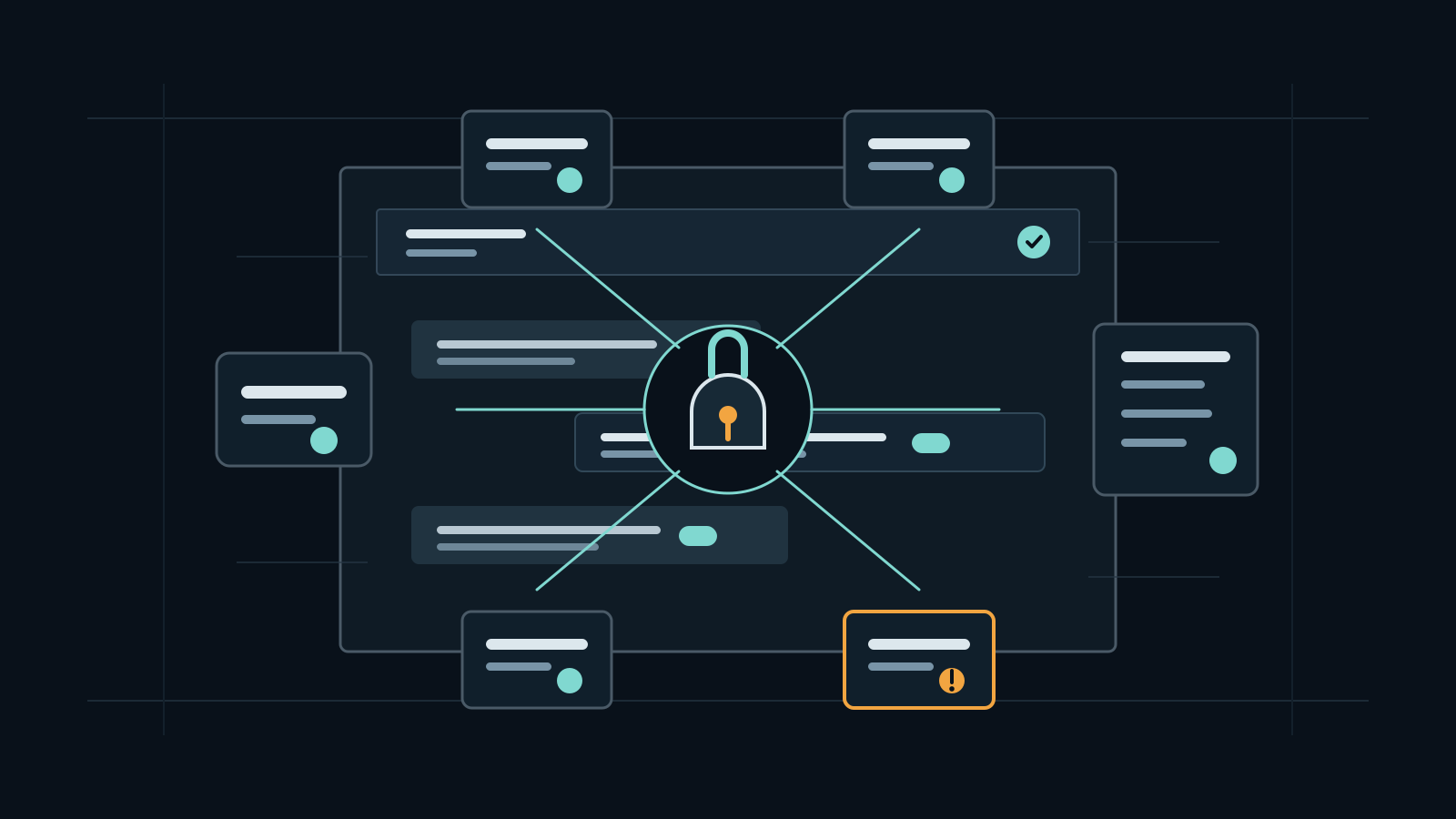
Linked devices are often treated as a convenience setting: add a desktop app, scan a QR code, keep working when the phone is offline, and forget about it. The primary sources show why that view is too narrow. Signal says linked devices can receive synced chats and recent media during setup, then continue working without the phone online. Meta's WhatsApp engineering writeup says each companion device has its own identity key and receives independently encrypted message fanout. Telegram tells users to review active sessions after phone loss, and Slack exposes sign-in devices through access logs.
The practical conclusion is simple: a linked device is an endpoint, not a harmless mirror. End-to-end encryption can still be working exactly as designed while an old laptop, unmanaged browser session, shared family tablet, contractor workstation, or stolen phone remains able to read new messages. Sensitive groups need device review, remote logout, offboarding, local storage policy, and incident response steps that treat chat clients like any other production access path.
Key Takeaways
- check_circle Treat the linked-device list as part of the conversation's trust boundary, especially for high-risk rooms.
- check_circle End-to-end encryption protects transport and provider access, but every authorized endpoint can still decrypt what it receives.
- check_circle Initial history transfer is sensitive because a newly linked desktop or tablet may receive older chats, media, and local state.
- check_circle Remote logout and device review should be routine, not only a panic step after a stolen phone.
- check_circle Workspace chat needs audit signals such as sign-in logs, session revocation, device inventory, and offboarding checks.
- check_circle Disappearing messages, backups, and linked devices should be reviewed together because each changes where chat history can remain.
The Device List Is Part Of The Conversation
A private room is not only defined by its member list. It is also defined by the devices and sessions attached to those members. A user may be careful about who joins a Signal group or WhatsApp chat while paying less attention to the old desktop client that still receives messages. That device might sit on a shared machine, an unmanaged personal laptop, a browser profile synced to a family computer, or a contractor endpoint outside the organization.
This matters because modern messaging products deliberately make multi-device use durable. Signal's support page says a linked desktop or iPad can work after the phone goes offline and that there is a limit of five linked devices per phone. WhatsApp's multi-device architecture was built to remove the old dependency on the phone as the constant source of truth. Telegram's FAQ points users to active sessions when a phone is stolen. In each case, device state becomes part of account state.
The First Sync Is A Sensitive Moment
Linking a new device is not just a login event. It can be a history transfer event. Signal says all chats and the last 45 days of media can be synchronized from the mobile phone the first time a linked device is set up. Meta's WhatsApp engineering writeup says that when a companion device is linked, the primary device encrypts a bundle of recent chat messages and transfers it to the newly linked device. From that point forward, the companion device uses its own local database.
That first sync creates a different risk profile from a normal message delivery event. A newly approved desktop can suddenly hold material from before the device existed in the user's workflow. If the device is unmanaged, malware-infected, shared, or later sold without proper wiping, the conversation's retention story has changed. For sensitive groups, the act of linking a device deserves the same scrutiny as joining a new member.
Stale Devices Make Offboarding Weak
Offboarding often focuses on the obvious account: disable the user, remove the group member, revoke SSO, and collect the laptop. Chat tools can leave softer edges. A user may have personal linked devices, a spare tablet, a desktop client on a home machine, an old phone with an active session, or a browser profile that was never reviewed. If the chat account is still live, those endpoints can continue to receive messages until the platform, user, or admin revokes them.
Telegram's stolen-phone guidance is blunt about this operational reality: if the user still has access to Telegram on another device, they should enable two-step verification and terminate the old device's session. That is useful incident guidance, but organizations should not wait for theft. Device review should happen after role changes, team exits, travel to high-risk locations, suspected malware, lost hardware, and before adding a user to a room that handles security, legal, finance, wallet, or incident material.
Workspace Chat Needs Audit Signals
Enterprise collaboration platforms have a different device model from end-to-end encrypted messengers, but the security lesson is similar. Slack's access-log documentation says owners and admins on paid plans can view sign-in details, IP addresses, and device lists for workspace members. It also notes that access-log entries can be generated when members open the desktop app or web client, sign in with a unique IP address and device, or act through an app or bot on their behalf.
Those records should feed operational review. Admins need to know when a privileged moderator, finance user, community manager, or security responder is signed in from an unexpected device. The useful controls are not exotic: SSO, MFA, session duration, managed device requirements where available, access-log review, token revocation, and a defined sign-out process. Without that, a workspace can have good channel permissions while still leaving message access on stale endpoints.
A Practical Policy For Sensitive Rooms
A sensible policy starts by classifying rooms. Public support, announcements, and low-risk community chat may tolerate broad multi-device use. Vulnerability coordination, token-gated admin rooms, wallet support, legal, HR, finance, founder groups, and incident-response channels should be stricter. For those rooms, require members to review linked devices before joining, remove stale sessions, use device passcodes, avoid shared machines, and report lost devices immediately.
The policy also needs a response path. If a suspicious device appears, remove it, rotate account credentials where the platform supports it, revoke workspace sessions, check recent message exposure, and decide whether the group needs notification. When the device belongs to a workspace user, preserve relevant access logs before they age out. The goal is not to ban multi-device chat. It is to stop pretending that the conversation ends at the phone.
Checklist
- Review linked devices before adding a user to high-risk rooms.
- Remove old desktop, tablet, browser, and phone sessions after travel, role changes, or offboarding.
- Treat first-time history sync as sensitive when linking an unmanaged device.
- Require screen locks, disk encryption, and malware controls on devices that handle sensitive chats.
- Use workspace access logs to spot unexpected IP addresses, clients, and device classes.
- Document who can approve linked devices for incident, legal, finance, and wallet-support rooms.
- During chat account compromise, revoke devices before discussing response details in that same account.
Sources
- Signal Support: Linked Devices open_in_new
- Meta Engineering: How WhatsApp enables multi-device capability open_in_new
- WhatsApp Security open_in_new
- Telegram FAQ open_in_new
- Slack Help Center: View access logs for your workspace open_in_new
- Matrix End-to-End Encryption implementation guide open_in_new
- NIST SP 800-63B: Authentication and Lifecycle Management open_in_new
Continue Reading
INFINITERED Turns Research Apps Into Cloud Mail Risk
Google GTIG says UNC6508 used REDCap compromises, credential harvesting, and Workspace content compliance rules to exfiltrate research email. The response has to join web-app patching with cloud-admin review.
AutoJack Shows Localhost Is An Agent Attack Surface
Microsoft's AutoJack research shows how a browsing AI agent can cross a loopback trust boundary into a local MCP control plane. Agent builders need authentication, isolation, executable allowlists, and sandboxing.
Meeting Transcripts Turn Calls Into Searchable Records
Teams, Google Meet, Slack huddles, and AI note tools make meeting capture easy. Security policy has to treat recordings and transcripts as durable collaboration data.