Meeting Transcripts Turn Calls Into Searchable Records
Teams, Google Meet, Slack huddles, and AI note tools make meeting capture easy. Security policy has to treat recordings and transcripts as durable collaboration data.
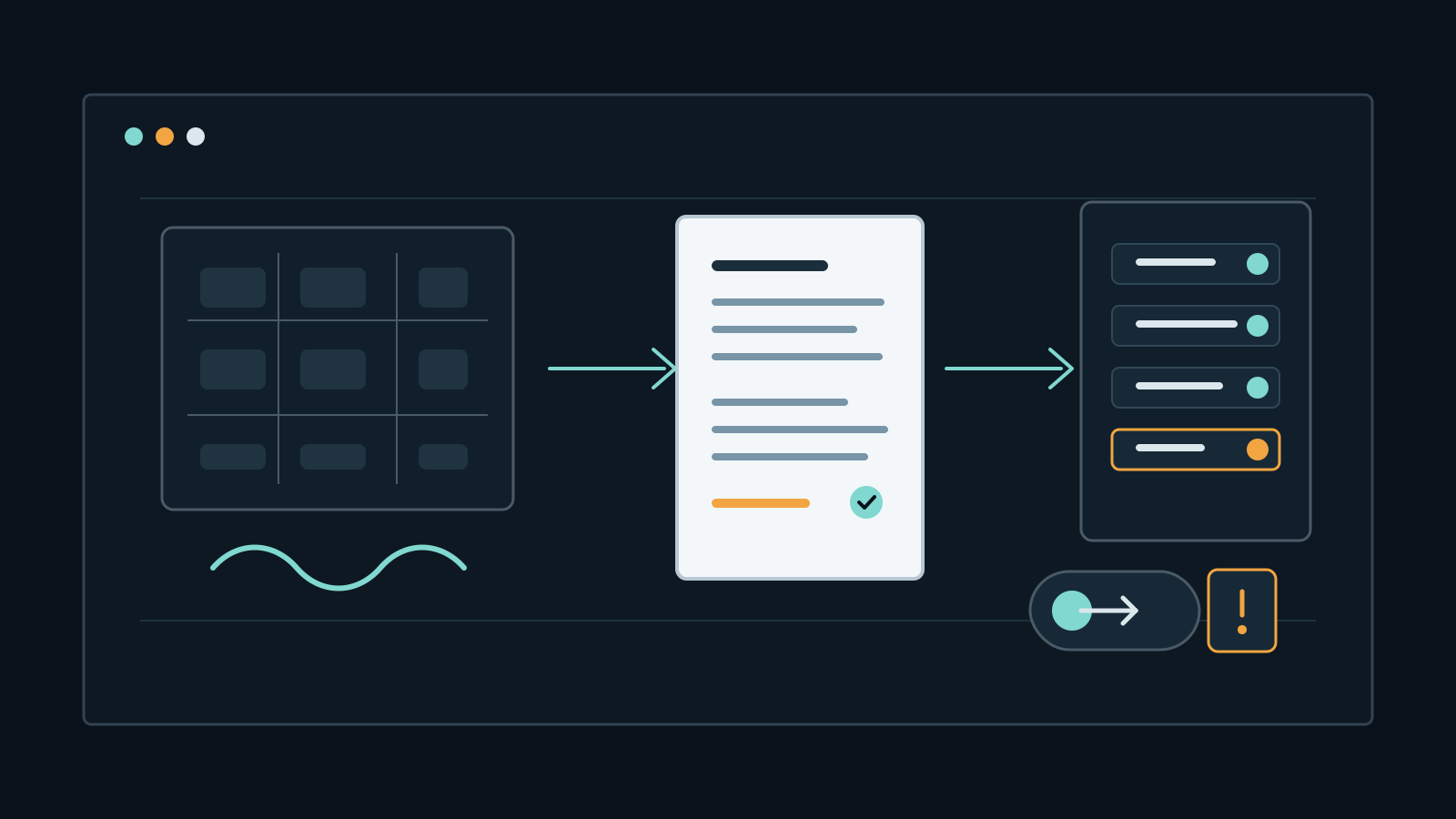
Meeting capture has moved from a deliberate archive action to an everyday collaboration feature. Microsoft says Teams recordings are saved into OneDrive or SharePoint, appear in meeting chat and Microsoft 365 surfaces, and can be indexed by Microsoft 365 Search. Google Meet says recordings are saved to the organizer's Drive and links are added to calendar events. Google also says transcripts are saved to the organizer's Drive and can be attached to the calendar event for invitees in the host organization.
That turns a call into a file, a transcript, a search object, an eDiscovery target, and sometimes an AI-notes input. The risk is not that recording is always wrong. It is that organizations often let capture policy lag behind the sensitivity of the meeting. A board call, incident bridge, customer-support escalation, moderation review, product strategy session, or wallet-compromise response may need stricter rules than an ordinary weekly sync.
Key Takeaways
- check_circle A recorded meeting should be governed like a sensitive document, not like a temporary call.
- check_circle Transcripts are often easier to search, forward, retain, and misread than video recordings.
- check_circle Storage location, sharing permissions, download controls, calendar attachments, and search indexing decide the real blast radius.
- check_circle Consent and notice controls are security controls because they decide when capture can start and who can stay in the room.
- check_circle External participants and compliance-recording configurations can create capture paths outside the host organization's defaults.
- check_circle Sensitive meeting classes need default-off capture, short retention, owner review, and clear post-incident cleanup.
Recording Turns A Call Into A File
A live call is ephemeral only until someone records it. Microsoft Teams documentation says a recording captures audio, video, and screen sharing activity, then gets uploaded to the organizer's OneDrive for private meetings or SharePoint for channel meetings. Google Meet documentation says recordings include the active speaker and anything presented, can save captions, and are stored in the organizer's Meet Recordings folder in Drive. These are file systems with permissions, sharing, retention, and discovery, not a side channel separate from the rest of collaboration data.
That file shift matters because a meeting can contain material that participants would never paste into a ticket or channel: credentials shown during troubleshooting, unreleased financials, legal strategy, layoffs, private customer data, incident indicators, exploit details, or sensitive health and identity information. Once recorded, the meeting inherits the storage platform's defaults and the organizer's sharing behavior. The security decision is made before the red recording indicator appears.
Transcripts Are More Searchable Than Video
Video is bulky and slow to scan. Transcript text is compact, searchable, quotable, and easier to export into other tools. Microsoft says Teams transcription creates a real-time written record with timestamps and speaker attribution, and that users can find a searchable transcription stored with the meeting recording. Google says Meet transcripts include spoken words, are saved in the organizer's Drive, and can be attached to the calendar event. In practice, the transcript may become the most useful and sensitive artifact from the call.
That usefulness creates risk. A transcript can misattribute speech, capture names that were spoken casually, preserve false starts, include sensitive data read aloud for convenience, and expose context-free snippets to search. It can also outlive the reason it was created. Teams and Google Meet both provide admin controls, but administrators still need to decide which meeting classes should be transcribed, who can start transcription, who receives the artifact, and how long it should remain accessible.
Consent And Notice Are Policy Controls
Consent prompts are sometimes treated as legal UX, but they are also security controls. Google Meet documentation says administrators may require explicit consent before features such as notes, recording, or transcription, and that participants may leave instead of staying after capture starts. Microsoft Teams exposes policy controls for recording and transcription, including an explicit recording consent parameter for meetings created under a policy. Those settings decide whether capture can begin casually or only after a deliberate participant acknowledgment.
For routine meetings, a visible notice may be enough. For sensitive meetings, consent should pair with a meeting-class rule: no automatic recording, no transcription unless the owner states a reason, and no AI notes unless the notes destination is approved. If capture is necessary for compliance, the organizer should say where the record will live, who can access it, and when it will be deleted or reviewed. Vague notice does not fix a broad storage permission.
External Capture Is A Separate Threat Model
External participants complicate the story. Microsoft Teams documentation says external participants generally cannot record meetings except through third-party compliance recording, and that if an external Teams user with compliance recording enabled joins a meeting or call hosted by your organization, the other organization records that meeting or call for compliance purposes regardless of your organization's meeting recording setting. Organizers and presenters are notified and can remove the participant if they do not want that capture.
Slack huddles show a different version of the same boundary issue. Slack says huddles can start in any channel or DM, include links that can be shared, and can invite people who are not part of the channel or DM. Those invited people cannot see the surrounding messages or huddle thread, but they can still participate in the live conversation. Meeting security therefore cannot be reduced to the host platform's default recording toggle. It also has to account for who is in the room, which organization controls their client, and whether a shared huddle or meeting link widened access.
Governance Before Capture
A practical control set starts with meeting classes. Default ordinary team meetings one way, and sensitive meetings another way. For incident response, legal, HR, executive, finance, vulnerability coordination, customer breach, and wallet recovery calls, require the organizer to decide capture before the meeting starts. Set recording and transcription off by default where the platform allows it. If recording is required, name an owner, store it in a controlled location, block broad downloads where possible, and add a retention date.
The cleanup step matters as much as the start step. After a sensitive call, verify where the recording, transcript, chat export, AI notes, canvas, or meeting recap landed. Remove broad shares, check external access, shorten retention, and confirm whether the artifact is needed for evidence, compliance, or follow-up. A recording can be useful, but only if the organization remembers that it stopped being a call and became a record.
Checklist
- Classify meetings before capture: ordinary collaboration, regulated record, sensitive operation, or incident response.
- Turn recording, transcription, and AI notes off by default for high-risk meeting classes where possible.
- Define who can start capture, who receives the artifact, and who owns deletion or retention review.
- Check OneDrive, SharePoint, Drive, calendar, chat, huddle thread, and canvas destinations after sensitive calls.
- Limit downloads and external sharing for recordings and transcripts that contain sensitive data.
- Warn participants when external compliance recording or another organization's capture policy may apply.
- Treat transcripts as text records for search, eDiscovery, DLP, retention, and breach scoping.
Sources
- Microsoft Learn: Manage Teams recording policies for meetings and events open_in_new
- Microsoft Learn: Manage transcription and captions for Teams meetings open_in_new
- Microsoft Learn: Teams recording and transcript storage and permissions open_in_new
- Google Meet Help: Record a video meeting open_in_new
- Google Meet Help: Use Transcripts with Google Meet open_in_new
- Google Workspace Admin Help: Turn Meet recording on or off open_in_new
- Slack Help Center: Use huddles in Slack open_in_new
Continue Reading
AutoJack Shows Localhost Is An Agent Attack Surface
Microsoft's AutoJack research shows how a browsing AI agent can cross a loopback trust boundary into a local MCP control plane. Agent builders need authentication, isolation, executable allowlists, and sandboxing.
Linked Devices Make Chat Security An Endpoint Problem
Signal, WhatsApp, Telegram, Slack, and other chat tools all extend conversations across devices. That convenience makes the device list part of the security boundary.
Apple Intelligence Tokens Show Privacy Needs Device Binding
A new academic paper says Apple confirmed a cross-device token replay issue in Apple Intelligence. The practical lesson is that anonymous AI access tokens still need proof-of-possession, device binding, and careful telemetry.