Passkeys Move Account Risk To Recovery
Passkeys remove the reusable password from login, but the hard security work moves to recovery, sync, device binding, fallback methods, and privileged account policy.
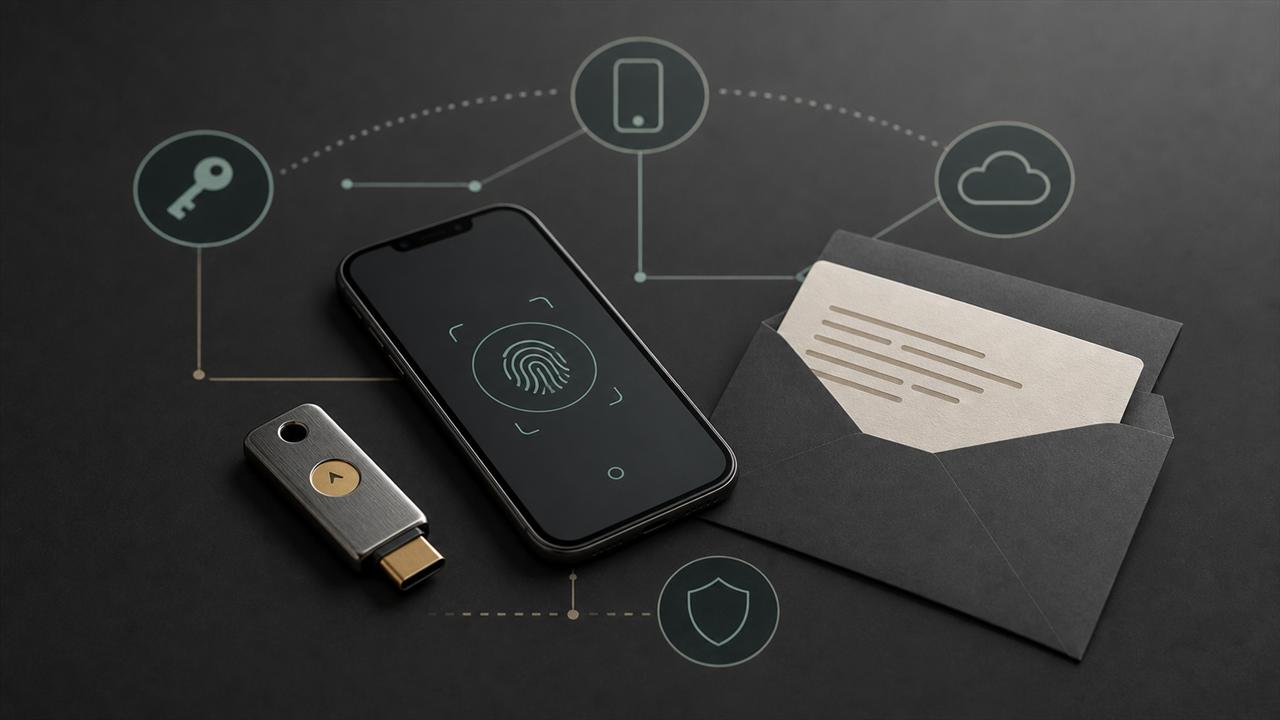
Passkeys are a real improvement over passwords because they replace shared secrets with public-key credentials scoped to a website or app. A normal phishing page cannot replay a passkey against the real service, and a database breach does not give attackers a password hash they can crack and reuse elsewhere.
That improvement does not remove account risk. It moves the risk to enrollment, passkey sync providers, device loss, recovery, fallback methods, administrator policy, and session management. A service that adds passkeys but keeps weak email recovery, SMS reset, broad help-desk override, or stale sessions has changed the login ceremony without fixing the full account lifecycle.
Key Takeaways
- check_circle Passkeys are strongest when the service also removes or tightly limits password and SMS fallback paths.
- check_circle Syncable passkeys improve usability and recovery, but they introduce dependency on the passkey provider's account and device bootstrap controls.
- check_circle Device-bound passkeys are better for administrators and high-risk roles, but they require spare authenticators and a tested recovery workflow.
- check_circle Relying parties should log enrollment, deletion, provider type signals where available, recovery events, and unusual new-device patterns.
- check_circle A phishing-resistant login can still be bypassed by compromised recovery, support overrides, OAuth token theft, or long-lived sessions.
What Passkeys Actually Fix
The core passkey win is that the server no longer asks users to prove knowledge of a reusable string. WebAuthn creates a key pair through an authenticator, stores the private key in the user's device or passkey provider, and gives the relying party a public key. During sign-in, the authenticator signs a challenge for that relying party. The secret is not typed into a page and is not stored by the service.
That design directly reduces credential phishing, credential stuffing, password reuse, and password database fallout. A fake login page can still trick a user, but it should not receive a password that can be replayed. A stolen verifier database should not contain password material that can be cracked. The protocol also binds credentials to a relying-party identifier, which is why origin and domain handling matter so much.
This is why CISA and other security bodies group FIDO-style authentication with phishing-resistant MFA. The important phrase is phishing-resistant, not magic. A passkey protects one part of the account path: proving possession of a registered credential at login. Everything around that proof still has to be designed and monitored.
Syncable Versus Device-Bound Is The Core Choice
Passkeys are not all the same operational object. A syncable passkey can move across devices through a passkey provider such as a platform credential manager or password manager. A device-bound passkey stays on the physical device or security key that created it. Both can be based on FIDO and WebAuthn, but they make different security and recovery tradeoffs.
Syncable passkeys are attractive for consumer accounts because people replace phones, add laptops, and forget to register backup hardware. If a new device can restore passkeys after the user proves control of the provider account and local screen-lock secret, support load drops and lockout risk falls. That is a strong reason to use them for broad adoption.
Device-bound passkeys are more constrained. The private key is supposed to remain on the specific device or hardware authenticator, which gives administrators a clearer control story for privileged access. The tradeoff is friction. Teams must issue spare authenticators, track inventory, handle travel and loss, and rehearse emergency access without falling back to a weak channel.
Recovery Becomes The Attack Surface
Many account takeovers do not begin with the login screen. They begin with reset, recovery, support, or device enrollment. Passkeys can make the front door much harder to phish while leaving the side door mostly unchanged. If the same account can be recovered through email alone, SMS alone, a call-center script, or a one-time code sent to a compromised mailbox, the attacker will move there.
The recovery design should match the value of the account. For a low-risk consumer service, a synced passkey plus strong provider recovery may be a good improvement over passwords. For a corporate administrator, exchange operator, developer maintainer, journalist, or community owner with financial or safety exposure, recovery should require stronger proof, waiting periods, multiple trusted contacts, hardware backup, or help-desk approval with audit.
The hard part is usability under stress. A recovery plan that only works when the user has every device is not a plan. A recovery plan that lets one support agent bypass phishing-resistant authentication is also not a plan. The useful middle ground is explicit: document backup authenticators, account recovery channels, emergency break-glass roles, and revocation steps before someone loses a device.
Enrollment Needs Policy, Not Just UX
Passkey rollout often focuses on the happy path: show a friendly prompt, let the browser or platform store the credential, and reduce sign-in friction. That is necessary, but enrollment is a privileged security event. A newly added credential may be the attacker's durable way back into an account after a short compromise.
Services should treat passkey creation, deletion, and provider changes as events worth protecting. Require fresh authentication before enrollment. Notify existing trusted channels when a passkey is added. Show users where passkeys are registered. Let them remove old credentials. For business accounts, expose administrative logs and policy controls for allowed authenticator types where the platform can provide useful signals.
The same caution applies to first enrollment after password login. If a password and weak second factor are already compromised, a prompt that lets the attacker register a passkey can turn a temporary breach into persistent access. Risk scoring, device context, recent session age, and step-up requirements belong in the enrollment path.
Privileged Accounts Need A Different Bar
A company can reasonably allow synced passkeys for most employees while requiring device-bound passkeys for administrators, finance approvers, production engineers, and identity operators. Microsoft makes a similar distinction in its Entra guidance by recommending device-bound passkeys for admins and highly privileged users while using synced passkeys for ordinary users.
That split matters because the impact is different. If a normal user's passkey provider account is recovered by an attacker, the blast radius may be one mailbox or workspace account. If an identity administrator's credential is recovered, the attacker may be able to add applications, change conditional access, mint sessions, or disable controls for many users.
High-risk roles should also have session and token policy aligned with passkeys. Phishing-resistant login does not stop an attacker who steals a valid session token from a compromised browser. Shorter session lifetimes for admin consoles, device posture checks, token revocation playbooks, and reauthentication for sensitive actions still matter.
What To Measure Before Calling It Passwordless
A passkey launch is not complete when the button works. The service should measure how many users still have passwords enabled, which fallback methods remain, how many accounts have at least two viable authenticators, how recovery requests are approved, and how often new credentials appear from unfamiliar devices.
For community platforms and collaboration tools, the policy should also identify account owners who can change billing, bots, webhooks, moderation roles, invite links, or encryption settings. Those users need stronger enrollment and recovery rules than ordinary members because their accounts control other people's security boundaries.
The practical conclusion is direct: passkeys are worth deploying, but they are not the final state. They are the point where teams can stop spending most of their energy on password hygiene and start fixing the account lifecycle that passwords had been hiding.
Checklist
- Inventory every fallback path that can recover or reset an account after passkeys are enabled.
- Require at least two viable authenticators for high-value accounts before disabling passwords.
- Use device-bound passkeys or hardware security keys for administrators and other privileged roles.
- Protect passkey enrollment with fresh authentication, notifications, risk checks, and audit logs.
- Review session lifetime, token revocation, and reauthentication for sensitive actions.
- Train support teams on recovery rules that cannot be bypassed by social pressure.
- Measure lockouts and recovery failures so stronger policy does not quietly create unsafe workarounds.
Sources
- FIDO Alliance: Passkeys open_in_new
- FIDO Alliance: Synced Passkey Deployment open_in_new
- NIST SP 800-63B: Authentication and Lifecycle Management open_in_new
- W3C Web Authentication Level 3 open_in_new
- CISA: Implementing Phishing-Resistant MFA open_in_new
- Google for Developers: Passkeys open_in_new
- Microsoft Entra ID: Passkey FAQ open_in_new
- Apple Support: About the security of passkeys open_in_new
Continue Reading
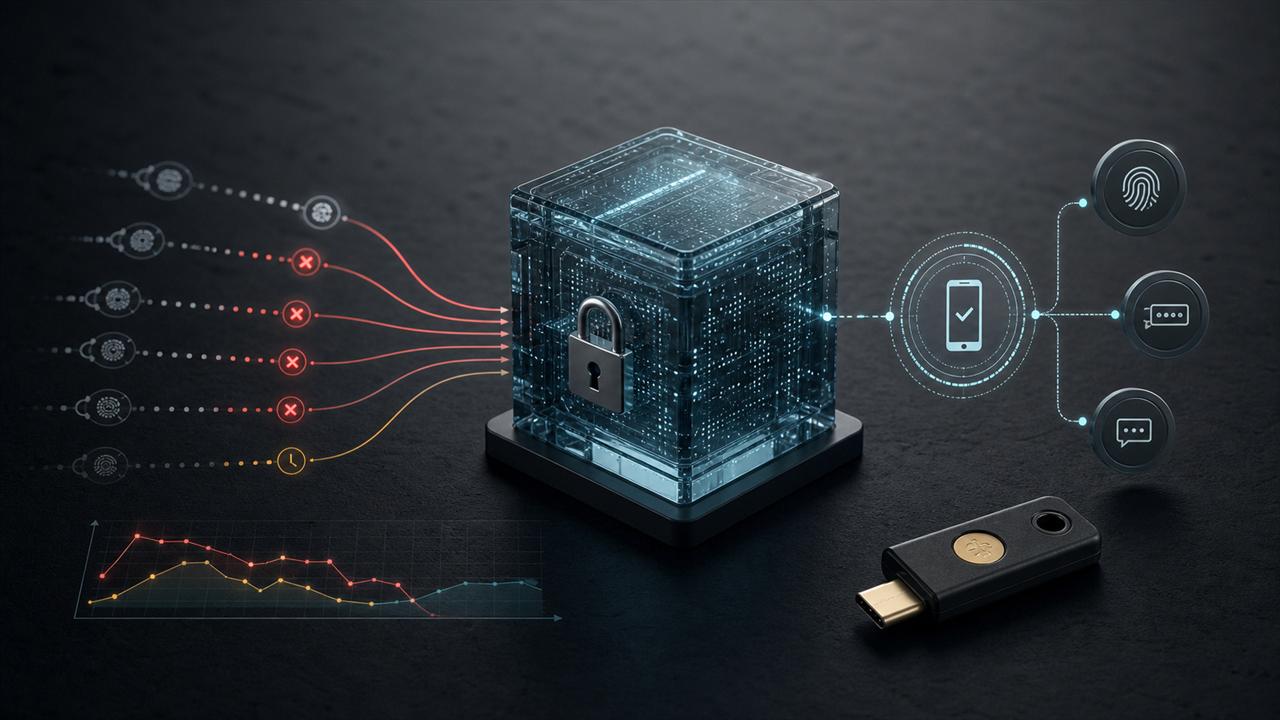
Dashlane Attack Shows Vault Risk Starts At Login
Dashlane confirmed a brute-force campaign against user accounts, while reporting says encrypted vault data for a small number of accounts was downloaded. The practical lesson is account hardening, cryptography settings, device approval, and response planning.
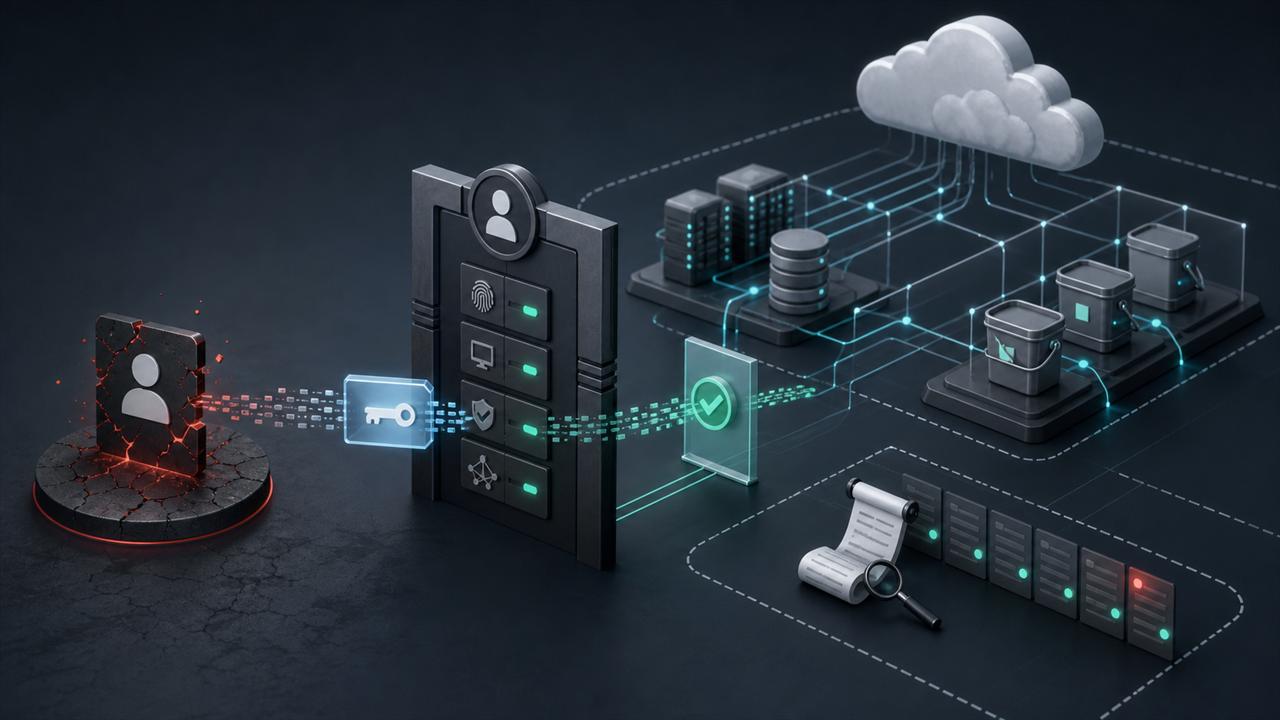
Storm-2949 Turns Password Reset Into Cloud Breach
Microsoft's Storm-2949 report shows how self-service password reset abuse can become cloud-wide access across Key Vault, web apps, SQL, storage, VMs, and MFA registration.
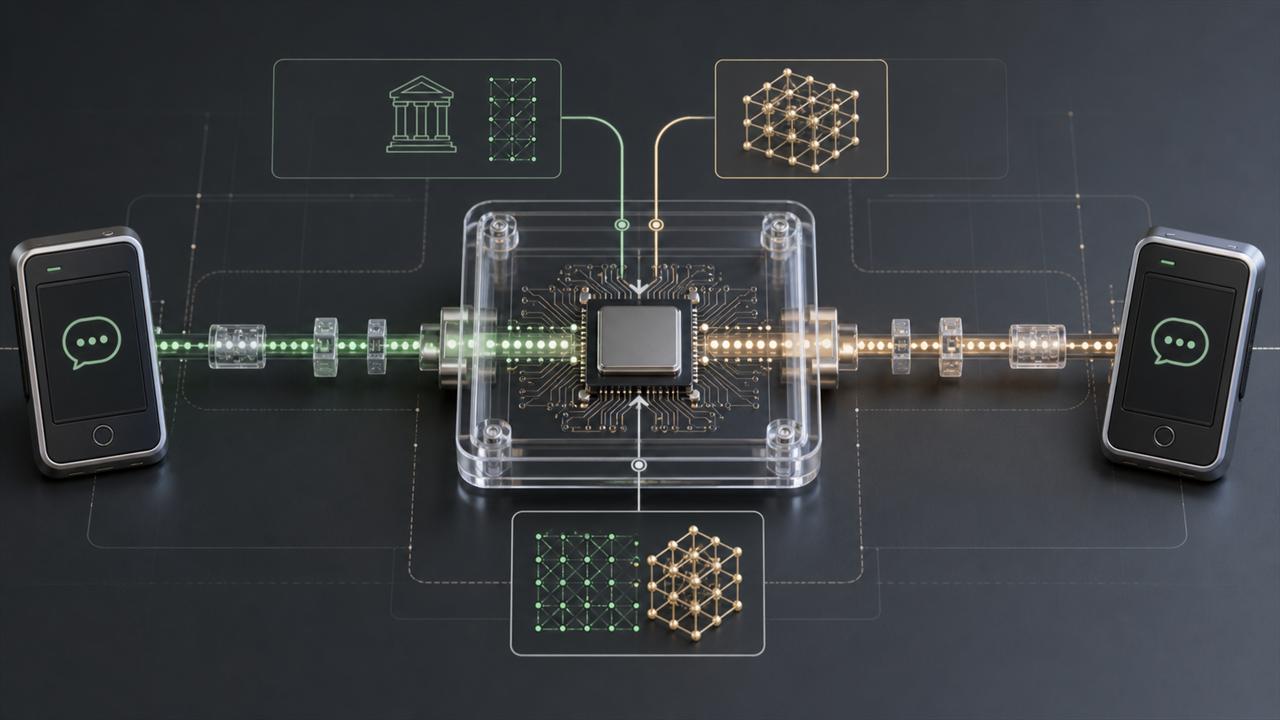
Post-Quantum Messaging Needs More Than New Keys
Quantum-safe messaging is not a single algorithm swap. Teams need to understand hybrid key agreement, ratchets, group behavior, backups, identity keys, and migration transparency.