Disappearing Messages Are A Retention Policy, Not Erasure
Timers in Signal, WhatsApp, Telegram, and enterprise chat tools reduce local history, but screenshots, backups, linked devices, exports, bots, and legal holds still decide what survives.
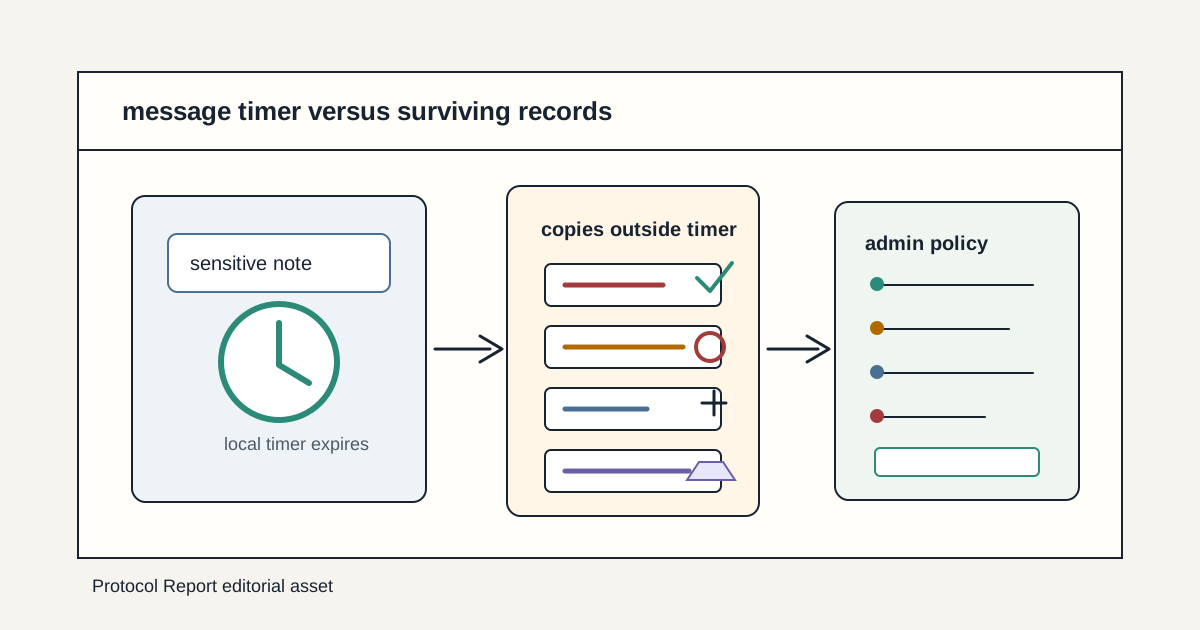
Disappearing messages are useful because they reduce casual accumulation. They keep old chats from becoming permanent searchable archives on every device, and they can lower the amount of context exposed when a phone is lost or a workspace member leaves. But they are not a deletion guarantee. The sender, recipient, platform, backup system, linked device, bot, export process, and compliance layer can each create a separate record.
For private communities, the right model is retention policy. Decide what conversations should expire, what evidence must be preserved, which devices and integrations are trusted, and what users should assume about screenshots and forwarded material. A timer is one control in that policy. It cannot carry the whole privacy promise by itself.
Key Takeaways
- check_circle Disappearing-message timers usually apply to new messages after the setting is enabled, not to every past copy of a conversation.
- check_circle A message can disappear from one device while copies survive in screenshots, camera photos, backups, exports, notification previews, or another participant's records.
- check_circle Signal's support page explicitly frames disappearing messages as a way to keep history tidy, not as protection against an adversarial recipient.
- check_circle Telegram separates cloud chats from Secret Chats, and its self-destruct behavior depends on chat type, devices, and screenshot limitations.
- check_circle Enterprise retention systems such as Microsoft Purview can preserve or delete chat content by policy, which may override user expectations about ephemerality.
- check_circle Sensitive communities should state when timers are for privacy hygiene, when logs must be preserved, and when members should avoid the chat channel entirely.
Timers Reduce Accumulation
The strongest everyday value of disappearing messages is simple: less old material sits around. People send addresses, health details, school information, wallet screenshots, access codes, moderation context, and emotional messages in chats that were never designed as records systems. A timer can lower the amount of stale context that remains on phones, laptops, and shared tablets months later.
That reduction is still valuable even when it is imperfect. A lost phone with one week of message history is less damaging than a lost phone with six years of message history. A community support room that clears routine chatter can reduce secondary exposure after a moderator leaves. The mistake is turning that useful hygiene into an erasure promise. The timer controls one lifecycle path, not every possible copy.
Recipient Copies Are Outside The Promise
Signal's disappearing-message support page is unusually direct: the feature is not meant for a case where the contact is an adversary because a recipient can use another camera to photograph the screen. That warning is the right baseline for every chat app. If the recipient can see the message, the recipient can usually preserve it. Screenshot controls, screenshot alerts, and forwarding restrictions can raise friction, but they cannot defeat a second device pointed at the screen.
This matters for communities with harassment, extortion, doxxing, or insider-risk concerns. A disappearing timer can reduce accidental retention by trusted participants. It should not be used to send secrets to people who are not trusted with those secrets. The policy question is not only how long the app keeps the message. It is who can view it in the first place, which devices they use, and what incentives they have to keep a copy.
Backups And Linked Devices Change The Boundary
Backups are where many users misunderstand ephemeral chat. A message might be scheduled to disappear from the active conversation, but backups, device transfers, desktop clients, cloud sync, media saves, and notification databases can each have their own timing. WhatsApp's disappearing-message help page and Signal's support material both point users toward specific product rules rather than a generic deletion guarantee. Telegram's FAQ makes the split especially visible by separating cloud chats from Secret Chats.
Linked devices add another layer. A laptop client may receive a message while a phone is offline. A tablet may hold cached media. A desktop notification may show text outside the chat app. A mobile operating system may expose a preview on a lock screen. If a timer is part of a sensitive workflow, test it on every supported device class and decide whether previews, downloads, desktop use, and automatic media saves are allowed.
Enterprise Tools May Preserve What Users Expect To Vanish
Workplace chat is governed by more than app settings. Microsoft Purview documentation describes retention policies that can retain, delete, or retain and then delete content across locations including Teams chats, channel messages, Copilot interactions, SharePoint, OneDrive, and other Microsoft 365 data stores. That kind of compliance layer exists because organizations need records for legal, regulatory, employment, and security reasons.
The lesson for private communities using enterprise tools is clarity. A member may think a timer means the conversation is gone. An administrator may have configured retention for incident response, eDiscovery, or statutory obligations. Both can be true at different layers. If the community promises disappearing messages, the promise should say whether admin exports, legal holds, audit logs, backups, and moderation evidence are excluded from the timer.
Moderation Evidence Needs A Separate Path
Timers can conflict with moderation. If abusive messages vanish before staff can review them, victims may be asked to preserve their own evidence. If every moderator can bypass timers through exports, the privacy claim weakens. The fix is not to abandon disappearing messages. The fix is to define the evidence path: what reports capture, who can view them, how long they are retained, and when they are deleted.
Community operators should avoid relying on ad hoc screenshots as the only evidence workflow. Screenshots are easy to fake, hard to redact consistently, and often expose bystanders. A better design uses built-in reporting where available, restricted moderator logs, short retention windows for routine cases, longer preservation for severe abuse, and clear notice to members that reporting a message can create a durable review record.
A Practical Retention Model
Start by classifying rooms. Casual social rooms can use short timers to keep history light. Support rooms may need a defined ticket record and a shorter chat history. Moderator rooms may need enough retention to investigate abuse, but not unlimited archives. Legal, safety, financial, and wallet-related rooms may need the opposite approach: avoid casual chat for sensitive instructions and move decisions into systems with explicit audit controls.
Then test the lifecycle. Send sample messages with the timer enabled, change the timer, add a linked device, receive a notification, save media, make a backup, report a message, export data, remove a user, and search admin tools. The policy should match what actually survives. Once the test is complete, write a plain-language expectation: timers reduce normal history, recipients can still copy content, reports may preserve evidence, and truly sensitive material should not be sent to untrusted participants.
Checklist
- Define which rooms use timers, which rooms preserve records, and which topics should stay out of chat.
- Test timers across phones, desktop clients, tablets, notification previews, media downloads, and linked devices.
- Document whether reports, moderator logs, exports, legal holds, and backups can preserve disappearing messages.
- Tell members that disappearing messages reduce history but do not stop recipients from copying content.
- Use built-in reporting or restricted evidence workflows instead of broad screenshot collection.
- Review retention windows after incidents, staff changes, policy changes, and new platform features.
Sources
- Signal Support: Set and manage disappearing messages open_in_new
- WhatsApp Help Center: About disappearing messages open_in_new
- Telegram FAQ: Secret Chats and self-destructing messages open_in_new
- Microsoft Learn: Create and configure retention policies open_in_new
- NIST SP 800-88 Rev. 1: Guidelines for Media Sanitization open_in_new
- RFC 6973: Privacy Considerations for Internet Protocols open_in_new
Continue Reading
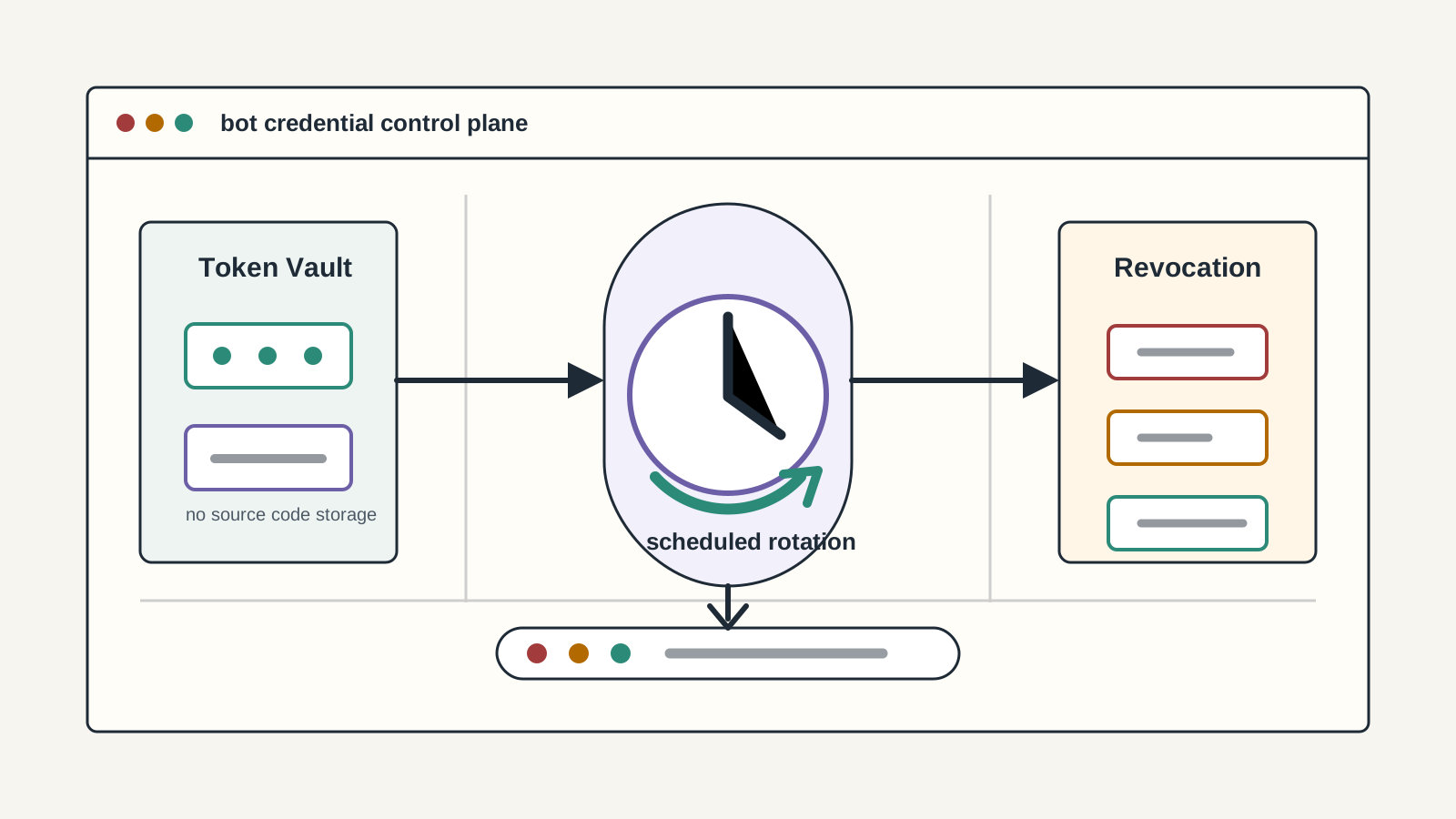
Bot Tokens Need Rotation Before The Leak
Discord, Slack, Telegram, and GitHub automation tokens are production credentials. Communities need ownership, storage, rotation, revocation, and leak-response policy before a bot becomes the breach path.
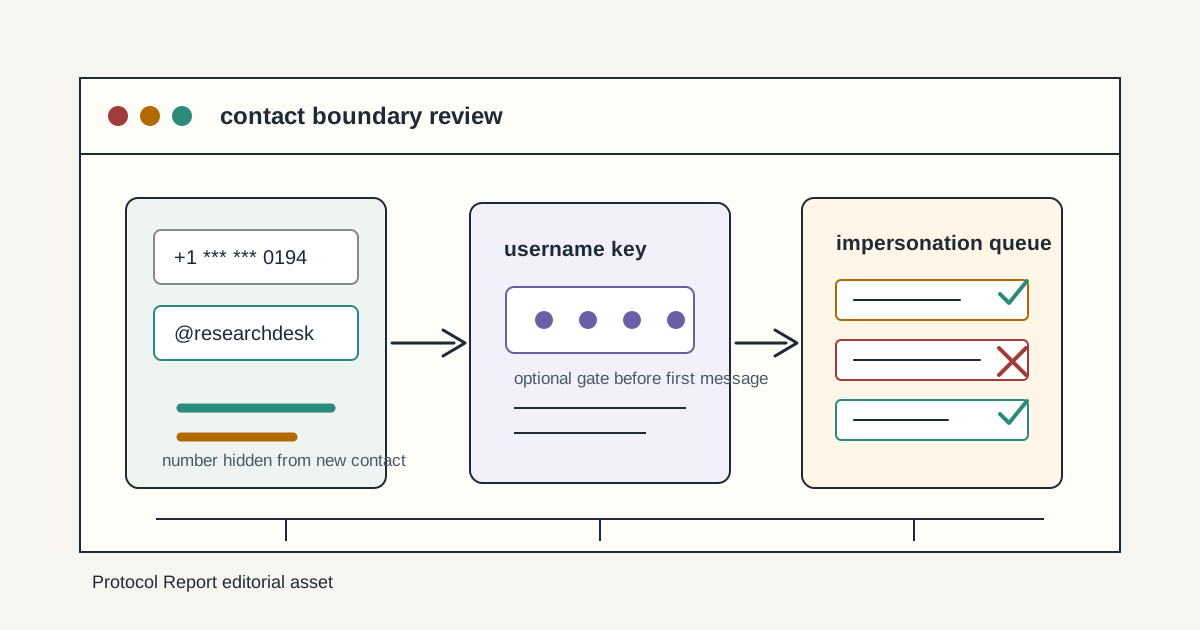
WhatsApp Usernames Move Contact Risk Away From Phone Numbers
WhatsApp's username reservation plan can reduce phone-number exposure, but it also adds impersonation, discovery, and abuse-reporting decisions that communities should treat as contact policy.
MFA Push Prompts Are Not Identity Proof
Push approvals can stop password-only compromise, but fatigue, phishing proxies, and weak recovery make them a consent surface. Treat prompts, number matching, and phishing-resistant MFA as admin policy.