Link Previews Turn Chat Into A Fetch Surface
URL previews in chat tools are not passive decoration. They fetch, parse, cache, and sometimes notify apps about links. Secure rooms need a preview policy as much as a message policy.
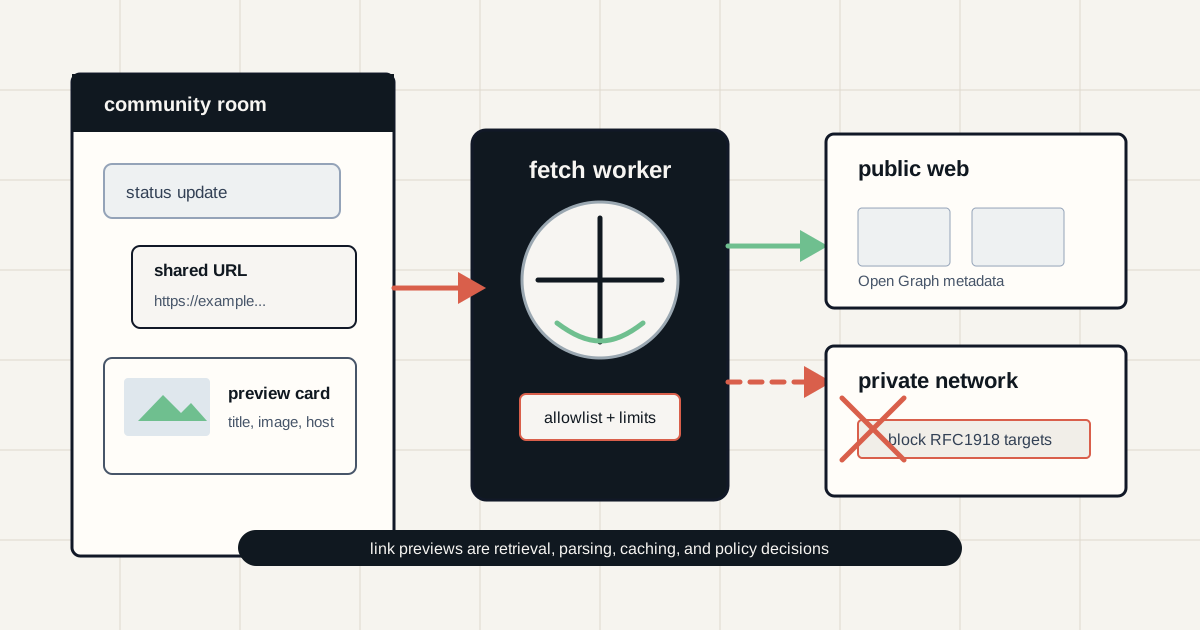
A link preview looks like a small convenience: title, thumbnail, domain, and sometimes a short description. Under the hood it is a retrieval system. Something fetches the URL, follows redirects, reads metadata, downloads images, caches content, and decides what to render inside a conversation.
That matters for private communities, incident rooms, legal teams, crypto groups, and administrators of self-hosted chat. Depending on the implementation, a preview can reveal a user's IP address to the target site, turn a chat server into a server-side request forgery primitive, disclose that a link was pasted before it was sent, or give a third-party app a stream of URLs from sensitive channels.
Key Takeaways
- check_circle Treat link previews as a network feature, not a purely visual UI feature.
- check_circle Client-side previews can expose the sender's network metadata to the destination site unless a privacy proxy or other mitigation is used.
- check_circle Server-side previews move that exposure to the chat provider or self-hosted server and can create SSRF risk if internal address ranges are not blocked.
- check_circle Slack app unfurling is an integration boundary because apps can receive link events for registered domains and attach richer preview content.
- check_circle Synapse makes the risk explicit: URL previews are off by default and require IP range blocking when enabled.
- check_circle Sensitive rooms should have a written policy for preview generation, app unfurl permissions, tracking links, and internal URLs.
The Preview Is A Fetch
Most users experience link previews as a trust aid. A raw URL becomes a card with a title and image, making phishing slightly easier to spot and conversation easier to scan. The preview usually comes from metadata such as Open Graph tags, which let a page advertise a title, image, canonical URL, type, and description. That metadata is useful, but it still has to be retrieved from somewhere.
The security question is who retrieves it. If the sender's device fetches the page directly, the destination site may see the sender's IP address, user agent, timing, and possibly other request details. If the chat service fetches the page, the destination sees the service or proxy instead, but the chat operator now has a URL fetcher that can be pointed at arbitrary places. Neither model is automatically wrong. Both need guardrails.
Signal Shows A Privacy-Preserving Model
Signal's link preview design is a useful reference because it explains the privacy problem directly. Signal says its app establishes a TCP connection through a privacy-enhancing proxy, negotiates TLS directly between the app and previewed site through that proxy, avoids generating previews for non-HTTPS links, and uses overlapping range requests for preview images. It also makes sending previews optional and removable before the message is sent.
That design narrows what Signal's service and the destination site can learn, but it also shows why previews are not trivial. Signal had to make deliberate choices about HTTPS-only support, proxy behavior, image fetching, and user control. A community tool that simply crawls any URL from a central server has made a very different security choice, even if the visual result is the same small card.
Slack Unfurls Are App Permissions
Slack's developer documentation separates classic link unfurling from Slack app unfurling and Work Objects. Classic unfurling is the default preview behavior for posted links. App unfurling lets an installed Slack app receive `link_shared` events for registered domains and then use `chat.unfurl` to attach custom content. Slack's docs also list the `links:read` and `links:write` scopes involved in that flow.
For admins, that means unfurling is not only about crawlers. It is also about app governance. An app that owns or registers a domain can learn when matching links appear, including channel and timestamp context described in Slack's event shape. That can be useful for internal ticket systems, documents, and incident tools. It also means link-preview capabilities should go through the same review as other app permissions: owner, scope, domain, data handling, retention, and removal plan.
Self-Hosted Chat Has SSRF Exposure
Self-hosted systems make the network risk easier to see. Synapse, the Matrix homeserver implementation, documents `url_preview_enabled` as disabled by default. Its configuration manual says that if URL previews are enabled, an IP range blacklist must be specified. The warning is blunt: without blocking internal services, anyone in a Matrix room could cause Synapse to issue arbitrary GET requests to internal services, creating serious security issues.
That is the same pattern behind server-side request forgery. A service accepts a URL, fetches it from a privileged network position, and returns or stores something about the response. The preview worker may have access to internal DNS, metadata services, admin panels, Kubernetes endpoints, cloud instance metadata, or services that are not reachable from the public internet. The safer design blocks private and link-local ranges, limits redirects, caps response size, restricts protocols, strips credentials, and logs preview attempts.
Embeds Can Also Mislead Readers
Even when the fetch path is safe, the card can still mislead. A page can set Open Graph metadata that looks cleaner than the destination deserves. Redirect chains can make the displayed host and the final destination hard to reason about. Image thumbnails can become bait. Short links, campaign parameters, and one-time tokens can carry information that should not be copied into a crowded channel.
Discord's message API reflects the practical existence of embeds and controls such as suppressing embeds. The broader operational point is simple: users and moderators should not treat a preview card as proof that a link is safe. The card is a rendering of metadata, not an endorsement. High-risk rooms should favor visible domains, unfurled previews from trusted systems only, and explicit warnings for password reset, wallet, package, and admin-console links.
Room Policy Beats Global Defaults
A single global setting rarely fits every room. A public announcements channel may benefit from previews because members can recognize articles, documentation, and release notes faster. A private incident room may need previews disabled because pasted URLs include internal dashboards, ticket IDs, signed upload links, or exploit research that should not be fetched by any third party. A crypto community may want previews on for official domains and off for wallet-connection links.
The policy should name the room classes. Public, support, moderation, incident, legal, finance, product, and private leadership rooms can have different defaults. Admins should also decide whether users may remove previews, whether bots and apps can unfurl links, whether internal domains are blocked, and how long preview caches live. If the tool does not expose those controls, the limitation belongs in the risk register.
What To Configure
For hosted collaboration tools, review app permissions and link-preview settings before a sensitive rollout. Audit installed apps that can read link events or write unfurls. Remove stale apps and domains. For self-hosted systems, put preview fetchers behind egress controls, block private address ranges, deny non-HTTP protocols, set small response and image limits, and treat redirects as untrusted until every hop is checked.
For users, the rule is practical: do not paste sensitive one-time URLs into a room where you would not also allow a preview worker, bot, or app to read them. Strip tracking parameters when possible. Prefer official domains over short links. In sensitive rooms, send context in text and leave previews off unless the tool's privacy model is understood.
Checklist
- Document whether each room class allows link previews, app unfurls, both, or neither.
- Disable previews in incident, legal, finance, recovery, and private-admin rooms unless there is a clear need.
- Audit Slack apps or similar integrations with link-read and unfurl-write permissions.
- For self-hosted preview workers, block private, loopback, link-local, multicast, and metadata-service address ranges.
- Cap fetch size, redirect depth, content types, and preview-cache lifetime.
- Avoid pasting signed URLs, password reset links, wallet connection links, internal dashboards, or temporary upload links into preview-enabled rooms.
- Teach moderators that a preview card is metadata rendering, not proof that the destination is safe.
Sources
- Signal: I link therefore I am open_in_new
- Slack Developer Docs: Unfurling links in messages open_in_new
- Discord Developer Docs: Message Resource open_in_new
- Synapse configuration manual: URL previews open_in_new
- OWASP Cheat Sheet Series: Server Side Request Forgery Prevention open_in_new
- The Open Graph protocol open_in_new
Continue Reading
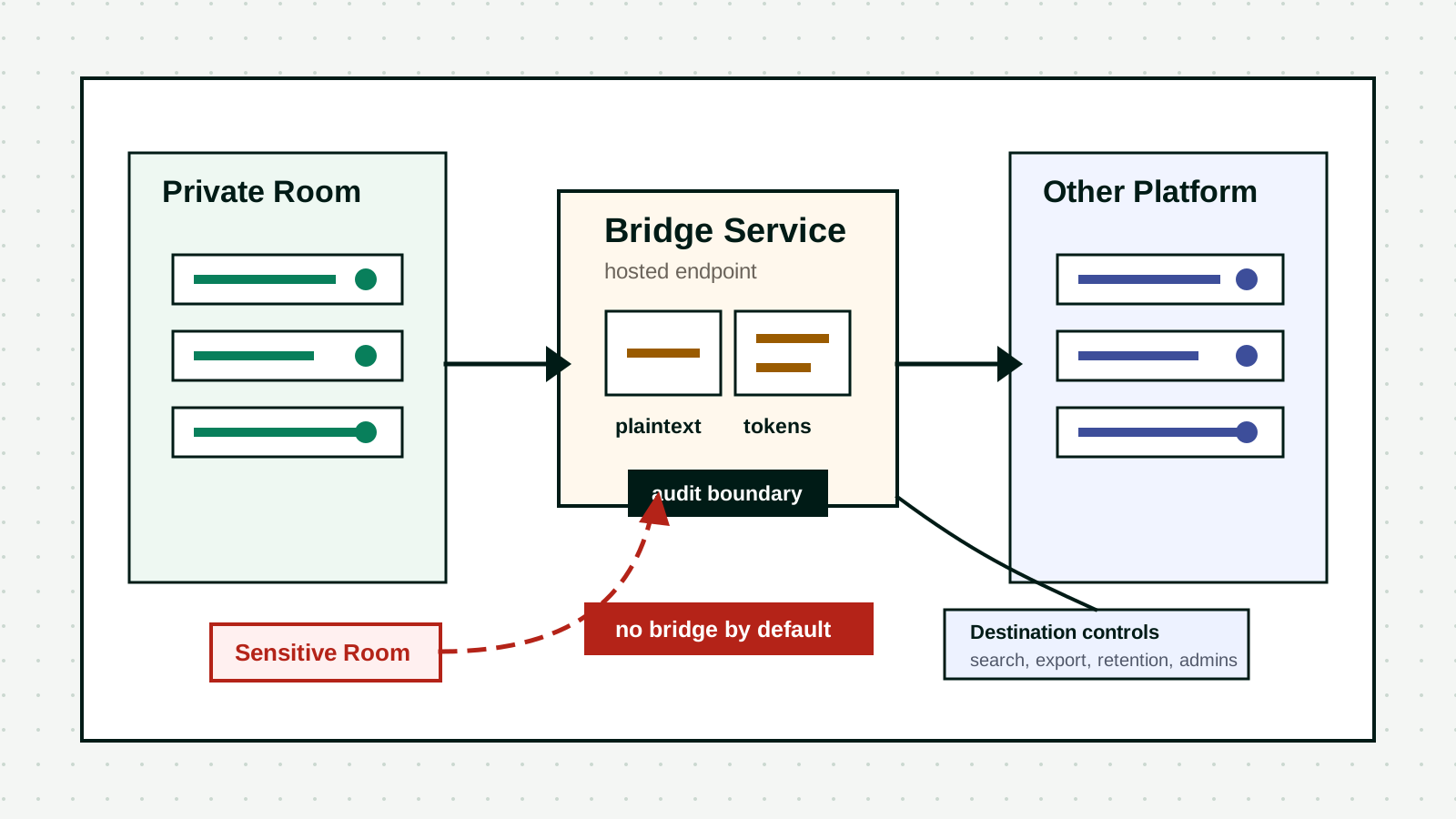
Chat Bridges Turn Private Rooms Into Shared Trust Boundaries
Matrix, Discord, Slack, Telegram, WhatsApp, and other bridges can make communities easier to operate, but they also move messages through bot identities, tokens, and bridge hosts. Treat a bridge as a production data path.
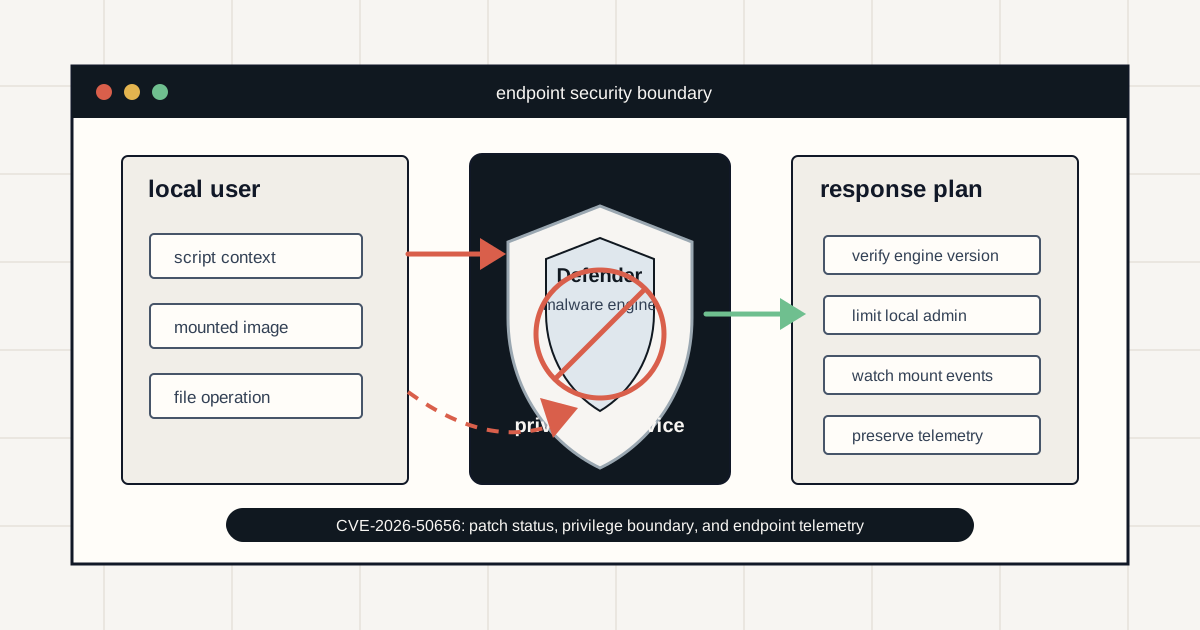
RoguePlanet Shows Defender Is Part Of The Attack Surface
Microsoft and NVD track CVE-2026-50656 as a Microsoft Defender Malware Protection Engine elevation-of-privilege issue. The practical response is patch readiness, local privilege control, and endpoint telemetry.
Telegram Restriction Turns Message Editing Into Platform Risk
India's National Testing Agency says Telegram access is restricted until June 22 and message editing is disabled until June 30 around the NEET re-exam. The practical issue is auditability, not only chat privacy.