SearchLeak Makes Enterprise AI Search A Data Egress Path
Varonis says Microsoft patched CVE-2026-42824 after a SearchLeak vulnerability chain in Microsoft 365 Copilot Enterprise Search. The durable lesson is permission hygiene and output control.
Varonis Threat Labs disclosed SearchLeak, a vulnerability chain it says could turn Microsoft 365 Copilot Enterprise Search into a data-exfiltration path after a user clicked a crafted Copilot link. Varonis says Microsoft patched the issue and assigned CVE-2026-42824. Microsoft documentation separately emphasizes that Microsoft 365 Copilot works within a user's permissions and organizational security controls.
That permission model is exactly why the story matters. Enterprise AI search does not need to break every access rule to create risk. If a user can reach too much email, OneDrive, SharePoint, calendar, or indexed connector data, an AI search surface can assemble and expose that data faster than a traditional app screen.
Key Takeaways
- check_circle SearchLeak is best understood as an enterprise AI search and output-sanitization failure, not as evidence that every Copilot deployment exposes all data.
- check_circle Varonis describes a chain involving prompt injection through a search parameter, a streamed HTML rendering race, and an outbound image-fetch path that bypassed the intended browser controls.
- check_circle The reported blast radius depends on what the clicked user could already access through Microsoft 365 and connected data sources.
- check_circle Microsoft patching the CVE reduces this specific path, but it does not fix broad SharePoint, OneDrive, mailbox, or connector oversharing.
- check_circle Copilot admins should test AI search like a data-egress surface, including URL parameters, rendered output, image loads, connector indexes, and audit logs.
- check_circle The incident supports a simple deployment rule: reduce over-permissioning before expanding enterprise AI search.
What Varonis Disclosed
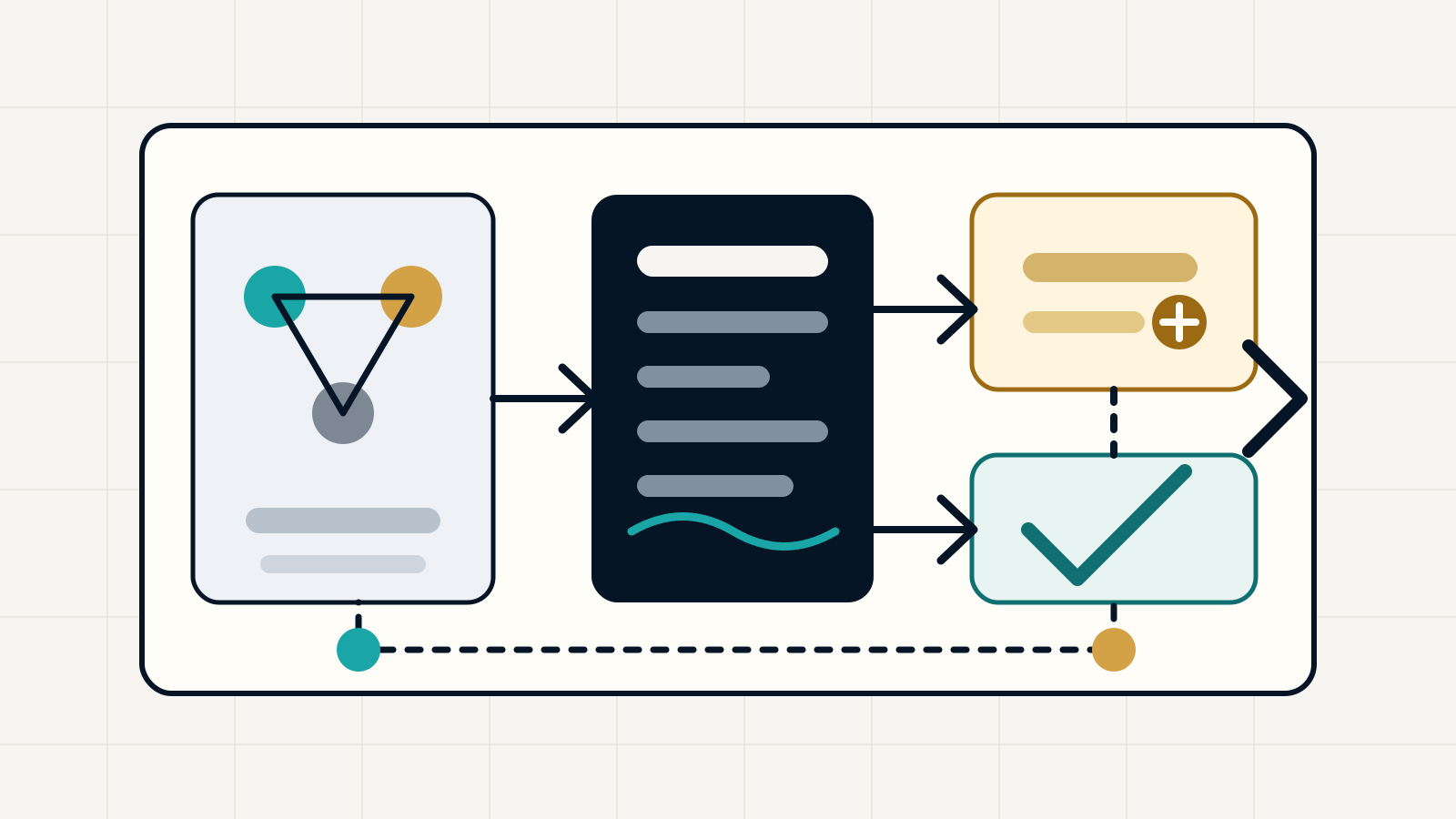
Varonis describes SearchLeak as a three-stage vulnerability chain against Microsoft 365 Copilot Enterprise Search. In the first stage, attacker-controlled instructions are embedded in a Copilot search link parameter. If a user clicks the link, those instructions can steer the search task. In the second stage, Varonis says streaming HTML behavior created a race where attacker-controlled markup could briefly execute before sanitization. In the third stage, the chain used an image-fetch path associated with Bing to send data outward.
The important restraint is that this is Varonis' technical disclosure. Microsoft has a CVE page for CVE-2026-42824, and Varonis says Microsoft patched the issue. Public reporting says Microsoft described the flaw as critical and said it was not known to be exploited. A responsible article should avoid adding claims beyond that record, such as assuming real-world compromise or naming affected tenants without evidence.
Why Enterprise Search Changes Prompt Injection
Prompt injection is old news if it only makes a chatbot say the wrong thing. It becomes operationally serious when the model is connected to search, files, mailboxes, calendars, identity, ticketing systems, repositories, or customer data. The model can retrieve content, transform it, and put it into an output format that other browser or service controls must then handle safely.
SearchLeak is a useful example because the prompt was not the only issue. The reported chain crossed boundaries: URL parameter to model instruction, model output to streamed HTML, rendered output to image request, and image request to an external server. Each boundary had a different security expectation. Enterprise AI teams need to test the chain as a system rather than treating prompt injection, CSP, SSRF, and output sanitization as unrelated bugs.
Permissions Are The Blast Radius
Microsoft's Copilot privacy and security documentation describes Copilot as operating within the user's existing permissions and tenant controls. That is a necessary design promise, but it is not a complete risk answer. Many organizations already have broad internal permissions because shared drives, SharePoint sites, mailboxes, Teams channels, and legacy groups have grown over years. AI search can make that sprawl more visible and more queryable.
That is why the realistic blast radius is the clicked user's accessible corpus. If a finance employee can search old acquisition folders, mailbox threads, calendar notes, and broad SharePoint libraries, an AI system can retrieve from those same areas. If a contractor has only a narrow project site, the impact is narrower. SearchLeak does not change the basic rule: least privilege matters more when retrieval gets faster.
Patch The Bug, Then Patch The Data Model
Organizations should still confirm that the Microsoft fix has reached their tenant and that no compensating control is disabled. Security teams should review any Microsoft advisories, service-health messages, endpoint detections, and proxy or DNS logs that might show suspicious Copilot links or unusual image-fetch behavior around the relevant disclosure window.
But patching this CVE is only the first action. The more durable work is data-model cleanup. Review oversized SharePoint groups, stale guests, open OneDrive links, mail-enabled security groups, Teams channel memberships, and third-party connectors. Apply sensitivity labels where they are meaningful. Use Purview and audit tooling to find overshared locations before users can retrieve them through AI search.
Controls For AI Search Surfaces
Treat enterprise AI search links as privileged inputs. URLs that carry search parameters, workspace IDs, prompt context, connector scopes, or deep-link state should be validated and logged. Security gateways should not assume a link is safe because it points at a trusted Microsoft domain. A trusted domain can still carry attacker-supplied instructions inside a parameter.
Treat rendered model output as untrusted content. That means strict sanitization, conservative streaming behavior, CSP review, isolation for rich output, and monitoring for unexpected external image or link loads. The point is not to ban rich responses forever. It is to ensure the model cannot turn retrieved confidential data into an outbound request before browser and service controls have applied.
How To Respond Without Panic
The right response is measured. Do not tell employees that Copilot has exposed everything unless incident evidence supports that claim. Do tell admins that AI search should be included in data-loss and identity reviews. Ask whether sensitive material is discoverable through ordinary user permissions, whether external guests have aged out, whether connector indexes include stale systems, and whether audit logs can reconstruct unusual retrieval events.
For organizations still piloting Microsoft 365 Copilot, SearchLeak is a useful gate. Before broad rollout, prove that high-risk repositories have owners, sensitivity labels are applied where they matter, guests and stale groups are under control, and security operations can investigate AI search activity. AI assistants do not erase old access-control debt. They make that debt easier to find, summarize, and in some cases leak.
Checklist
- Confirm Microsoft 365 Copilot and Enterprise Search mitigations for CVE-2026-42824 are applied.
- Search proxy, DNS, and browser telemetry for unusual Copilot deep links and external image loads around the disclosure window.
- Review SharePoint, OneDrive, mailbox, Teams, and connector permissions for oversized groups and stale access.
- Validate that sensitivity labels and DLP policies affect the content sources Copilot can retrieve.
- Log and monitor AI search URLs, parameters, rendered output behaviors, and connector-scope changes.
- Treat model-rendered HTML, markdown, links, and images as untrusted until sanitization and isolation are verified.
- Make least-privilege cleanup a prerequisite for wider enterprise AI search rollout.
Sources
- Varonis Threat Labs: SearchLeak disclosure open_in_new
- Microsoft Security Update Guide: CVE-2026-42824 open_in_new
- Microsoft Learn: Data, Privacy, and Security for Microsoft 365 Copilot open_in_new
- OWASP GenAI Security Project: LLM01 Prompt Injection open_in_new
- W3C: Content Security Policy Level 3 open_in_new
Continue Reading
Link Previews Turn Chat Into A Fetch Surface
URL previews in chat tools are not passive decoration. They fetch, parse, cache, and sometimes notify apps about links. Secure rooms need a preview policy as much as a message policy.
Telegram Restriction Turns Message Editing Into Platform Risk
India's National Testing Agency says Telegram access is restricted until June 22 and message editing is disabled until June 30 around the NEET re-exam. The practical issue is auditability, not only chat privacy.
Encrypted Chat Backups Move Privacy To Recovery
End-to-end encrypted messages can become recoverable cloud archives through backups, linked devices, exports, and account recovery. Sensitive groups need a backup policy, not only a chat app policy.