DNS Leaks Turn VPN Privacy Into Resolver Policy
A VPN can hide traffic while DNS queries still identify where a device is going. Resolver choice, browser DoH, mobile private DNS, and leak testing belong in the VPN policy.
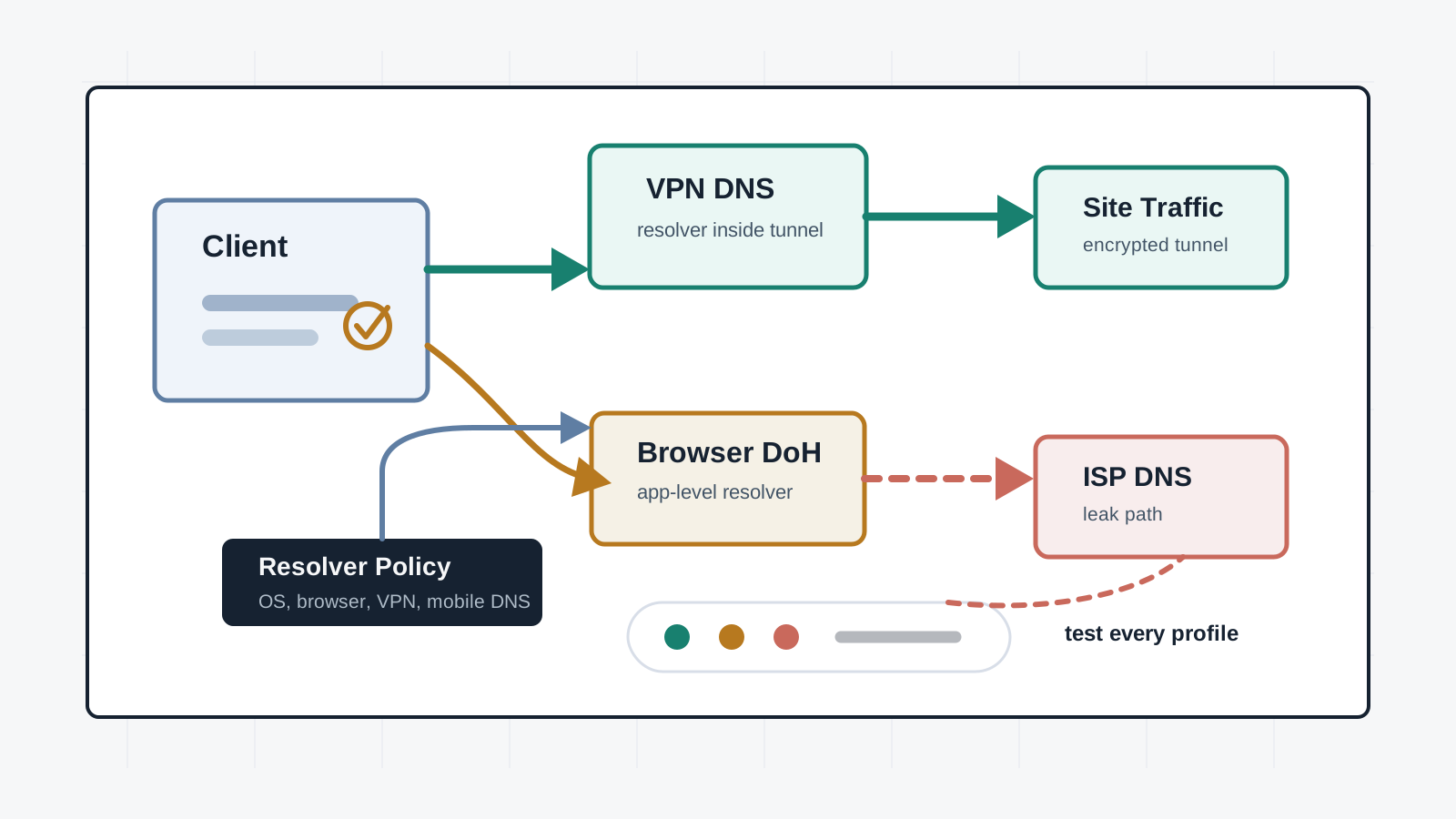
DNS is often the first privacy failure after a VPN connects. The tunnel may carry web traffic, but name lookups can still go to a local ISP, enterprise resolver, browser-configured DoH service, mobile private DNS provider, security suite, or excluded app. Those lookups can reveal the services a user is trying to reach even when the page content remains encrypted.
A serious VPN review should treat resolver behavior as policy. The connected icon is not enough. Teams need to know which resolver is used, what happens when the tunnel drops, whether browser settings bypass the VPN, how split DNS is handled, and how every desktop and mobile profile is tested.
Key Takeaways
- check_circle DNS privacy is part of VPN privacy because domain lookups can expose destination intent before a connection is made.
- check_circle A DNS leak means queries leave through a resolver outside the expected VPN or organization policy.
- check_circle Browser DNS over HTTPS can improve protection on hostile networks, but it can also bypass a VPN provider's resolver and enterprise filtering.
- check_circle Mobile private DNS, security products, browser profiles, split tunneling, IPv6 behavior, and captive portals all need explicit testing.
- check_circle Leak tests should be run after every profile change, not only during initial VPN deployment.
- check_circle The safest policy is documented resolver ownership, block rules for fallback paths, and clear exceptions for split DNS.
DNS Is Part Of The VPN
A VPN changes where packets appear to leave the network. DNS decides which destination those packets are trying to reach. If a browser resolves sensitive.example through a local ISP resolver before sending the HTTPS request through the tunnel, the ISP may not see the page content, but it can still learn the domain name and timing.
Mullvad describes a DNS leak as using a DNS server that does not belong to the VPN provider. Proton VPN frames the same risk as DNS requests being sent outside the encrypted VPN tunnel. The important point is operational: DNS has to follow the same privacy decision as the traffic it supports.
Where Resolver Leaks Start
Resolver leakage is usually configuration drift, not exotic exploitation. A user enables Secure DNS in a browser. Android Private DNS stays configured after the VPN profile changes. Windows 11 DoH points to a public resolver. A security product intercepts DNS. An enterprise agent enforces a corporate resolver. A split-tunnel rule excludes a browser, launcher, updater, or helper process that then performs its own lookups.
This is why a VPN provider's leak page is useful but not sufficient. It tests the current browser in the current state. It may not cover another browser profile, a desktop app, a mobile private DNS setting, an IPv6-only network, a captive portal, a browser extension, or an app excluded from the VPN.
Encrypted DNS Is Not Automatically Safer
DNS over HTTPS and DNS over TLS protect DNS queries from passive network observers between the client and resolver. RFC 8484 defines DNS queries over HTTPS, and RFC 7858 defines DNS over TLS. Both are useful tools. Neither decides whether the chosen resolver is the right one for a VPN privacy model.
That distinction matters. A browser-level DoH resolver may protect a coffee-shop user from local network snooping while bypassing a VPN resolver that was chosen for privacy, jurisdiction, blocklists, or no-log policy. In an enterprise, the same browser setting may bypass protective DNS, internal split-horizon names, or audit requirements. Encrypted transport does not remove the need to choose the resolver deliberately.
Mobile And App-Level Exceptions
Mobile platforms make resolver policy harder because private DNS settings, app VPN APIs, per-app VPN rules, and carrier behavior can interact. Desktop systems have their own traps: browser DoH, per-interface DNS order, virtualization adapters, container networks, and security agents. WireGuard's network namespace guidance is a reminder that routing and resolver behavior are system architecture, not a single app toggle.
Split tunneling adds another layer. If a messaging app, game launcher, updater, or browser is excluded from the VPN, its DNS may also leave outside the tunnel. That might be intentional for performance or enterprise access. It should never be accidental. Exceptions need owners, reasons, test evidence, and a way to expire when they are no longer needed.
What A Good Provider Does
A good VPN client tries to force DNS through the tunnel, block fallback resolvers, handle IPv6 deliberately, and fail closed when the tunnel breaks. It should explain custom DNS behavior plainly because custom resolvers can be useful for families, enterprises, and self-hosted users while weakening a privacy claim if they are enabled without understanding.
Mullvad's DNS leak guide calls out browser Secure DNS, Android Private DNS, Windows DoH, security suites, and other DNS-changing software as common causes. That list is useful because it shows where real users drift. A mature deployment turns those causes into checks: baseline settings, managed profiles, leak-test runbooks, and support instructions that do not end at reinstalling the app.
Operational Checklist
Start by defining the desired resolver. For a privacy VPN, that may be the provider's resolver inside the tunnel. For a company, it may be a controlled resolver that supports protective filtering, logging rules, and internal names. For a high-risk user, it may include a no-log resolver, a local filtering stack, or a compartmentalized browser profile. The policy has to say which one is expected.
Then test like a user. Connect the VPN on each supported platform, open each supported browser, run provider and third-party leak checks, test IPv4 and IPv6 networks, test after sleep and reconnect, test with split tunneling enabled, and test the apps people actually use. DNS privacy is not a one-time setting. It is a property that has to survive updates, helper apps, and user troubleshooting.
Checklist
- Document the expected resolver for each VPN profile and each platform.
- Disable or manage browser DoH, Android Private DNS, Windows DoH, and third-party DNS tools when they conflict with policy.
- Test DNS behavior on IPv4, IPv6, captive portals, sleep/reconnect, and tunnel drop scenarios.
- Review split-tunnel exclusions for browsers, messaging apps, launchers, updaters, and helper processes.
- Block fallback DNS paths where the VPN or enterprise policy requires fail-closed behavior.
- Repeat leak tests after VPN client updates, OS updates, browser changes, and managed-profile changes.
Sources
Continue Reading
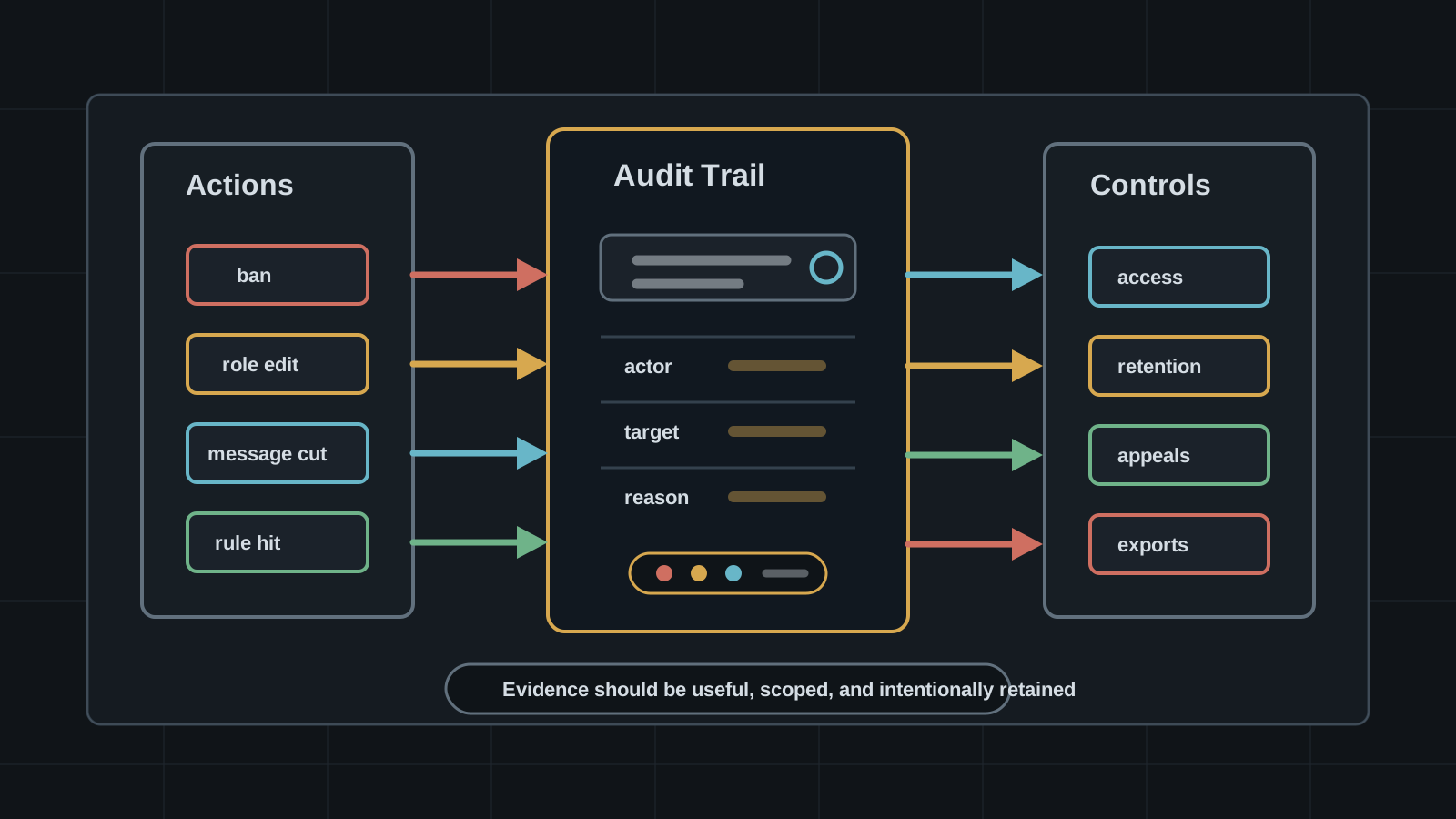
Moderation Logs Are Community Security Data
Bans, message removals, AutoMod hits, role changes, and reports are evidence and sensitive records. Community teams need log access, retention, and export policy.
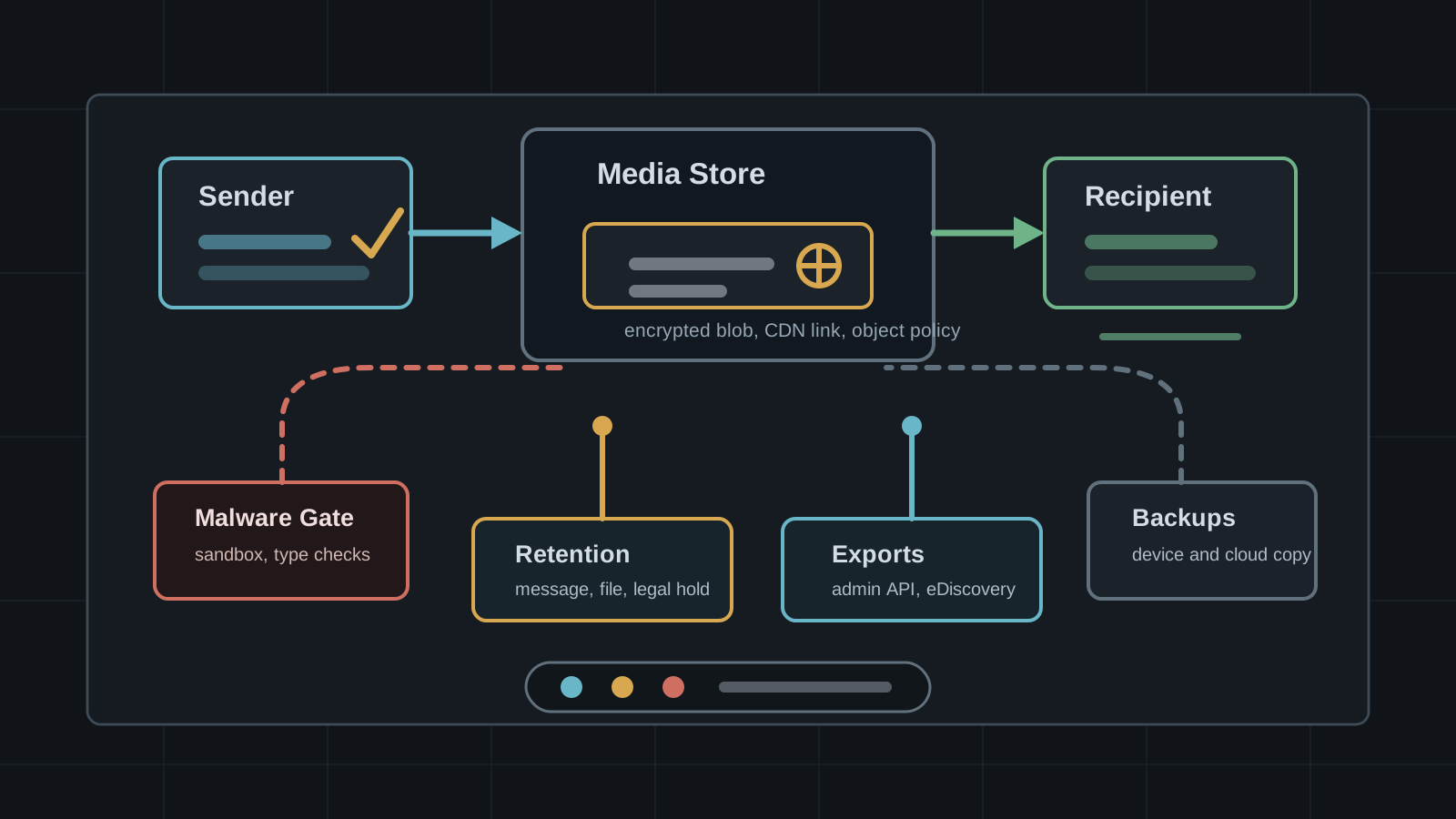
Chat Attachments Turn Encryption Into Storage Policy
Files, images, voice notes, and previews often leave a different security trail than message text. Review chat attachments as storage, scanning, export, and retention infrastructure.
DKVE Makes Key Verification A Social-Graph Problem
A new DKVE paper proposes privacy-preserving mutual-contact checks for encrypted messaging keys. The practical question is how much trust should move from manual safety numbers to automated validation.