YellowKey Puts BitLocker Back On The Physical-Access Checklist
Microsoft and NVD records for YellowKey put BitLocker risk back on the physical-access checklist. Patch, review TPM-only devices, and reserve TPM+PIN for laptops that leave controlled spaces.
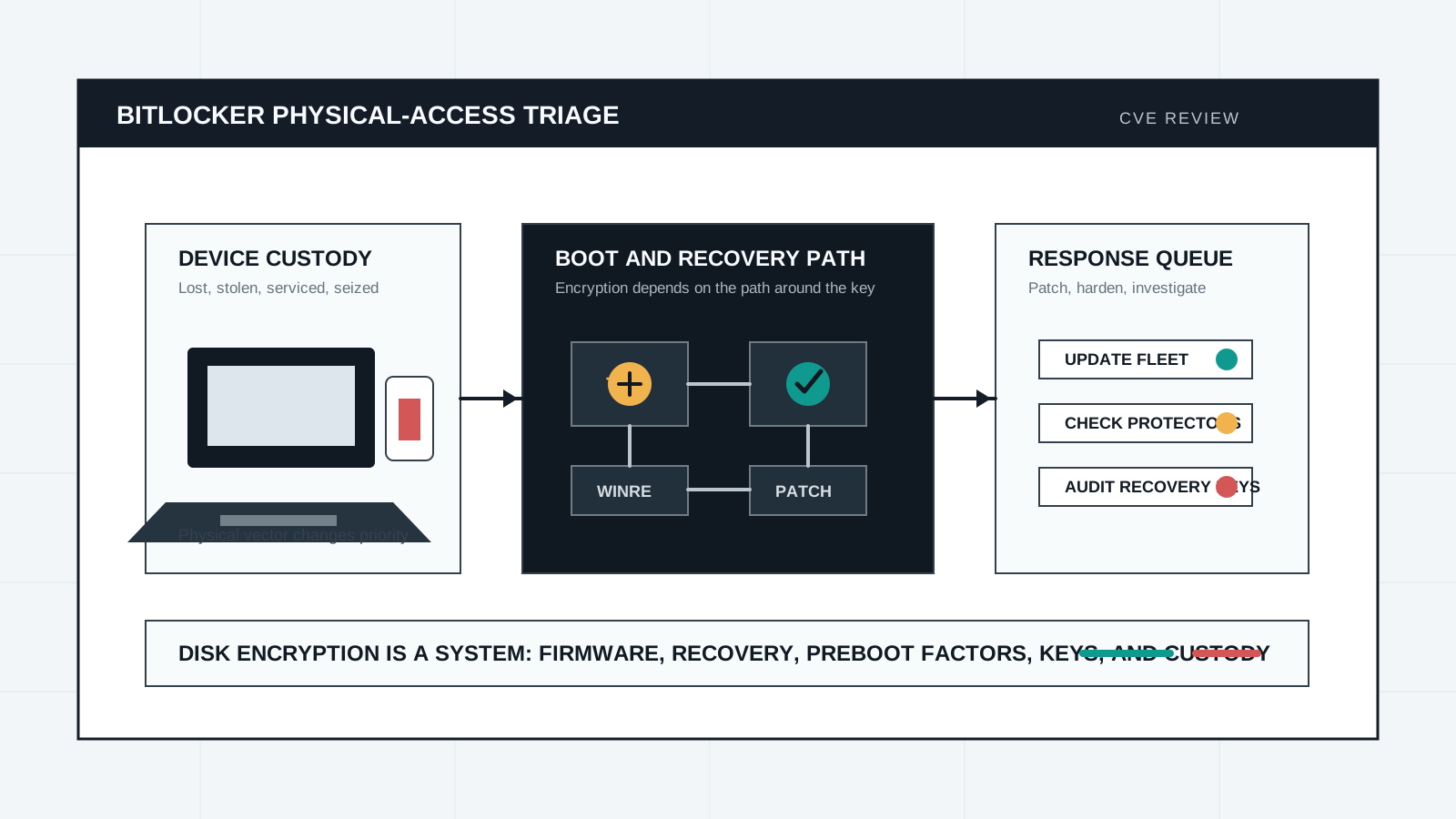
Microsoft and NVD records for CVE-2026-45585, publicly referred to as YellowKey, describe a Windows security feature bypass affecting BitLocker threat assumptions. The NVD entry says Microsoft issued the CVE after a proof of concept became public, and it lists a physical attack vector with high confidentiality, integrity, and availability impact. Microsoft also says TPM+PIN is not exploitable for this issue, which makes the operational lesson narrower and more useful than the surrounding online argument.
The right response is not to abandon disk encryption. BitLocker remains a control for lost, stolen, retired, and serviced devices. YellowKey is a reminder that full-disk encryption is only as strong as the boot, recovery, firmware, and preboot-authentication path around it. Organizations should patch, verify recovery environment state, identify devices that rely on TPM-only startup, and use TPM+PIN for laptops and administrative workstations where realistic physical access is part of the risk model.
Key Takeaways
- check_circle CVE-2026-45585 is tracked by Microsoft and NVD as a Windows security feature bypass publicly referred to as YellowKey.
- check_circle NVD lists the attack vector as physical, not remote, which makes asset exposure and device custody central to triage.
- check_circle Microsoft's CVE text says TPM+PIN is not exploitable for this vulnerability, so preboot authentication matters.
- check_circle BitLocker should be assessed with Windows RE, boot configuration, firmware settings, recovery-key handling, and sleep or hibernate policy.
- check_circle Do not repeat claims about intentional backdoors unless a primary source proves them; the actionable facts are enough.
- check_circle High-risk fleets should verify patch status and move sensitive laptops from TPM-only convenience to a documented preboot-authentication policy.
What Is Confirmed
The strongest public records are the Microsoft Security Update Guide links and the NVD detail page for CVE-2026-45585. NVD's current description says Microsoft is aware of a Windows security feature bypass vulnerability publicly referred to as YellowKey, and that a proof of concept was made public outside coordinated disclosure norms. NVD lists the CVSS 3.1 base score as 6.8 with a physical attack vector, low attack complexity, no privileges required, no user interaction, and high impact across confidentiality, integrity, and availability.
The same June patch cycle also includes CVE-2026-45586, a Windows Collaborative Translation Framework local privilege escalation flaw with a CVSS 3.1 base score of 7.8. That second vulnerability is not a BitLocker issue, but it belongs in the same endpoint-response conversation because it shows how local access bugs can compound the value of an already exposed machine. Disk encryption, local privilege boundaries, recovery tools, and post-login controls should be reviewed together instead of as separate checkboxes.
Why Physical Access Still Matters
A physical attack vector does not mean low business impact. It means the attacker needs access to the device or its boot path. For a server locked in a monitored room, that may be a narrow scenario. For a laptop used by executives, incident responders, developers, journalists, legal teams, or administrators, physical access can be realistic: a stolen bag, a hotel room, checked luggage, a border inspection, repair handling, or a shared office.
BitLocker is designed to reduce the damage from those scenarios. Microsoft's BitLocker overview describes full-volume encryption as a protection against data theft or exposure when devices are lost, stolen, or decommissioned. That promise depends on the system not handing the protected volume to an attacker through a recovery or boot path that should have stayed locked. When a CVE touches that boundary, the triage should start with device custody and business role, not with a generic severity number.
TPM-Only Is A Convenience Tradeoff
Microsoft's BitLocker documentation is explicit about the tradeoff. TPM-only startup gives users a normal sign-in experience when platform validation succeeds. It is convenient, especially for large fleets and remote reboot management. But Microsoft's countermeasures page says TPM-only is less secure than configurations that require an additional authentication factor, and it recommends TPM with PIN for secure administrative workstations.
YellowKey makes that tradeoff practical again. NVD's CVE text includes Microsoft's mitigation FAQ saying that TPM+PIN is not exploitable for this vulnerability. That does not make TPM+PIN a universal answer for every device. It creates support burden, can complicate unattended updates, and requires recovery planning for forgotten PINs. But for devices carrying high-value data or privileged credentials, user friction is easier to justify when the alternative is transparent startup under a realistic physical-access model.
Windows RE Is Part Of The Boundary
The Windows Recovery Environment is not an afterthought. Microsoft describes WinRE as a Windows PE-based recovery environment that can repair common causes of unbootable systems, and says it is preloaded by default on Windows 10, Windows 11, and modern Windows Server installations. Recovery tooling has to exist, but it also becomes part of the boot-adjacent trust surface around encrypted data.
That is where response teams should focus their review. Confirm that June security updates are installed. Check whether custom recovery tools, OEM images, deployment media, and help-desk repair flows leave a path around expected authentication. Validate Secure Boot and firmware policy. Review whether recovery keys are escrowed to Microsoft Entra ID or Active Directory as intended. Audit who can retrieve those keys, and whether retrieval is logged and reviewed.
How To Triage A Fleet
Start with asset classes. Put administrative workstations, executive laptops, developer machines with signing or cloud credentials, legal or M&A devices, field laptops, and devices used in hostile-travel scenarios into a high-risk group. For that group, verify update state first, then review BitLocker protector type. TPM-only may be acceptable for low-risk managed desktops. TPM+PIN deserves renewed attention for laptops where theft, seizure, or unsupervised access is credible.
Next, check operational behavior. Devices that sleep with sensitive work open can keep data available in ways that disk encryption alone does not solve. Microsoft's countermeasures guidance says organizations with sensitive devices may want hibernate instead of sleep, and recommends shutting down or hibernating before a device leaves an authorized user's control. That is a policy, training, and endpoint-management issue, not only a cryptography issue.
What Not To Overclaim
Public discussion around YellowKey includes claims about intent and backdoors. Protocol Report is not treating those claims as established fact. The primary records support a more restrained conclusion: Microsoft and NVD identify a BitLocker-related Windows security feature bypass; a proof of concept became public; Microsoft provided mitigation guidance; and TPM+PIN changes exploitability for this vulnerability. That is enough to justify fast fleet review without importing unverified motive claims.
The broader lesson is that encryption posture must be tested at the edges. A device can use strong algorithms and still fail through recovery handling, boot policy, key escrow, local privilege escalation, or user workflow. Storage encryption programs should therefore be reviewed as operational systems: patch cadence, firmware baselines, preboot factors, custody rules, recovery-key access, support exceptions, and post-theft investigation all belong in the same runbook.
Checklist
- Confirm June 2026 Windows security updates are installed on BitLocker-protected devices.
- Inventory BitLocker protector modes and identify TPM-only devices that carry high-value data or privileged credentials.
- Move administrative workstations and high-risk travel laptops to TPM+PIN where support capacity allows.
- Review Secure Boot, firmware password, boot-order, external media, and Windows RE customization policy.
- Audit recovery-key escrow, retrieval permissions, and retrieval logging in Microsoft Entra ID or Active Directory.
- Prefer hibernate or shutdown over sleep when sensitive laptops leave a controlled environment.
- Document physical-access triage steps for lost, stolen, serviced, or seized devices.
Sources
- NVD: CVE-2026-45585 YellowKey open_in_new
- Microsoft Security Update Guide: CVE-2026-45585 open_in_new
- NVD: CVE-2026-45586 Windows Collaborative Translation Framework open_in_new
- Microsoft Security Update Guide: CVE-2026-45586 open_in_new
- Microsoft Learn: BitLocker overview open_in_new
- Microsoft Learn: BitLocker countermeasures open_in_new
- Microsoft Learn: Windows Recovery Environment open_in_new
- NIST SP 800-111: Guide to Storage Encryption Technologies open_in_new
Continue Reading
Oracle PeopleTools RCE Puts HR Portals On The Fast Patch List
Oracle's June 10 alert for CVE-2026-35273 affects PeopleTools 8.61 and 8.62 and is remotely exploitable without authentication. Exposed PeopleSoft portals need fast patching and forensics triage.
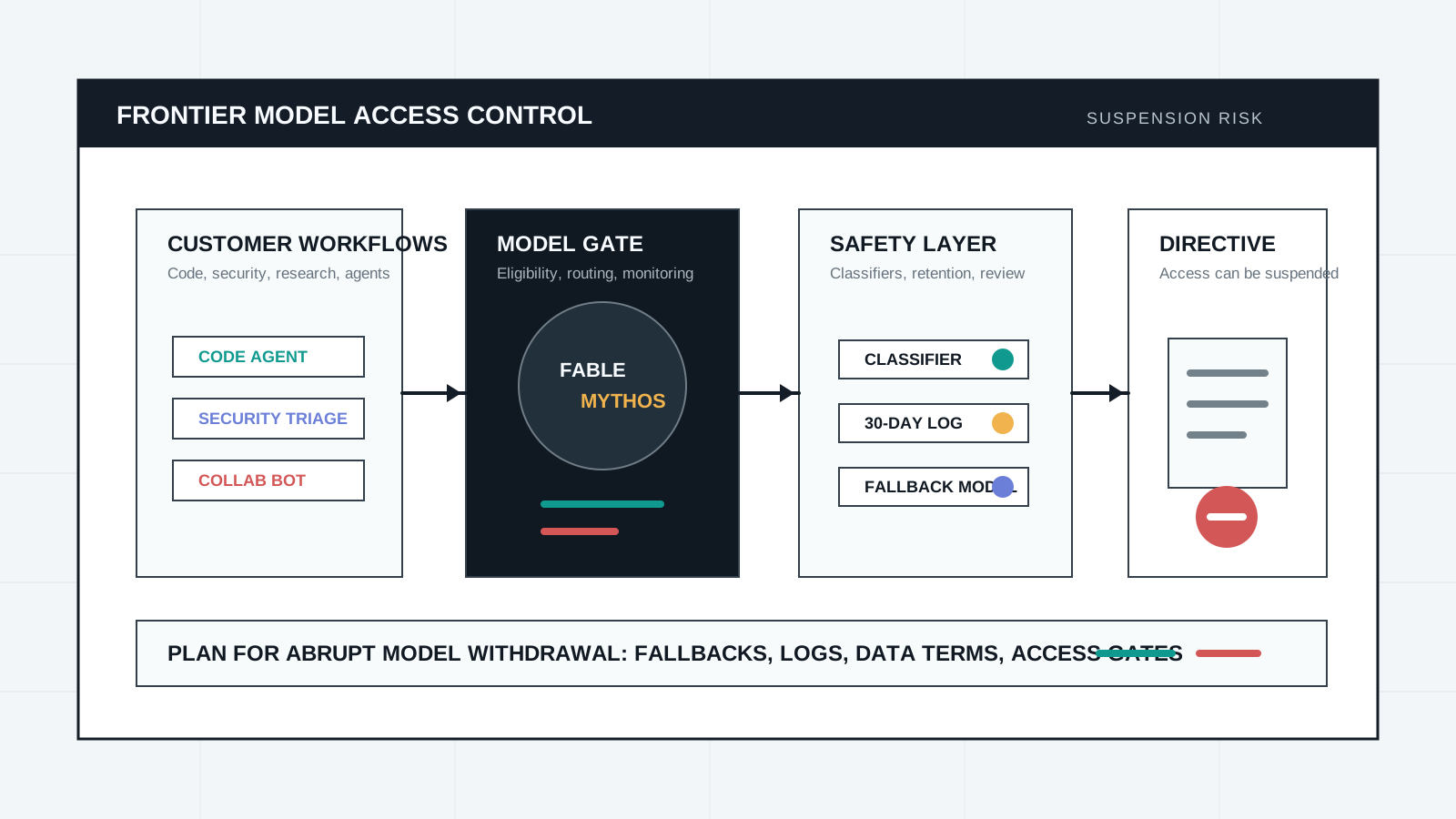
Fable 5 Suspension Makes AI Safety A Deployment-Control Issue
Anthropic says a US government directive forced it to disable Fable 5 and Mythos 5 after a narrow jailbreak concern. The practical lesson is access design, retention policy, and fallback planning.
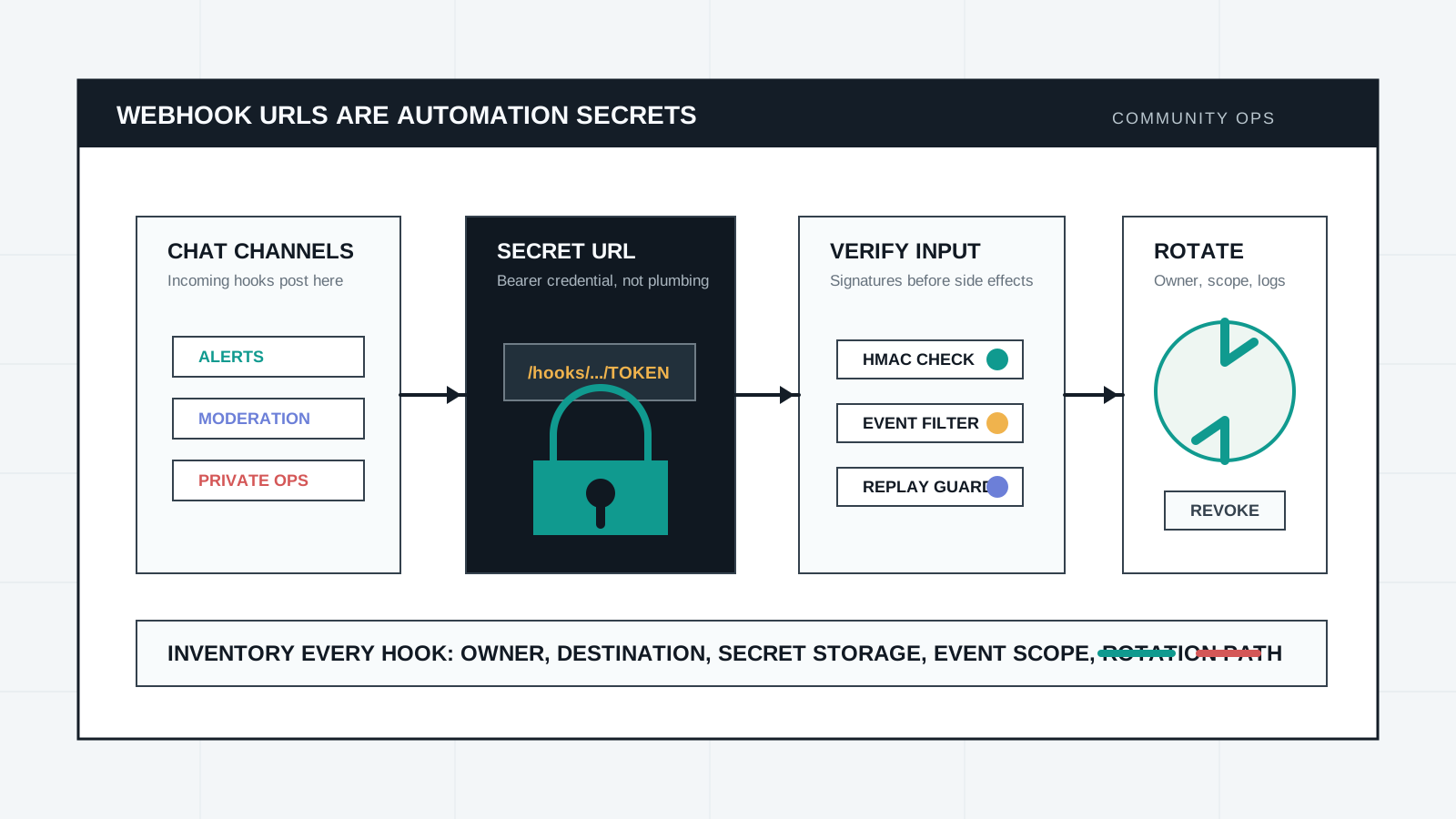
Webhook URLs Are Community Automation Secrets
Slack, Discord, GitHub, and payment webhooks often sit between chat rooms, repositories, bots, and operational systems. Treat each URL and signing secret like a credential with owner, scope, rotation, and logging.